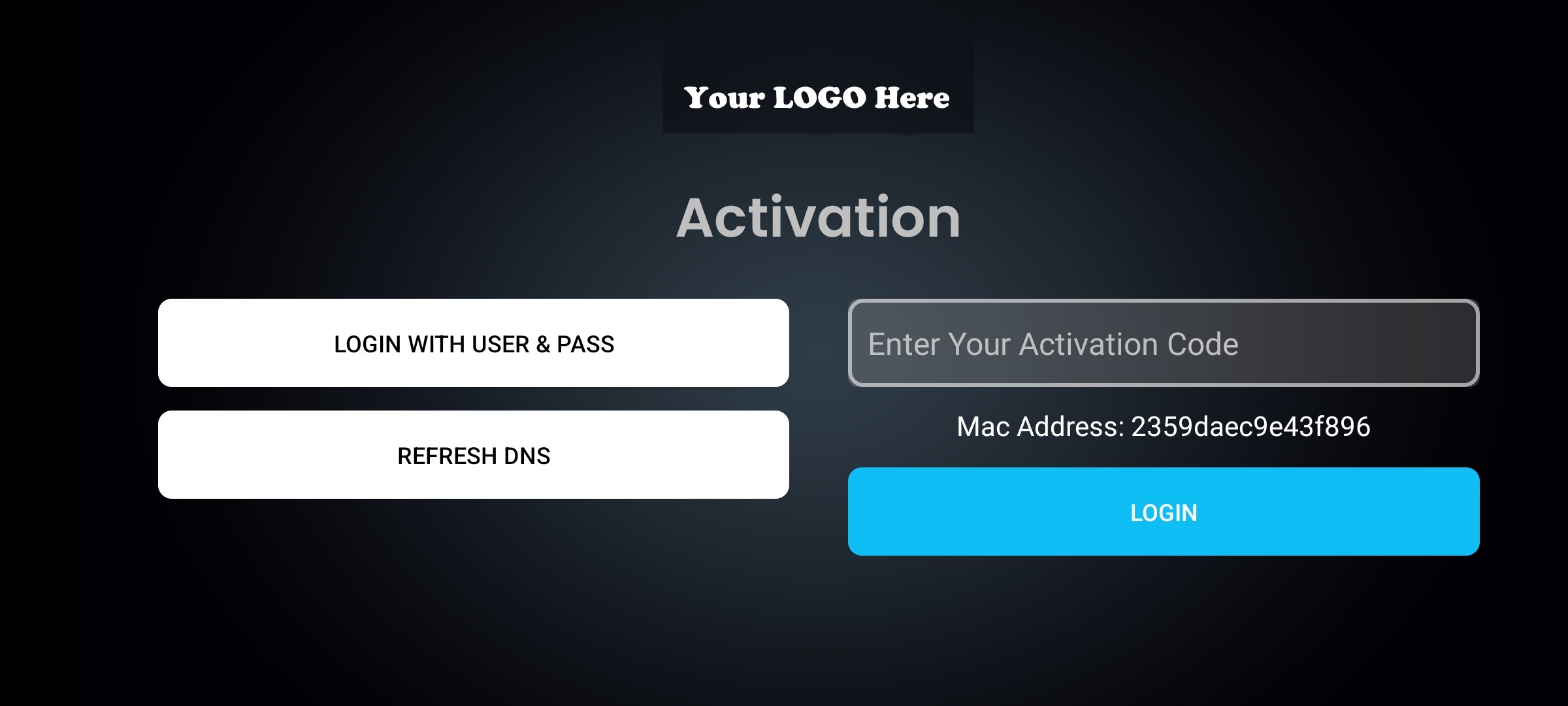
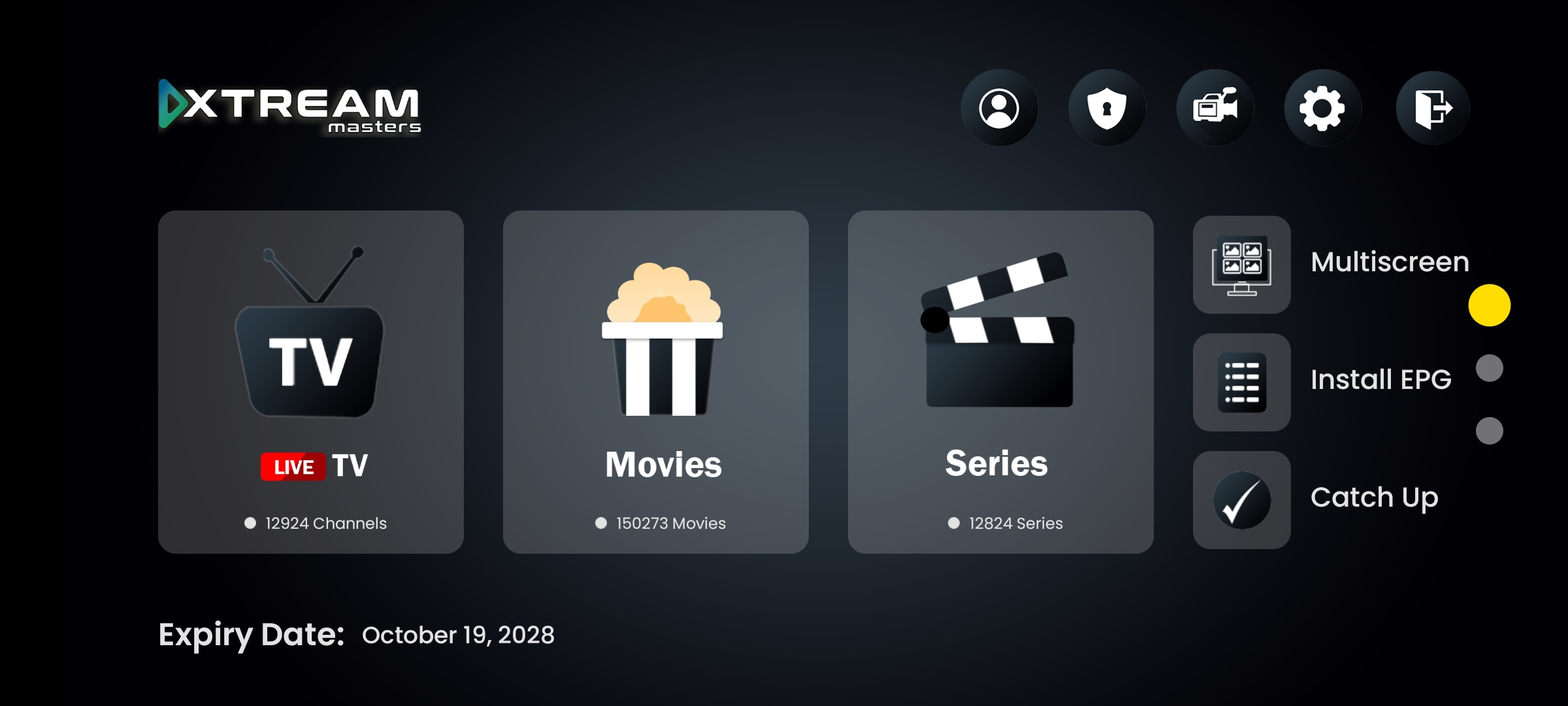
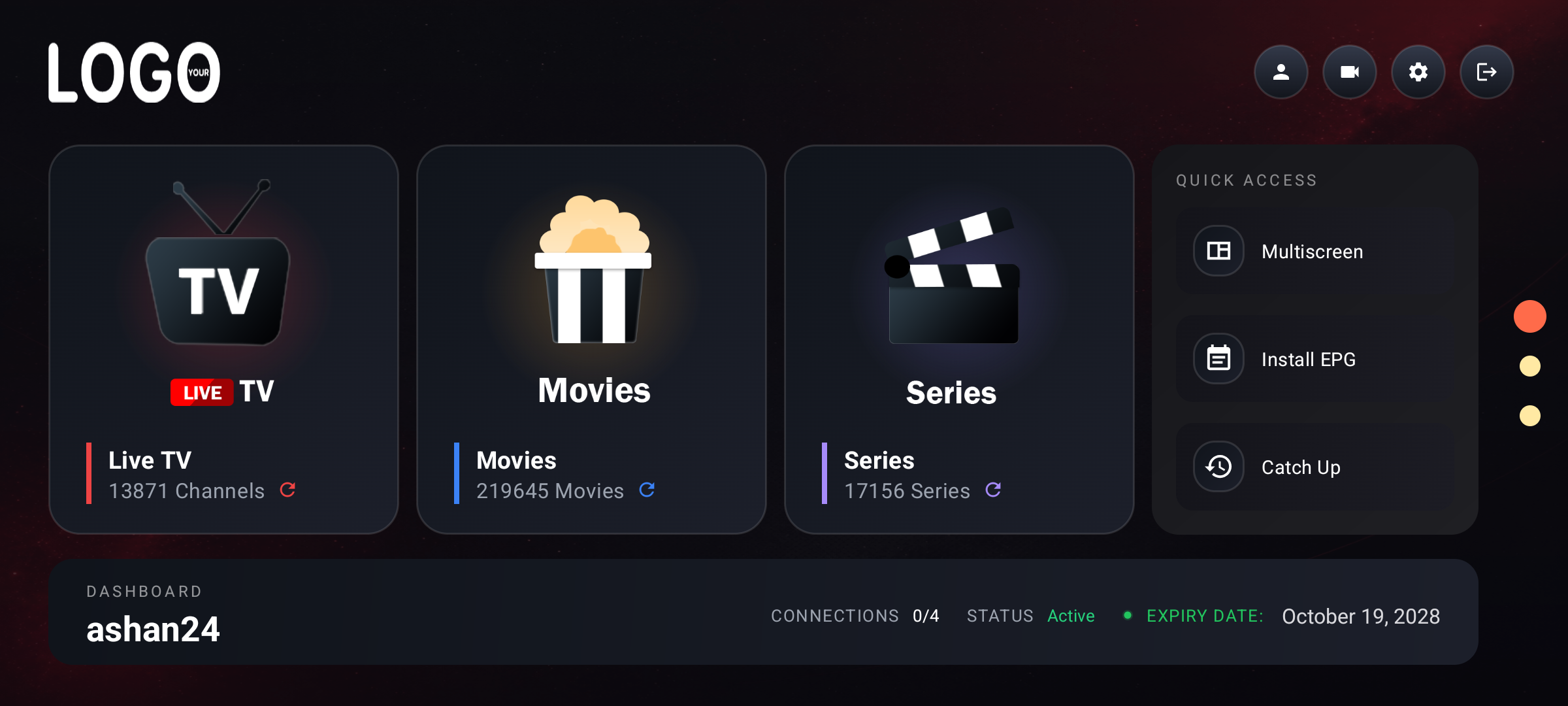
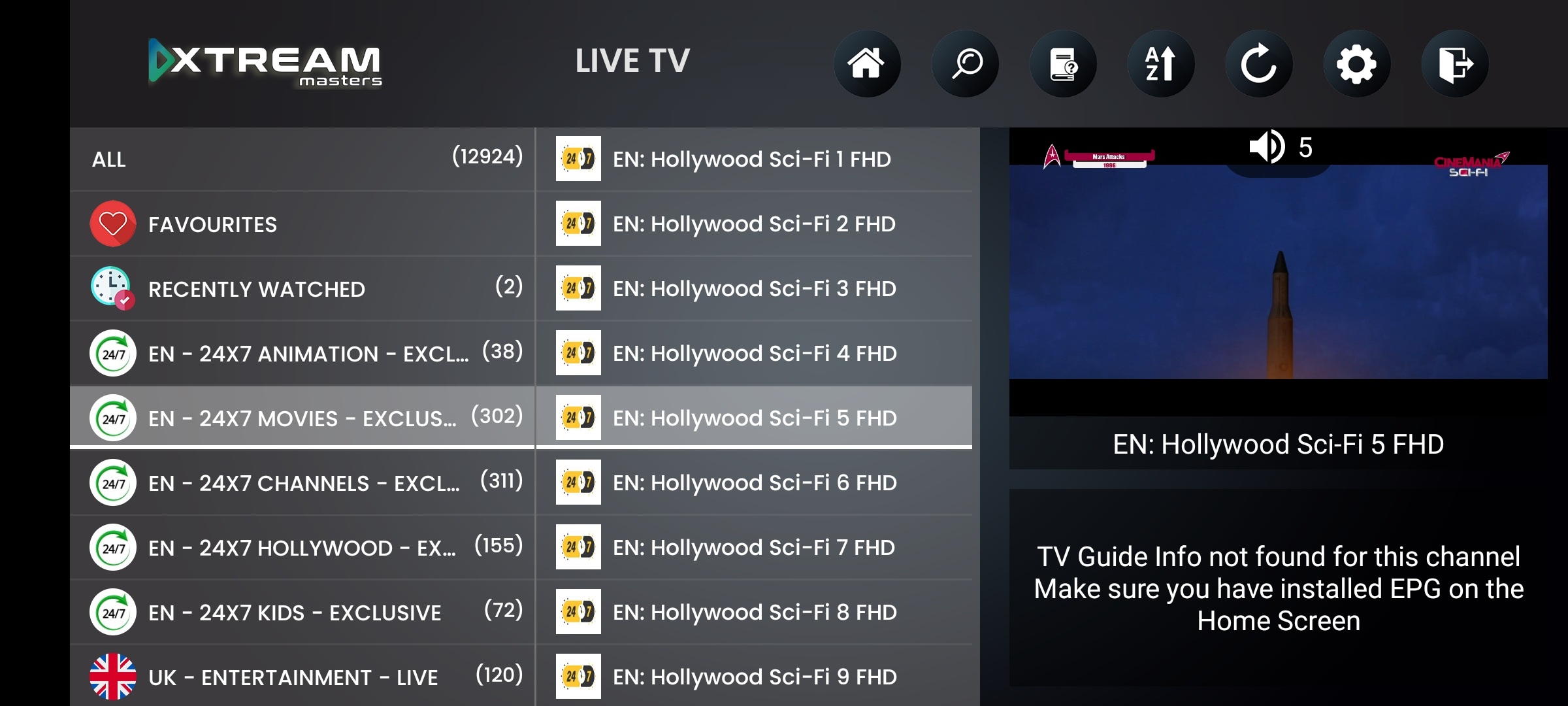
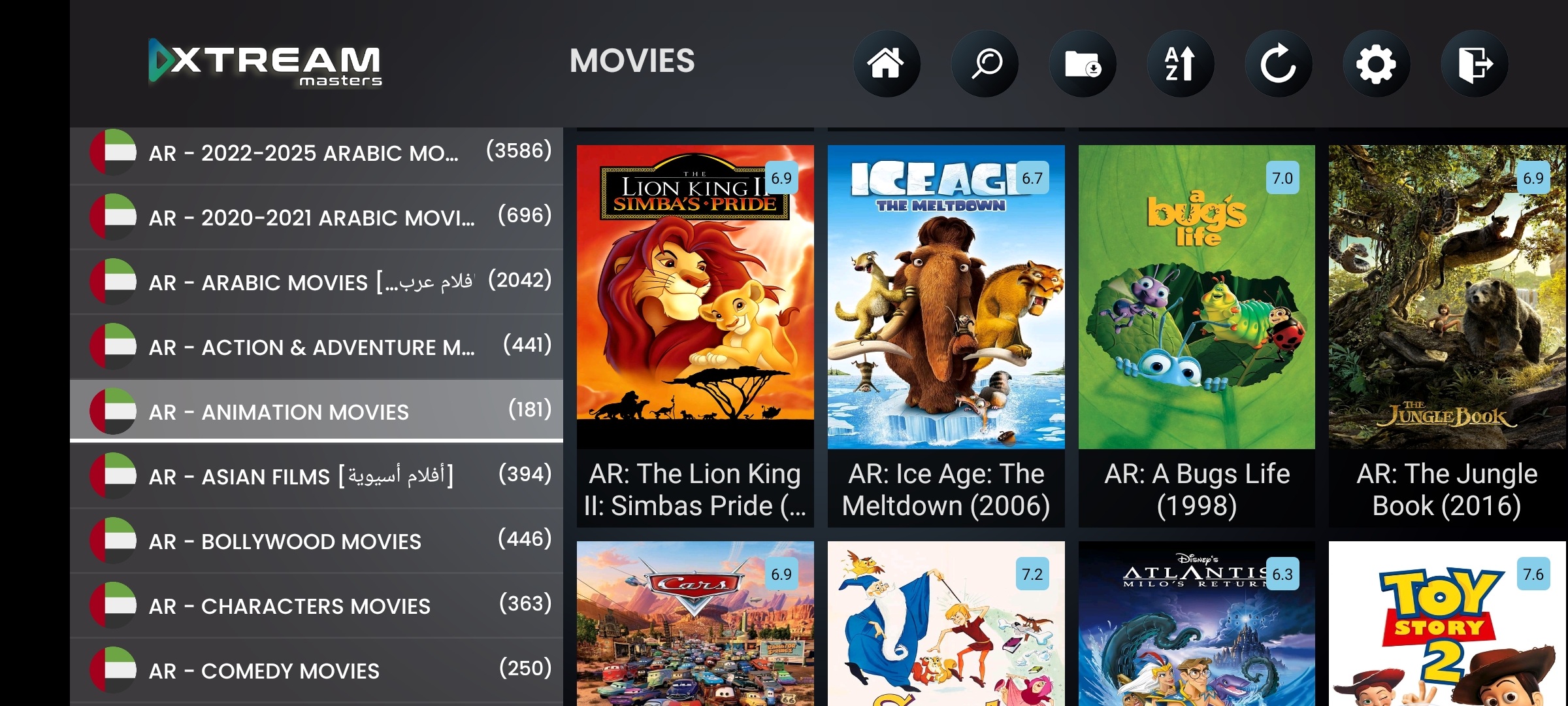
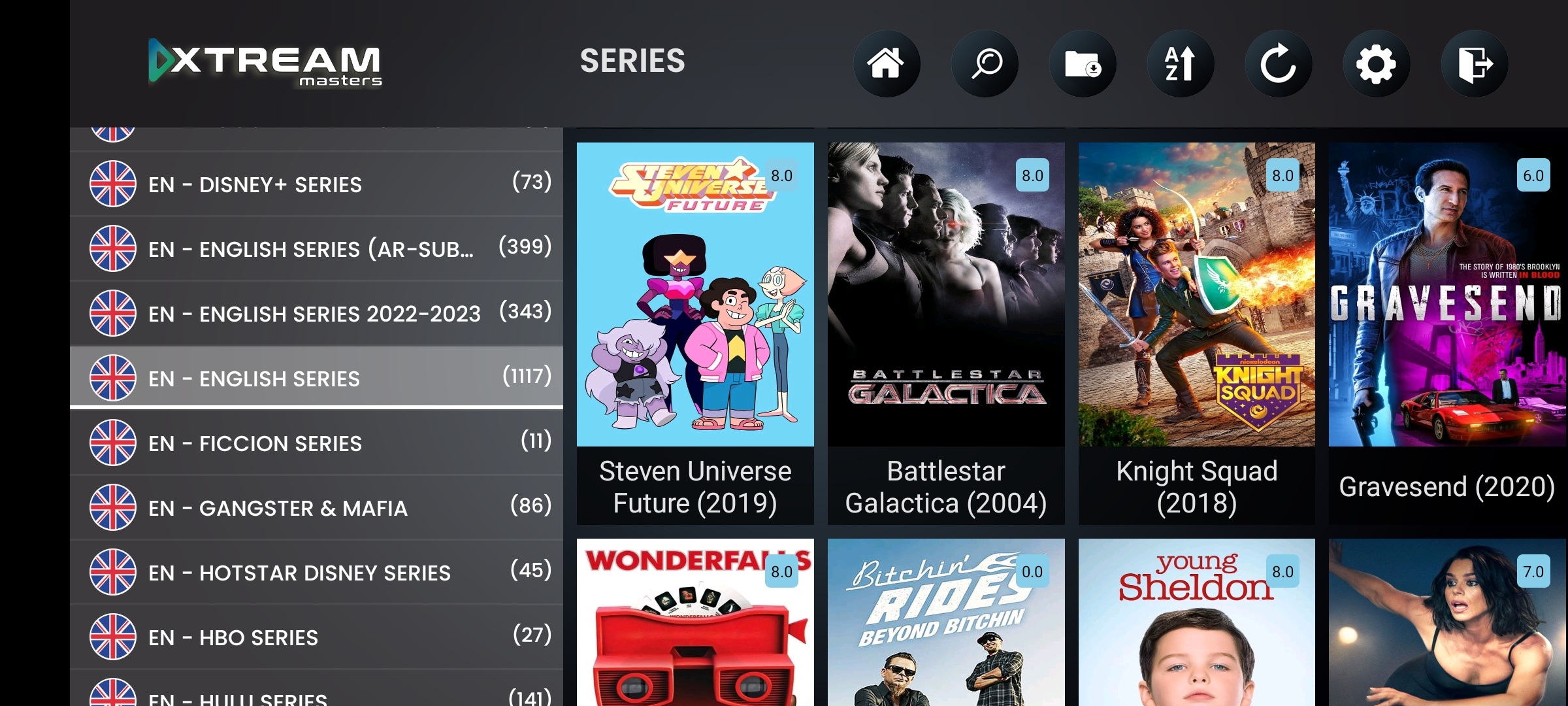
The #1 IPTV device deserves a player built specifically for it. Not a phone app stretched to fit.
Fire TV Stick is the most popular device for IPTV streaming worldwide. Most providers give their Firestick users a generic APK that was designed for phones, tiny buttons, no remote support, no Alexa. Our IPTV player app is built for Fire TV from the ground up: D-pad navigation, remote-friendly UI, Alexa voice control, and sideload-ready APK delivery.
And because it's the same app that runs on Android phones, tablets, and Android TV, your brand stays consistent across every device. One admin panel controls them all.
Native Fire OS, not a phone app forced onto TV. Built for the Fire TV remote
Alexa voice control, search content, control playback by voice
Sideload-ready APK, install via Downloader app in 2 minutes
Smart DNS + VPN, critical for Firestick where ISP blocking is most common
Firebase 99.99%, Firestick users are always-on. Downtime isn't acceptable
Your brand, logo, name, colors, splash screen on every Fire TV Stick
These are the features that make a Firestick IPTV player app actually usable on a TV remote, not a phone app with a broken UI on the big screen.
Every menu, every button, every screen navigable with the Fire TV remote's D-pad. Up, down, left, right, select. No touch required, no cursor needed. Channel zapping with up/down arrows.
Remote-FirstPress the mic button on the remote and say what you want. Search channels, control playback, navigate menus. Integrates with Fire TV's native voice framework.
Voice SearchDelivered as a sideload-ready APK. Install via Downloader app, ADB, or file manager. Enable "Apps from Unknown Sources" and you're live in 2 minutes. Or publish on Amazon Appstore.
Easy InstallYour branded IPTV player app appears in the Fire TV home screen, recent apps, and app library. Users find and launch your app the same way they find Netflix or Prime Video.
Native UIFire TV Stick is the primary IPTV device in most households. It's always on, always connected, and it's the first device ISPs target for DNS blocking. Smart DNS and VPN aren't optional on Firestick. They're essential.
ISP blocks your primary DNS? The app detects it in under 2 seconds and switches to the next working DNS automatically. Your Firestick users keep watching without pressing a single button on the remote.
VPN connects with one press of the OK button. No typing server addresses on a TV remote, no separate VPN app. OpenVPN, WireGuard, IKEv2, HTTP Proxy, all built into the player. Push profiles from your panel.
Firestick users leave the device plugged in 24/7. They expect the app to work every time they turn on the TV. Firebase architecture means your app is always available, 99.99% uptime backed by Google.
Firestick users don't check for updates. They just expect it to work. DNS, VPN, and branding changes push through Firebase automatically. No sideloading a new APK, no user action needed. Ever.
Every Fire TV device running Fire OS 5 or later.
All generations (Lite, Standard)
4K + 4K Max editions
Hands-free Alexa, 4K
Toshiba, Insignia, etc.
Two methods. Both take under 5 minutes.
adb connect [IP]adb install your-app.apkTechnical questions about the Firestick IPTV player app
Yes. Native Fire OS app with D-pad navigation, Alexa voice, and Fire TV home integration. Not an Android phone app stretched to TV.
Sideload via Downloader app (2 minutes) or ADB install from computer. We provide the sideload-ready APK. Enable "Apps from Unknown Sources" in Fire TV settings and enter the download URL.
Yes. Press the mic button, say what you want. Integrates with Fire TV's native voice framework for content search and playback control.
All Fire TV devices running Fire OS 5+: Fire TV Stick (all generations), Fire TV Stick 4K, Fire TV Stick 4K Max, Fire TV Cube, and Fire TV built-in smart TVs (Toshiba, Insignia, etc.).
Yes. Smart DNS auto-switch and all 4 VPN protocols work on Fire TV. Users connect to VPN with one OK button press, no separate VPN app. Push VPN profiles from your admin panel.
No. $299 one-time covers all devices: Fire TV Stick, Android phones, tablets, Android TV, and TV boxes. One purchase, one app, all platforms. APK + AAB + admin panel included.
Native Fire OS • Alexa • D-pad • Smart DNS • VPN • Firebase 99.99% • Your brand
$299 one-time. All devices included. APK + AAB + admin panel.