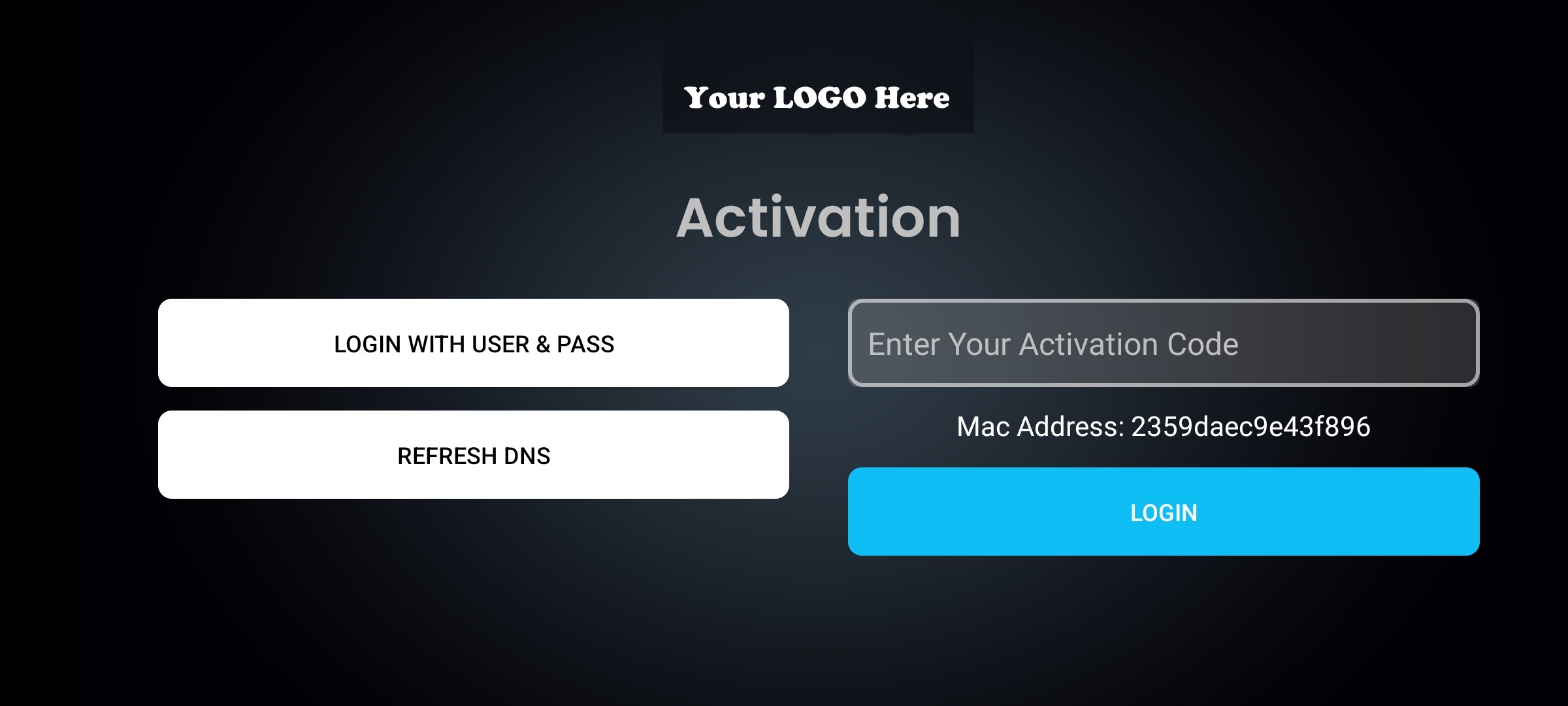
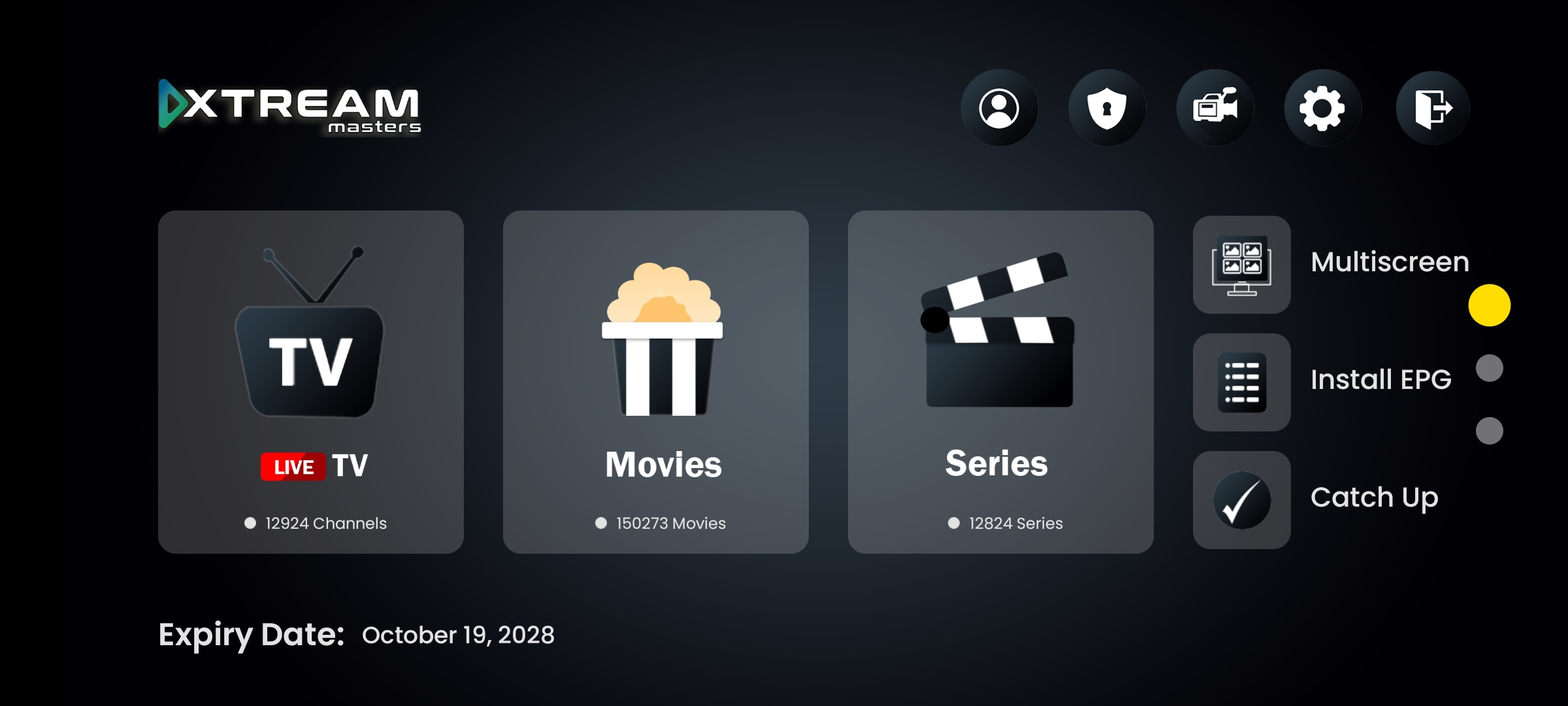
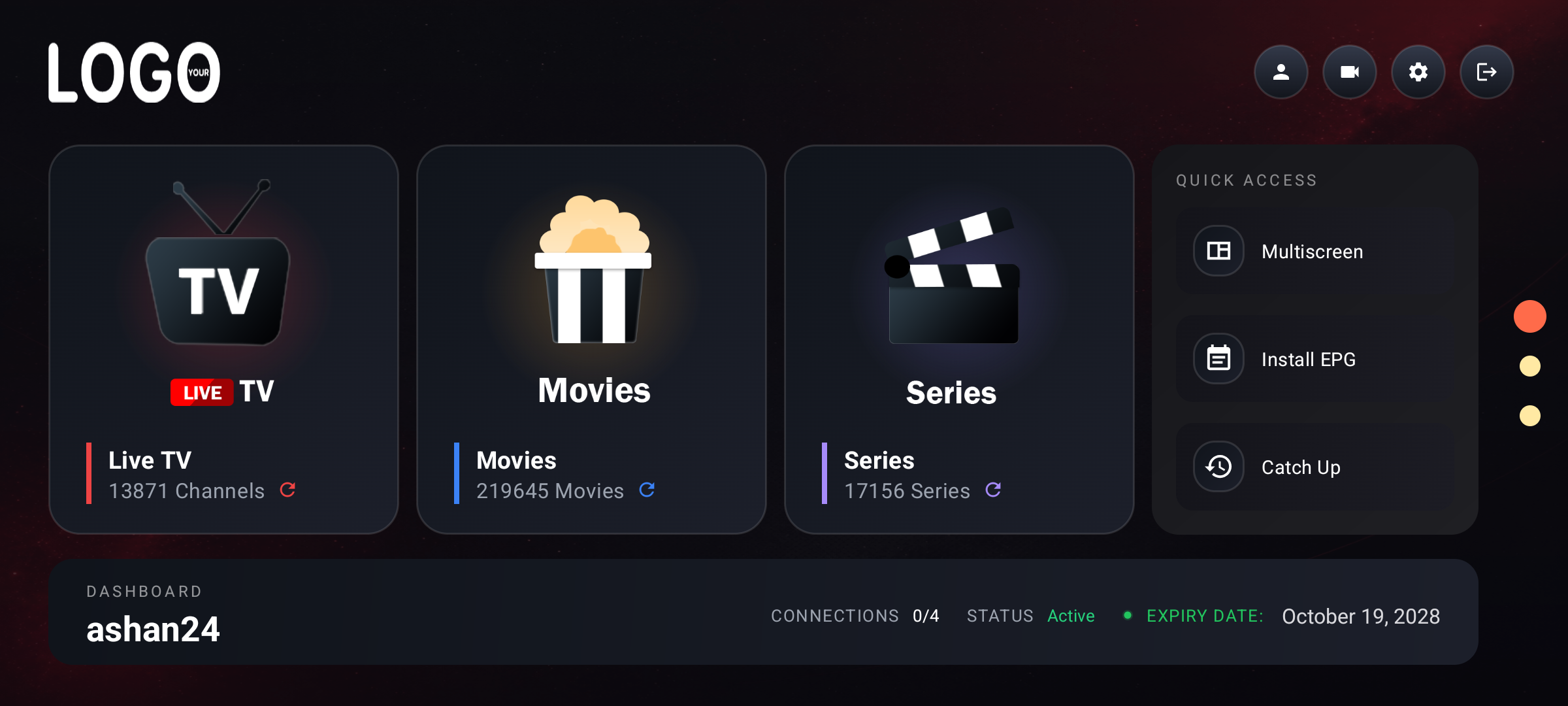
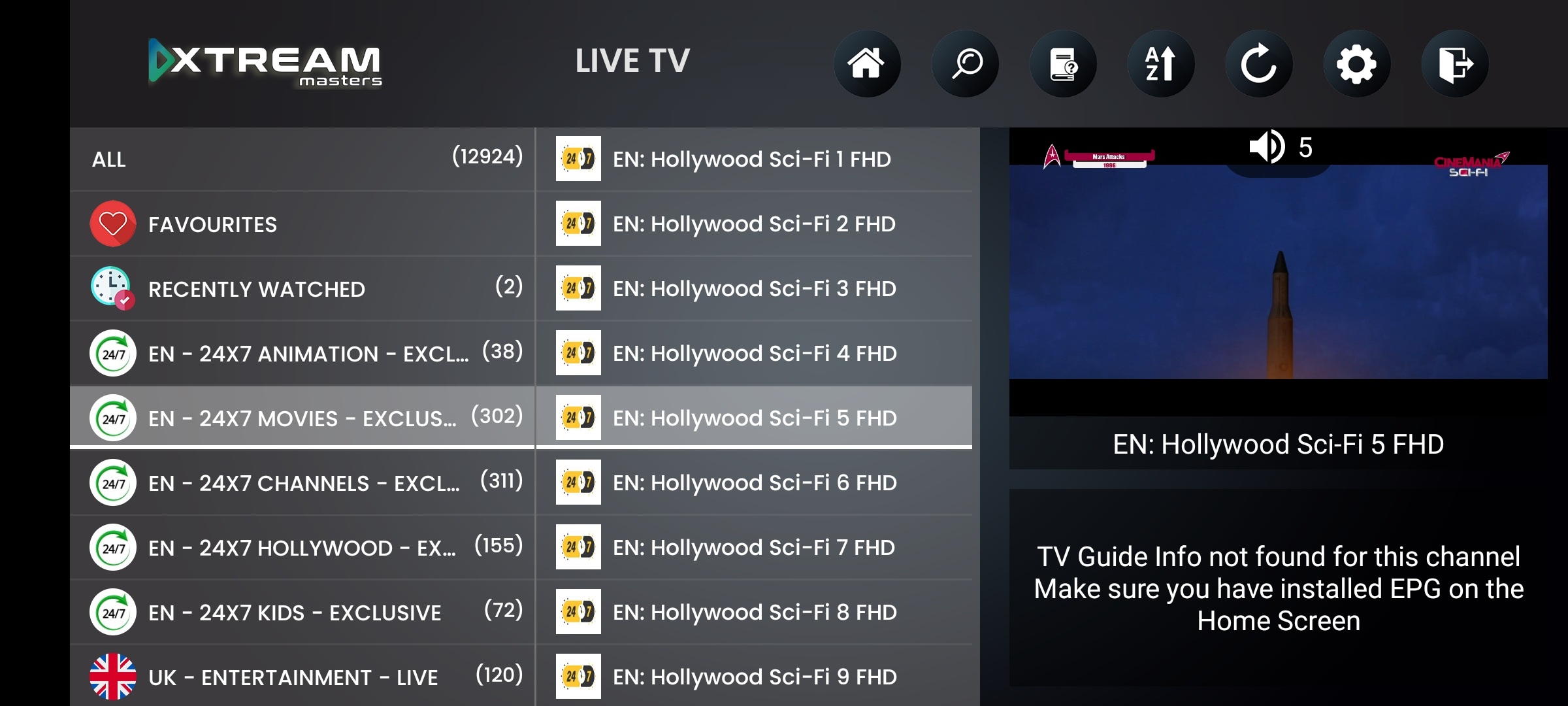
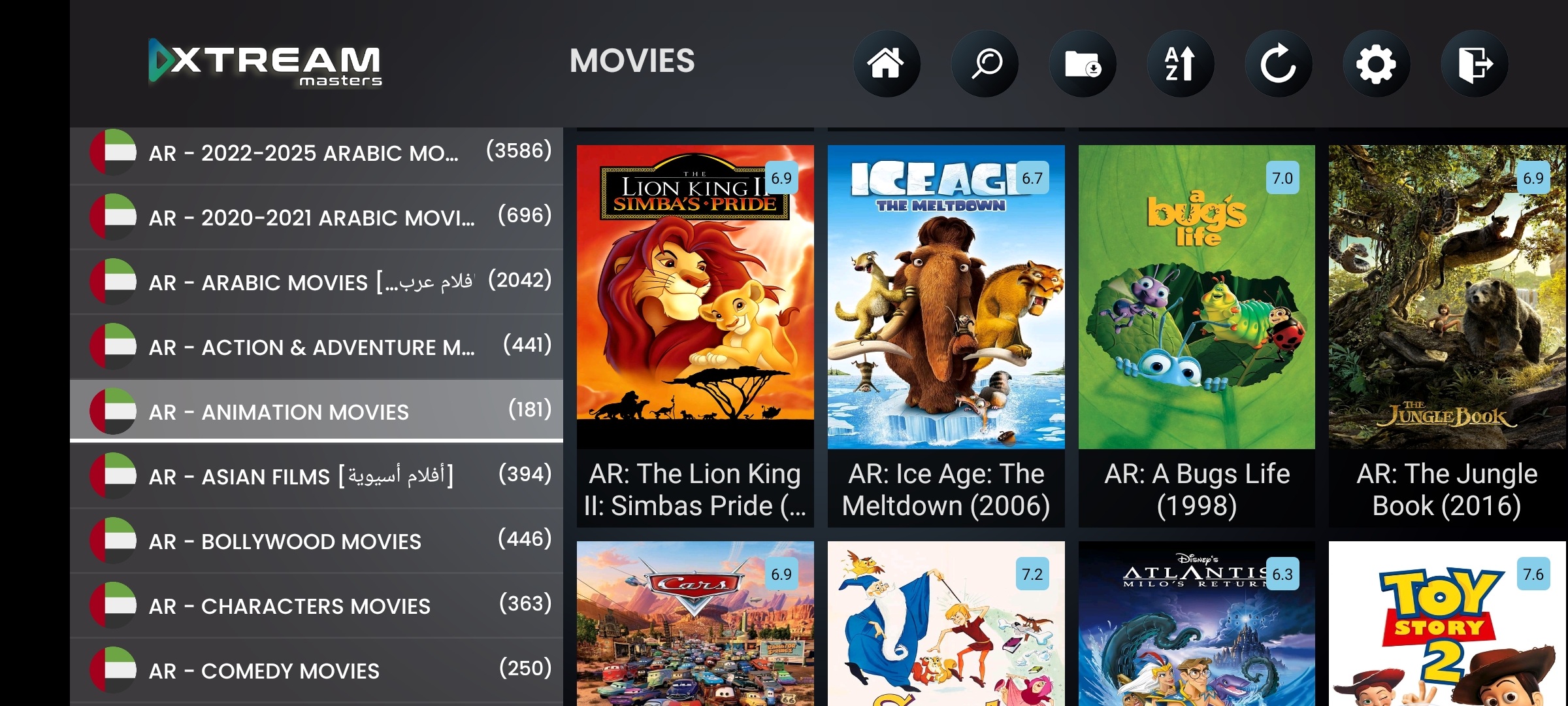
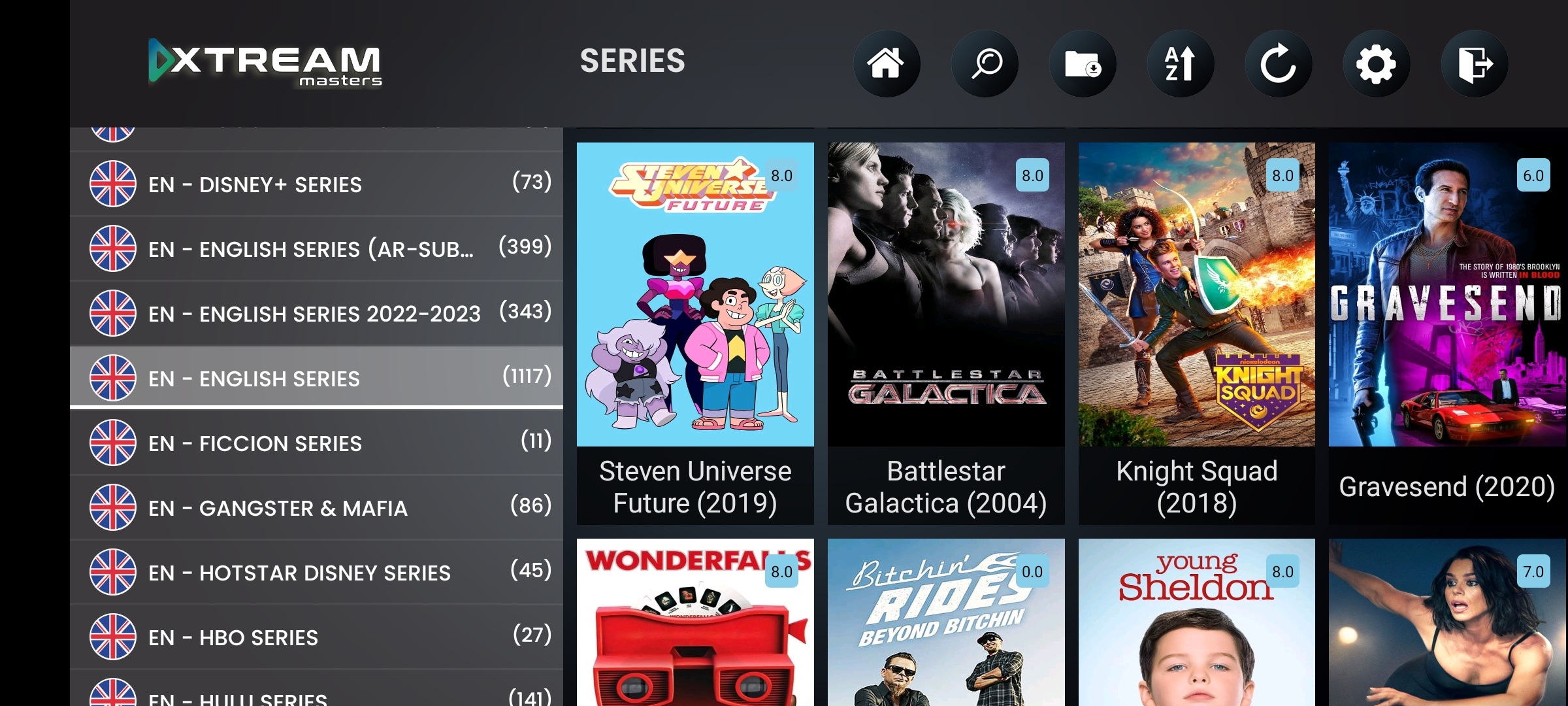
A TV-optimized IPTV player with native Leanback UI. Not a phone app forced onto the big screen.
Android TV is the dominant smart TV platform globally, running on Sony, Philips, TCL, Hisense, Nvidia Shield, Chromecast with Google TV, Xiaomi Mi Box, and dozens more. Your subscribers use remotes, not touchscreens. This IPTV player app is built on Google's Leanback library from the ground up: D-pad focus navigation, voice search via Google Assistant, 4K HDR output, channel zapping with arrow keys, and HDMI CEC support.
It runs as a native Android TV app, appearing in the home launcher, recommendations row, and app drawer exactly like Netflix or YouTube. Your brand, your logo, your colors, on every Android TV device your subscribers own. One admin panel controls everything.
Leanback UI, native Android TV interface, not a phone layout on a TV
D-pad remote navigation, every screen navigable with the TV remote
Voice search, Google Assistant integration for content search
4K HDR output, full resolution on Shield, Bravia, Chromecast 4K
Smart DNS + VPN, built-in, no separate app needed on the TV
Firebase 99.99%, always-on TVs need always-on infrastructure
Your brand, logo, name, colors, splash screen on every Android TV
These are the features that separate a real Android TV IPTV player from a phone app sideloaded onto a TV box, Leanback, D-pad, voice, 4K, and CEC.
Built on Google's Leanback library, the same framework Netflix and YouTube use on Android TV. BrowseSupportFragment navigation, content rows, focus-based selection. Your IPTV player looks and behaves like a native TV app because it is one.
Native TV UIEvery menu, button, and screen is navigable with the standard Android TV remote D-pad. Up, down, left, right, select, back. Channel zapping with up/down arrows during playback. No touch, no cursor, no air mouse needed.
Remote-FirstPress the mic button on any Android TV remote. Google Assistant handles voice recognition and the player returns matching channels, movies, and series. Integrates with Android TV's global search framework, your content appears in system-wide search results.
Voice SearchFull 4K (2160p) and HDR output on capable devices. On Nvidia Shield, Sony Bravia, and Chromecast with Google TV 4K, the player outputs at the highest resolution the device and display support. H.264, H.265/HEVC, VP9, AV1 on supported hardware.
4K ReadyUp/down arrows on the remote switch channels instantly during live playback, like a cable box. Channel number overlay, mini EPG preview, and instant tune. Your subscribers get the traditional TV experience they're used to, inside your branded IPTV player.
Live TV UXHDMI CEC lets users control the IPTV player app with their TV remote, even if the Android TV device has its own remote. Power on, volume, navigation, one remote controls everything. Critical for households where multiple remotes cause confusion.
CEC ControlAndroid TV devices are always connected, always on. They sit behind the living room TV and stream for hours daily. ISPs know this. Smart DNS and VPN aren't nice-to-have features on Android TV, they're what keep your subscribers streaming when ISPs start blocking.
ISP blocks your primary DNS? The IPTV player detects the block in under 2 seconds and automatically switches to the next working DNS server. Your Android TV subscribers keep watching, they never see an error screen and they never need to touch the remote.
VPN connects with one press of the OK button on the remote. No typing server addresses with a D-pad, no installing a separate VPN app on the TV. OpenVPN, WireGuard, IKEv2, HTTP Proxy, all built into the player. Push VPN profiles from your admin panel.
Android TV devices run 24/7. Nvidia Shields stay in standby, Bravia TVs are the main screen. Your IPTV player app needs to work every time the TV turns on. Firebase architecture delivers 99.99% uptime backed by Google infrastructure, no single-point-of-failure servers.
Android TV users don't manually check for app updates or DNS changes. They press power and expect it to work. DNS servers, VPN profiles, and branding changes push through Firebase automatically. No reinstalling the APK, no user action needed. Your panel controls everything.
Every certified Android TV and Google TV device running Android TV OS 7.0 or later.
Shield TV & Shield TV Pro
HD & 4K editions
All Android TV & Google TV models
Ambilight & standard series
Google TV & Android TV models
VIDAA Android TV models
Mi Box S & Mi TV Stick
KM2, KM6, and certified boxes
$299 one-time. Everything you need to deploy a branded IPTV player app on Android TV and every other Android device.
Technical questions about the Android TV IPTV player app
Yes. Built on Google's Leanback library, the same framework Netflix and YouTube use on Android TV. BrowseSupportFragment navigation, content rows, focus-based selection. This is a native TV player, not a phone app stretched to a TV screen.
Yes. Every menu, button, and screen is navigable with the standard Android TV remote D-pad. Channel zapping works with up/down during playback. HDMI CEC is supported, so your TV remote controls the player app even on external Android TV boxes.
Yes. Press the mic button, say what you want. The IPTV player integrates with Android TV's global search framework. Google Assistant handles voice recognition and the player returns matching channels, movies, and series.
Yes. Full 4K (2160p) and HDR output on capable devices, Nvidia Shield, Sony Bravia, Chromecast with Google TV 4K, and others. Supports H.264, H.265/HEVC, VP9, and AV1 on supported hardware. The player outputs at the maximum resolution the device and TV support.
All certified Android TV and Google TV devices running Android TV OS 7.0+: Nvidia Shield TV, Chromecast with Google TV, Sony Bravia, Philips, TCL, Hisense, Xiaomi Mi Box, Mecool, and any certified Android TV box. The app auto-detects device capabilities and adapts the UI.
No. $299 one-time covers all devices: Android TV, Android phones, tablets, Firestick, and TV boxes. You receive the APK + AAB + admin panel. The Android TV Leanback version is included, not a separate product. One purchase, one admin panel, all platforms.
Leanback UI • D-pad • Voice Search • 4K HDR • Smart DNS • VPN • Firebase 99.99% • Your Brand
$299 one-time. All devices included. APK + AAB + admin panel.