One code. One device. No more password sharing eating your revenue.
Account sharing is the silent killer of IPTV businesses. Your subscribers hand their login to friends and family, and your max-connections limit does nothing because sharers simply take turns. The ActiveCode IPTV player app solves this at the hardware level: activation codes bind to a specific device ID, making it physically impossible to use the same code on a second device.
Device-bound activation, one code locks to one device. No sharing possible
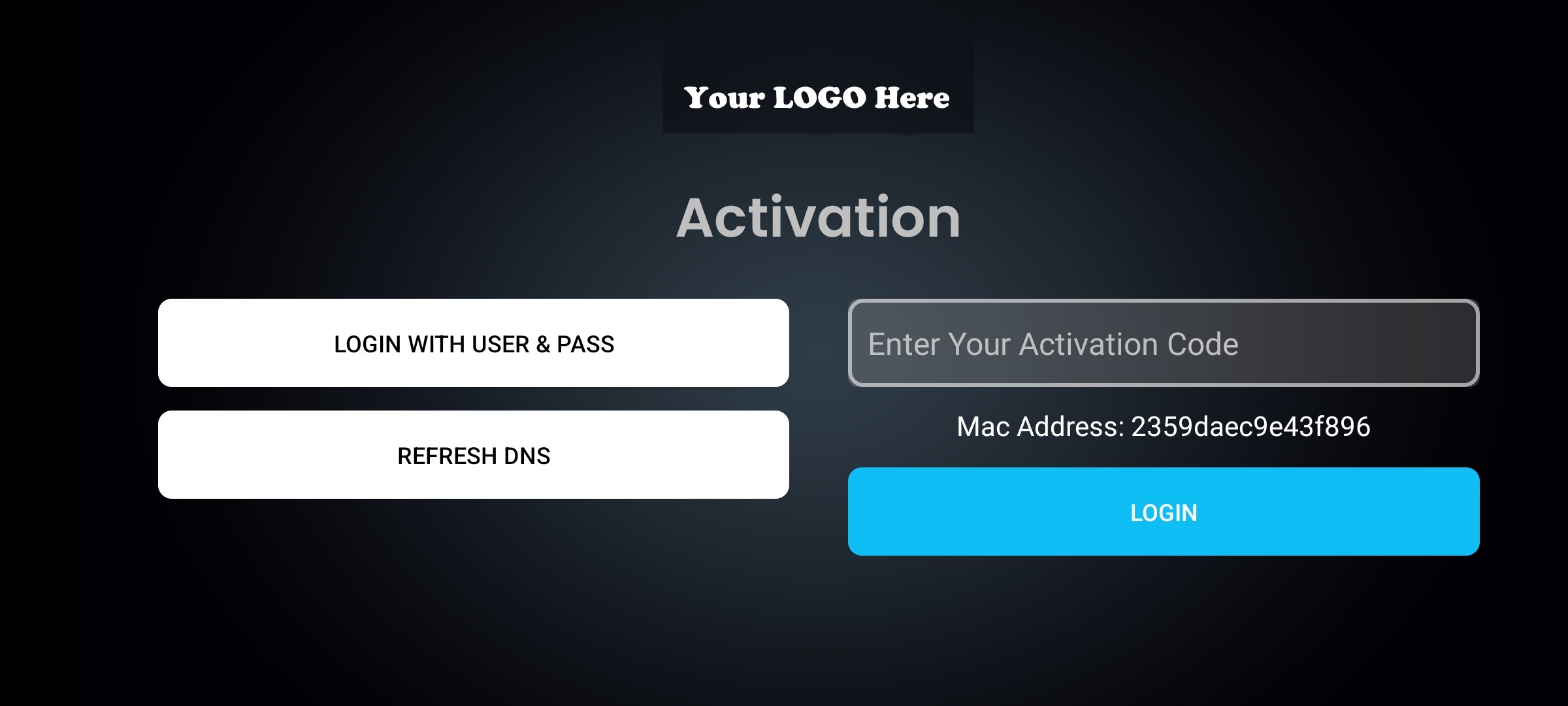
One-tap login, users enter a short code, app activates instantly. No username/password hassle
Remote device management, reset, unbind, or transfer devices from your admin panel
Smart DNS + VPN included, anti-sharing is the auth layer; the full player is underneath
Firebase 99.99% uptime, device binding and config run on Google's cloud
$299 one-time, stop revenue leakage starting this week. Ready in 3-7 days
ActiveCode replaces traditional username/password login with a short activation code that binds to the user's device at the hardware level. The user types a code once, the app activates, and that code can never be used on another device. It's the difference between a lock anyone can pick and a lock keyed to one specific door.
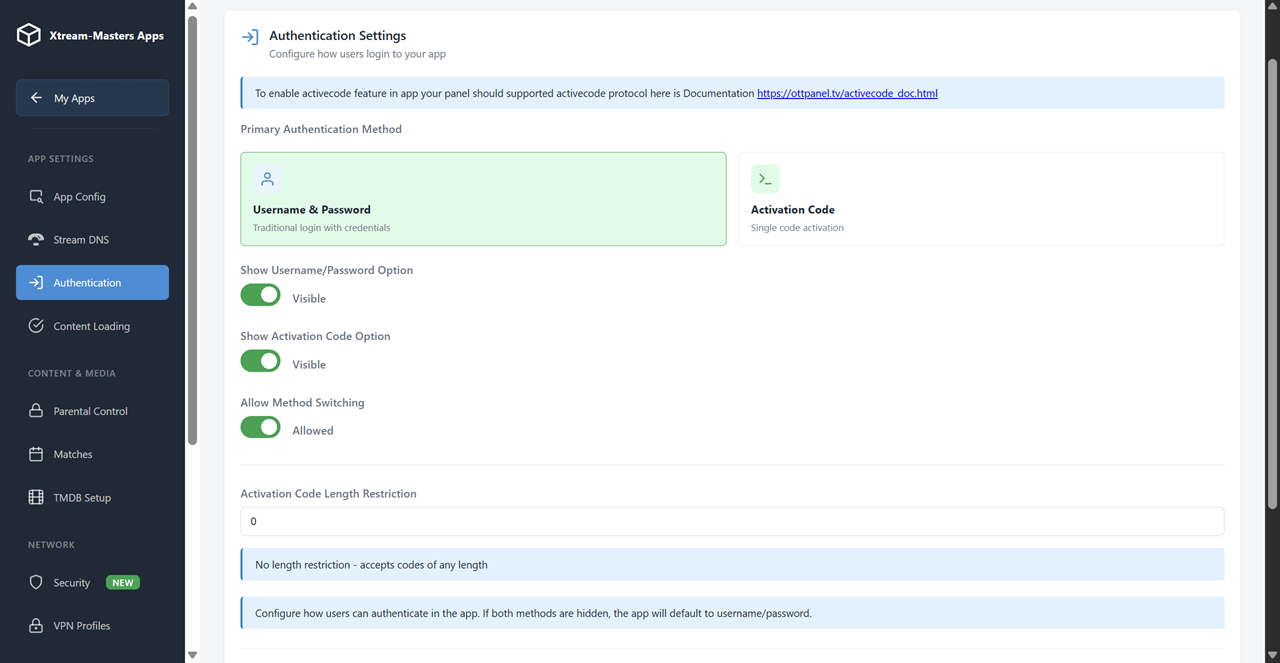
No username. No password. Users get a short code from you (or from your reseller). They type it once, and the app activates. Easier for users, harder to share.
One-Tap LoginThe moment a code is entered, the app captures a unique device fingerprint and registers it with your panel. Same code on a different device? Rejected instantly.
1 Code = 1 DeviceDevice binding data is stored in Firebase (Google's cloud). Verification happens against Google's infrastructure, not your server. Fast, reliable, always available.
99.99% UptimeGenerate codes, manage device bindings, reset activations, and view device info from your admin panel. Full control over who has access and on which device.
Full ControlMax-connections is the standard anti-sharing approach in IPTV, and it fails. Here's why it fails, and why device binding through ActiveCode actually works.
If you have 1,000 subscribers at $10/month and 30-40% of connections are shared accounts, you're losing $3,000-4,000/month. ActiveCode converts shared accounts into paid subscriptions. The $299 app pays for itself in the first week.
Deep dive into anti-sharing strategies: IPTV Anti-Sharing Guide
ActiveCode isn't just more secure, it's easier for users. No username to remember, no password to type on a TV remote. One short code and they're in.
Typing a username and password on a Fire TV Stick remote is painful. A short activation code takes 5 seconds. Fewer support calls about login issues.
When a subscription renews, the code stays active. No re-login, no re-activation. The user's experience is uninterrupted.
User upgrades their phone or TV? Reset the device binding from your panel, issue the same code again. One click for you, zero friction for them.
See which device each code is bound to, device model, activation date, last seen. Know exactly who is using your service and on what hardware.
Run ActiveCode and username/password simultaneously. Use codes for subscribers, passwords for resellers or testers. Toggle per-user from your panel.
The app detects rooted devices, emulators, and device ID spoofing attempts. Tampered environments are blocked automatically.
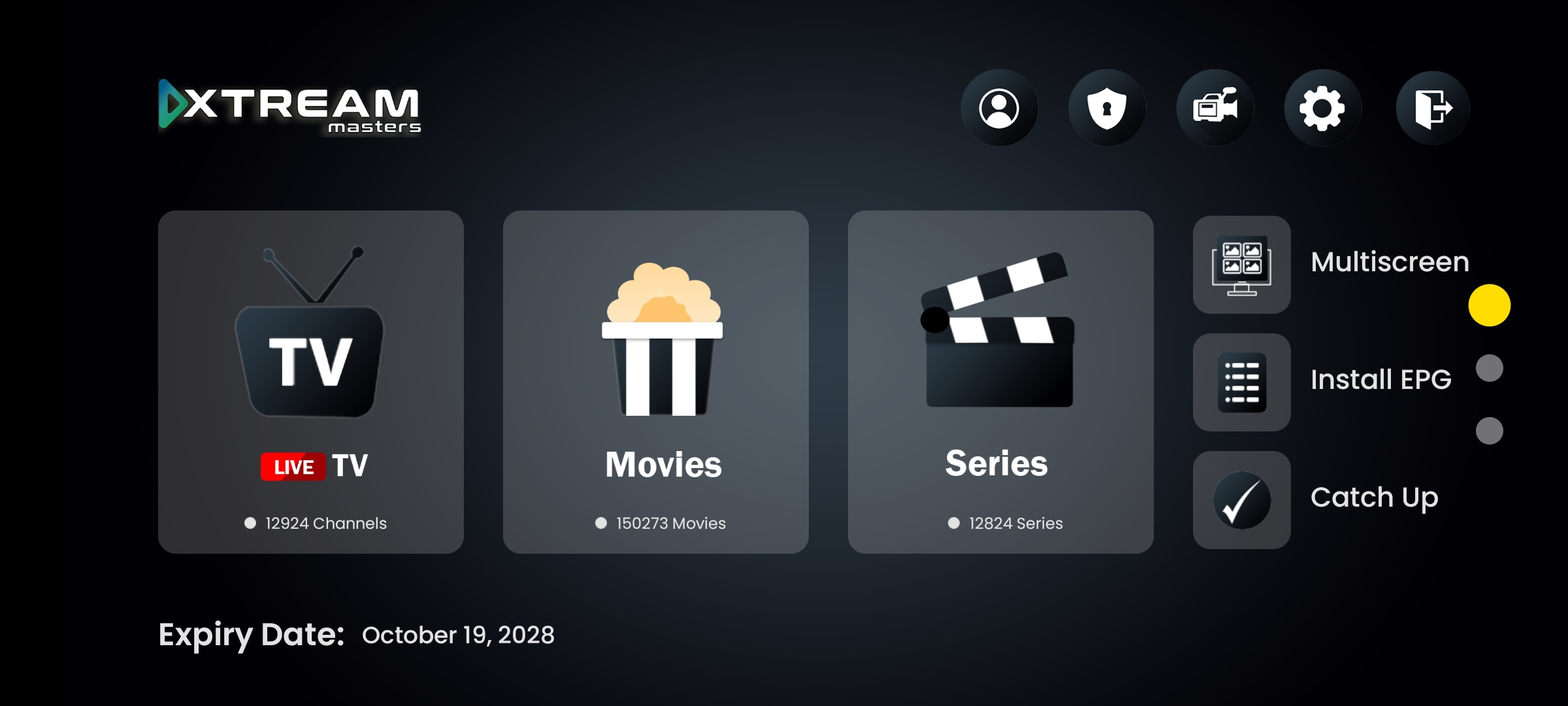
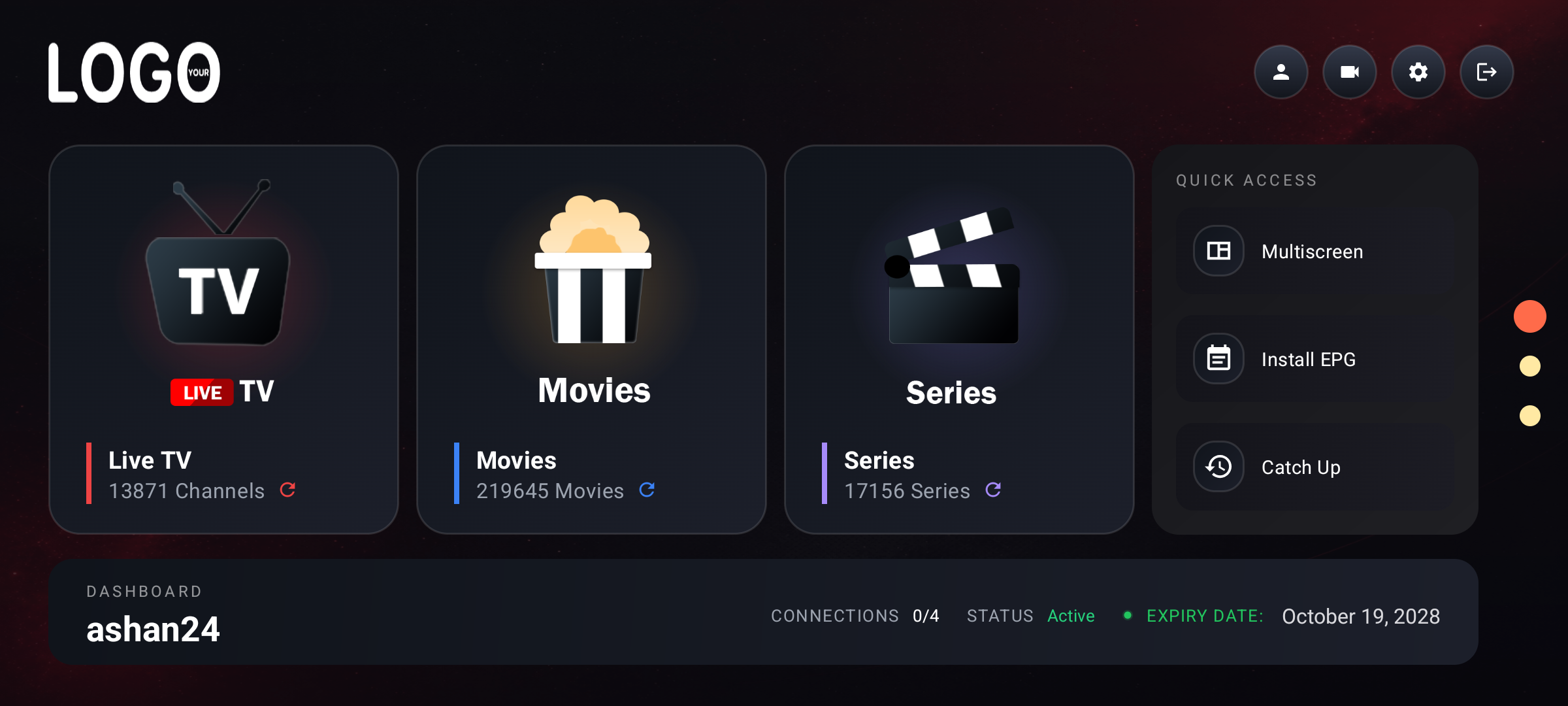
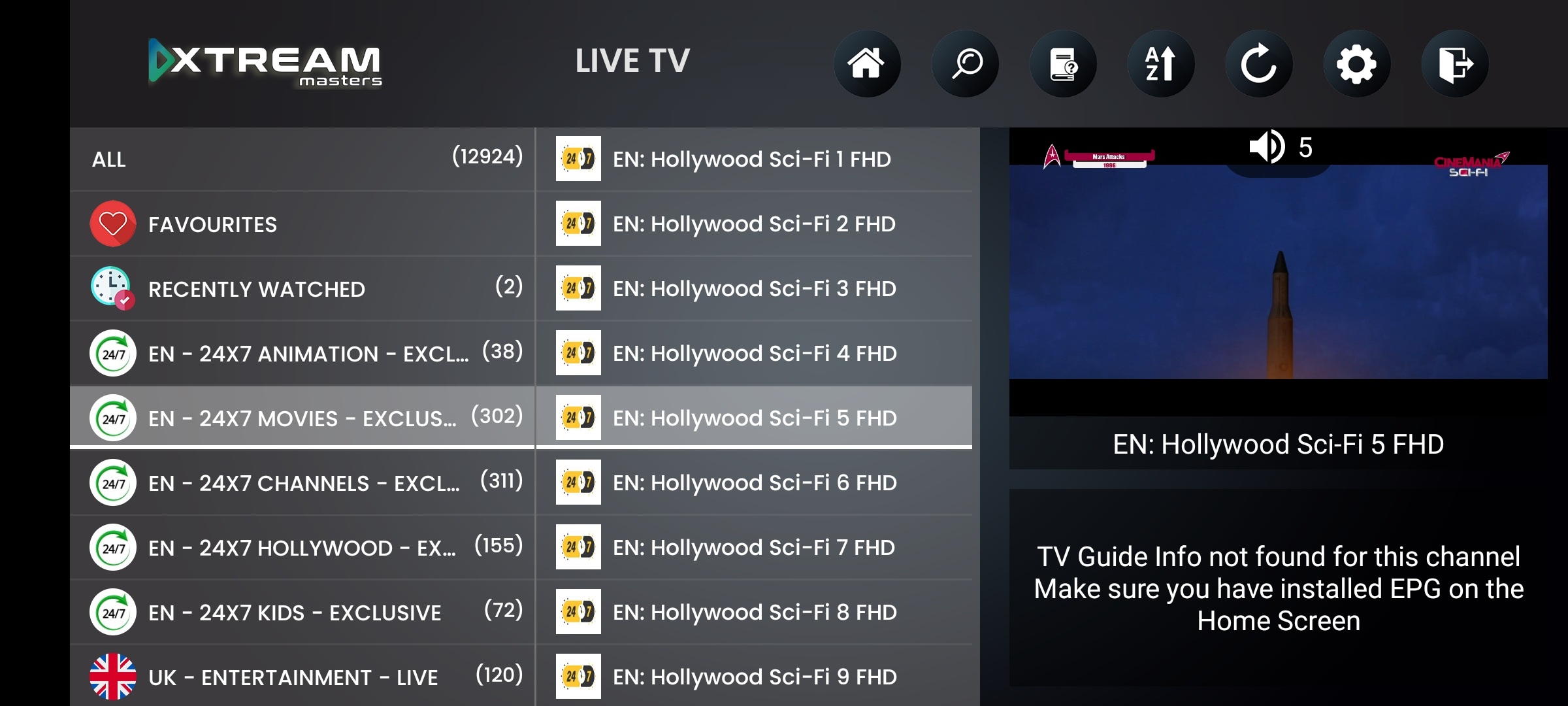
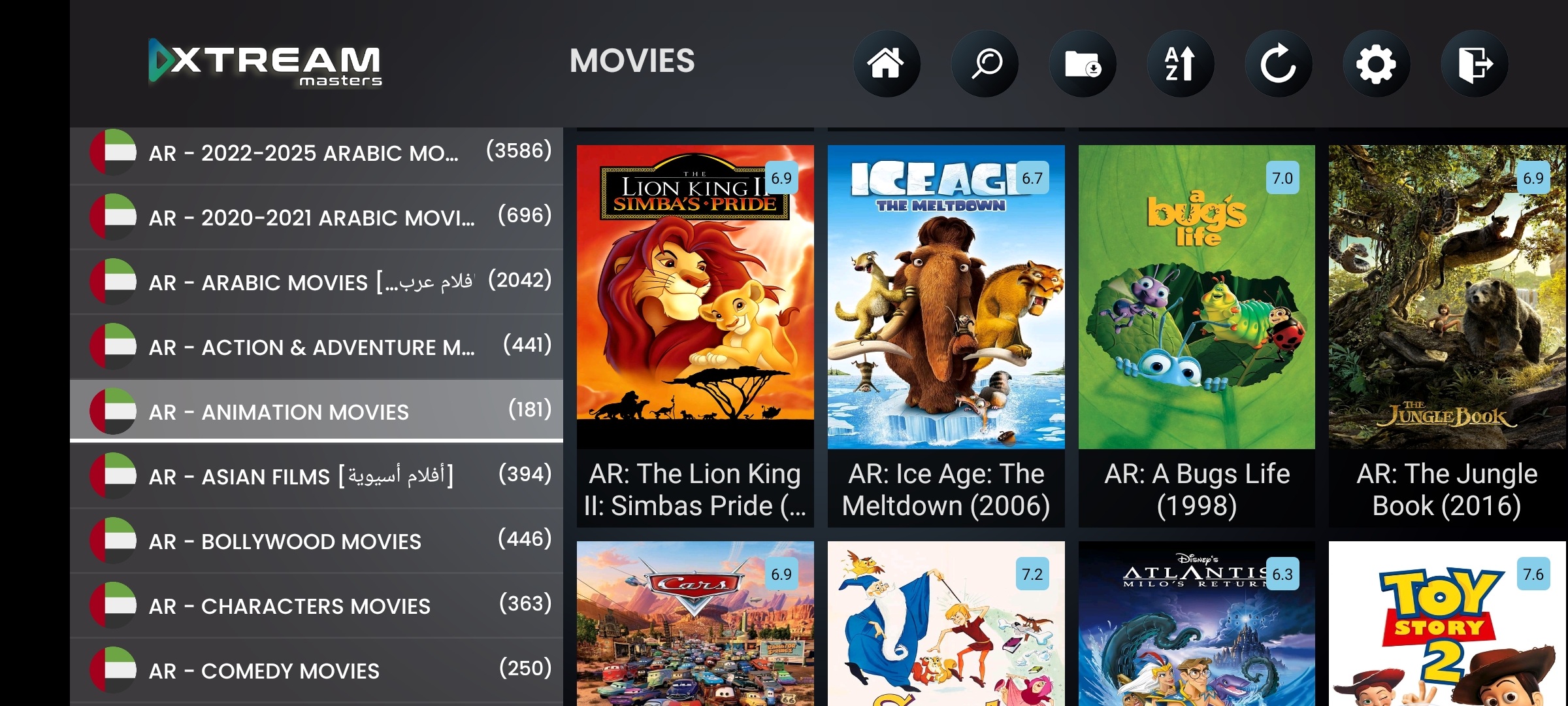
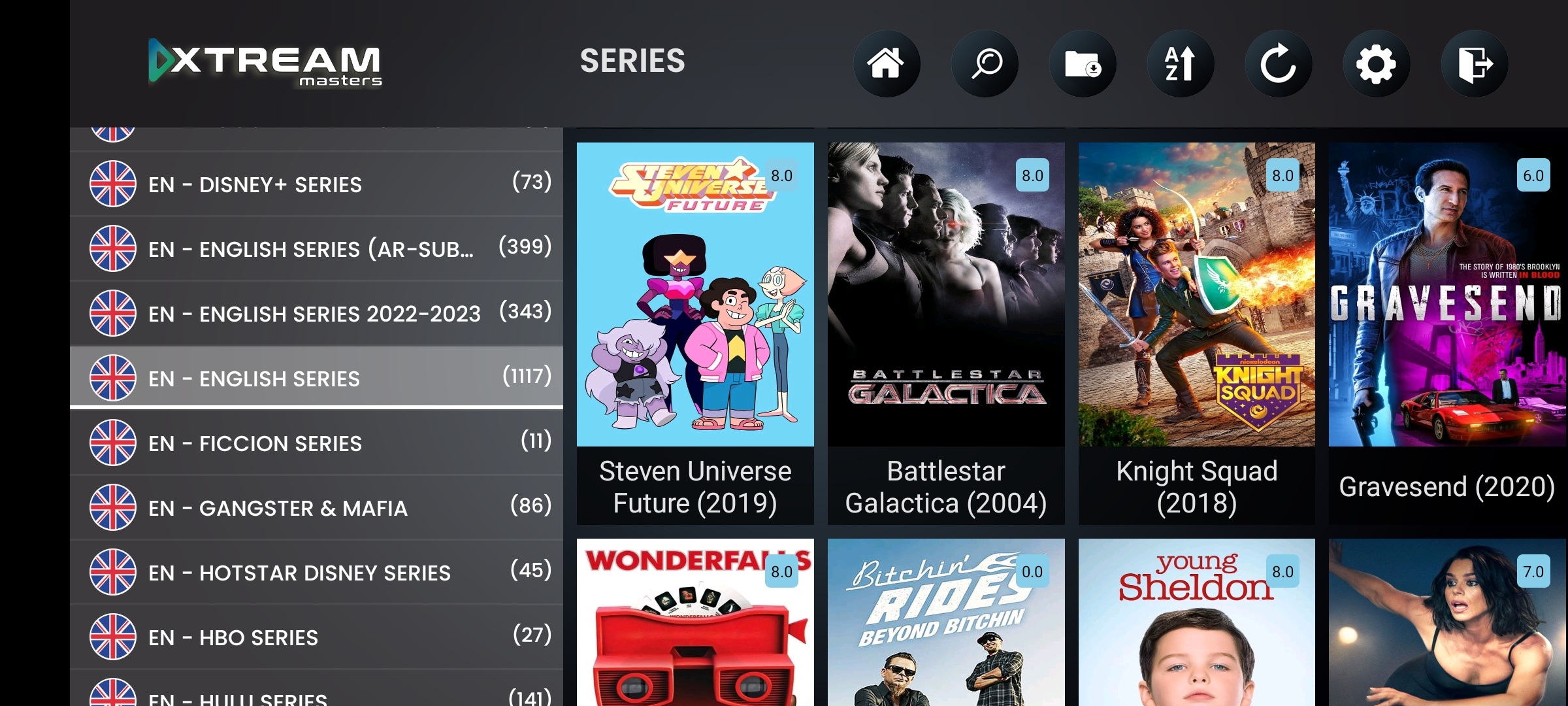
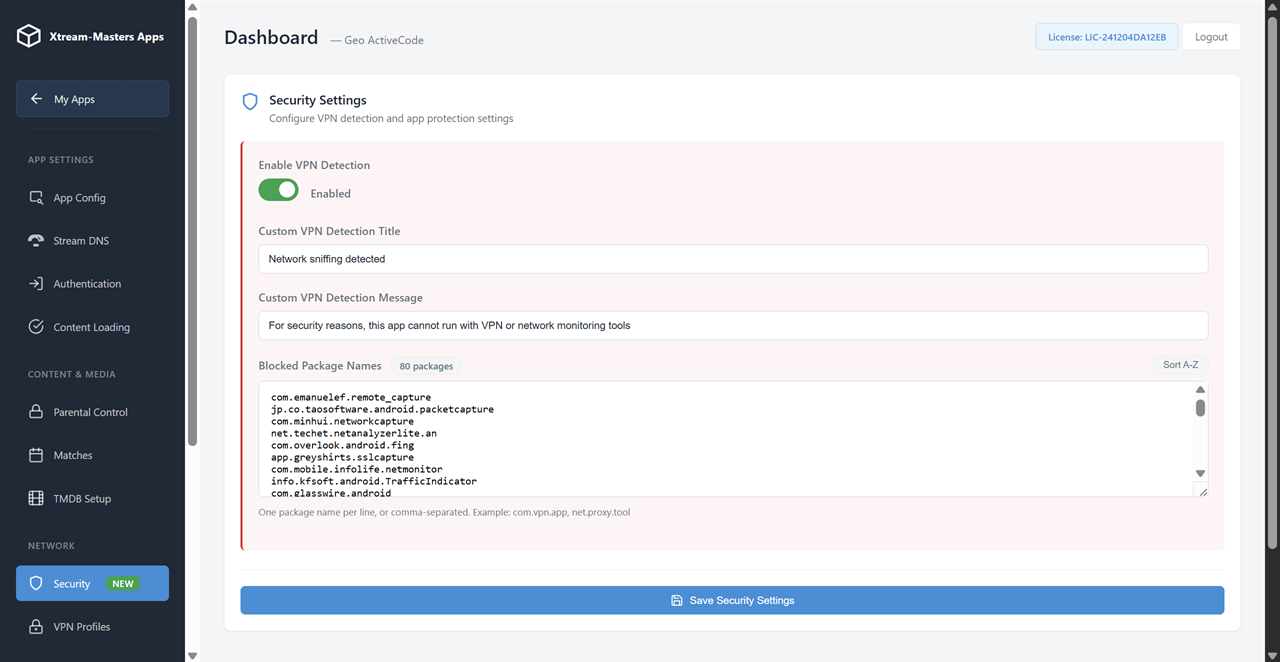
ActiveCode is the authentication layer. Underneath it is the same professional IPTV player with Smart DNS auto-switch, 4-type built-in VPN, Firebase-powered configuration, and universal device support. Your brand, your app, with anti-sharing built in.
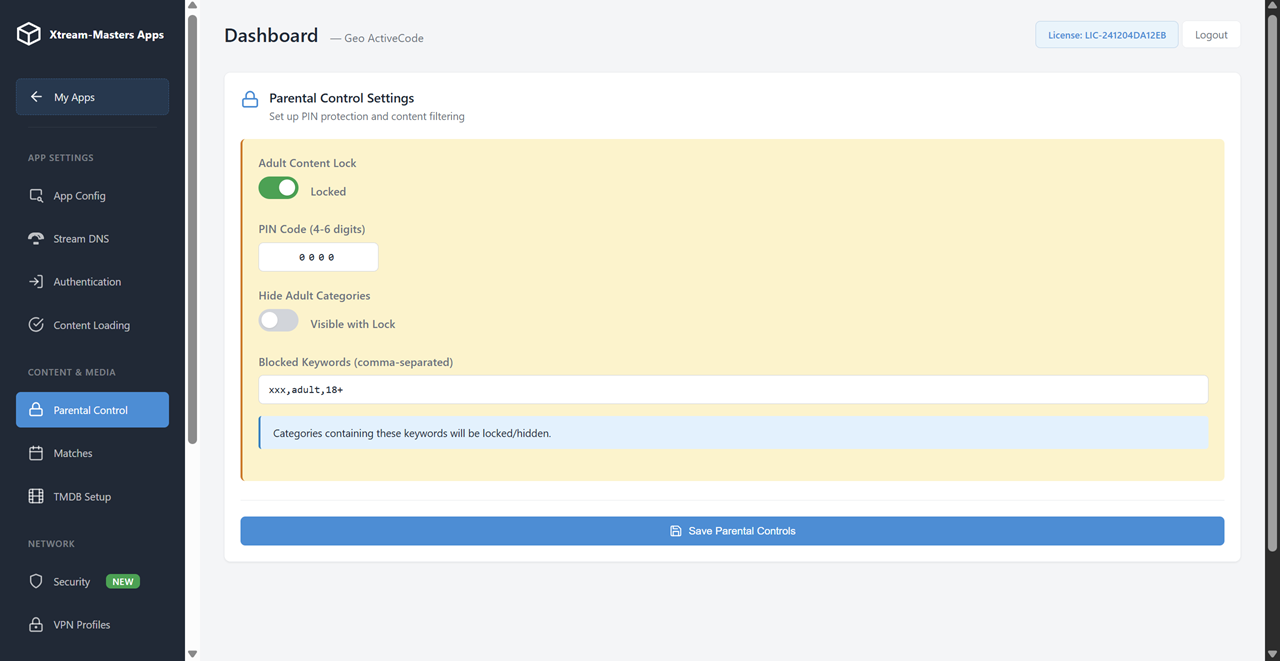
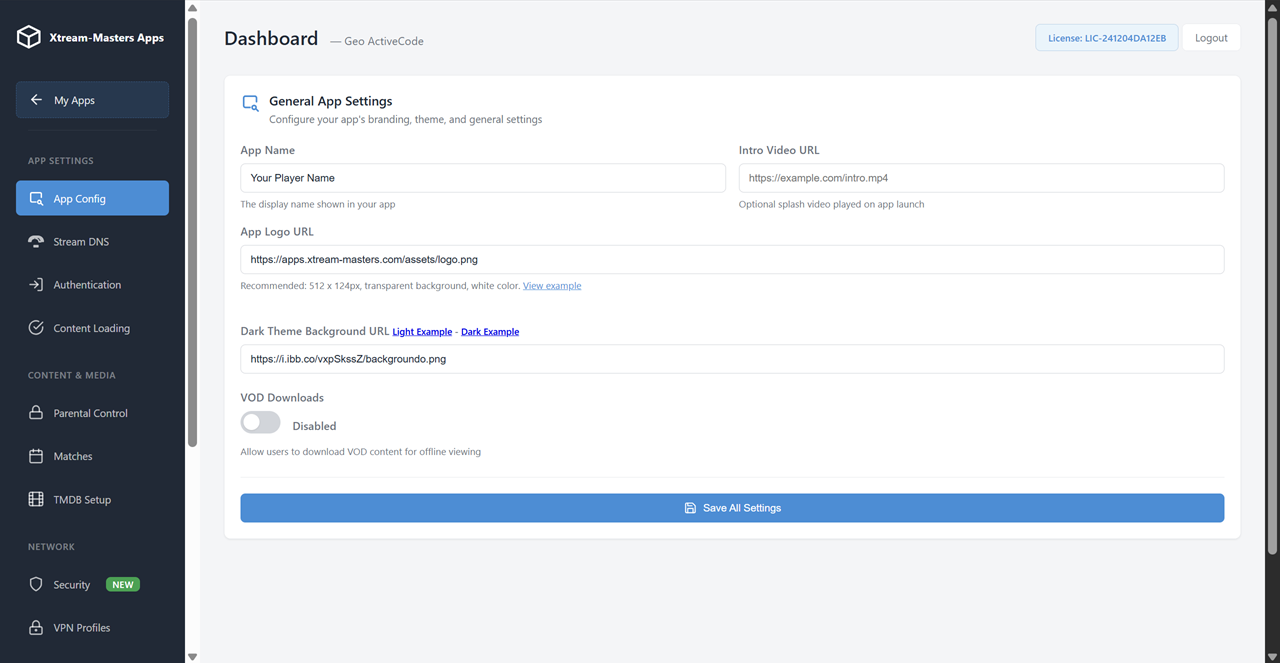
Your logo, name, colors, splash screen, app icon. Published under your Play Store account. Your users see your brand, not ours.
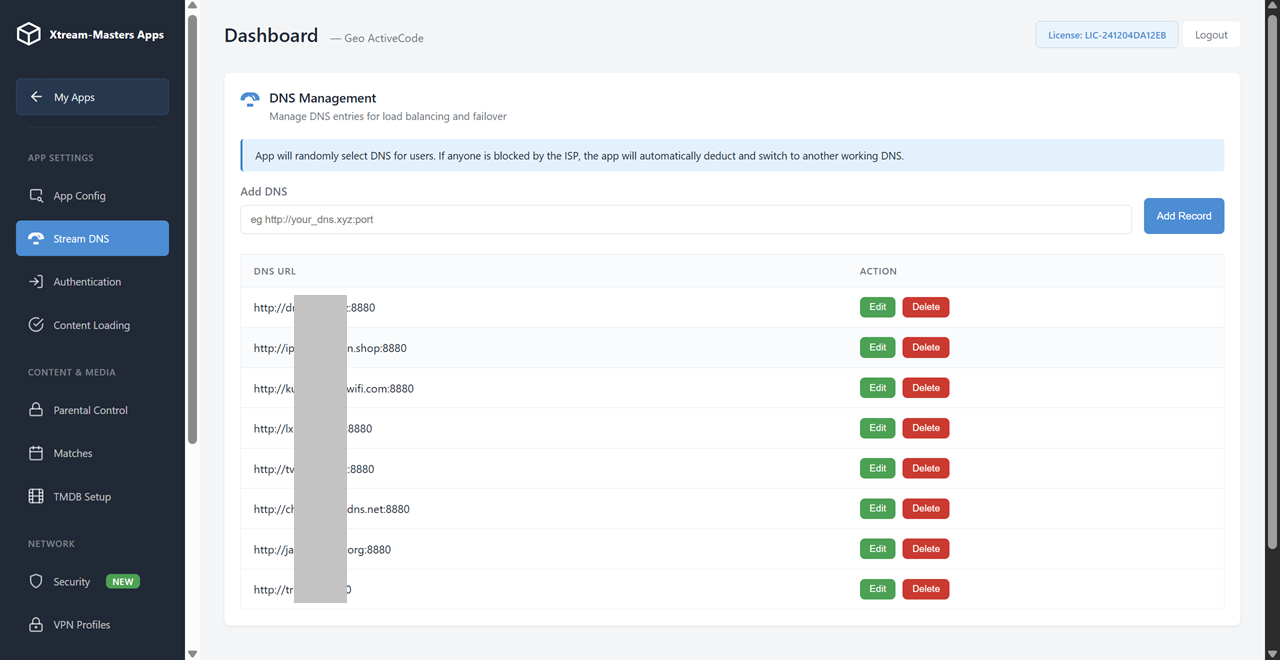
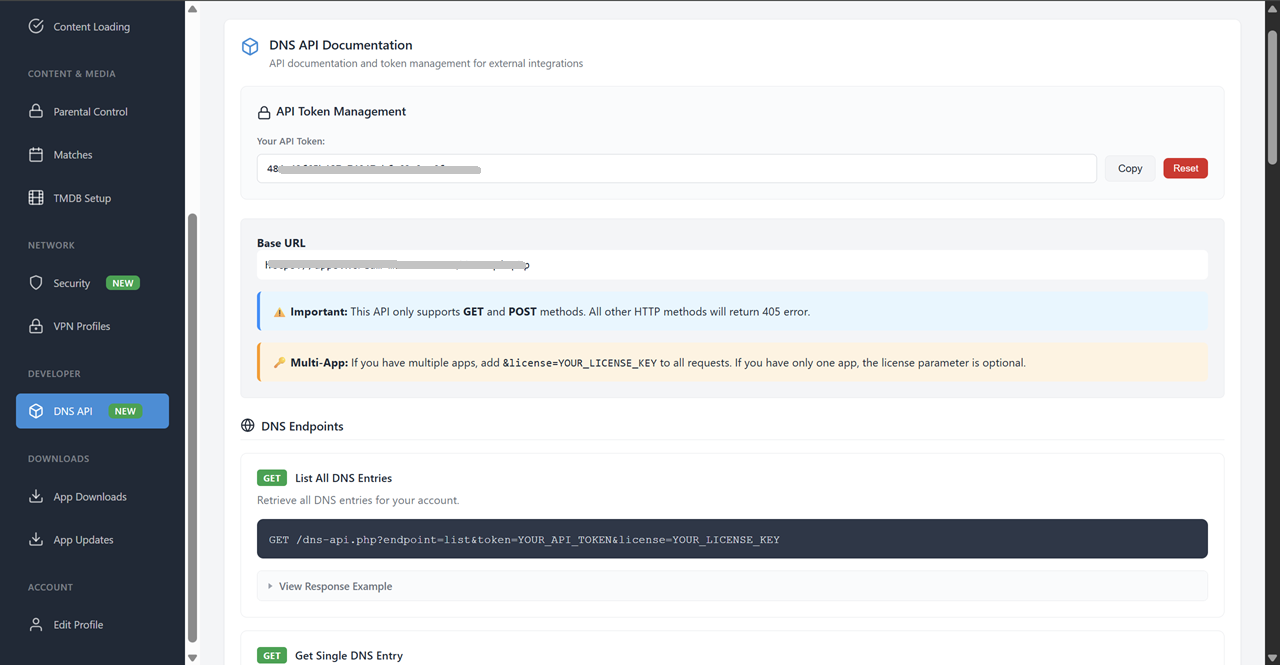
ISP blocks your DNS? App detects it in under 2 seconds and switches to the next working one. Unlimited DNS entries, managed from your panel.
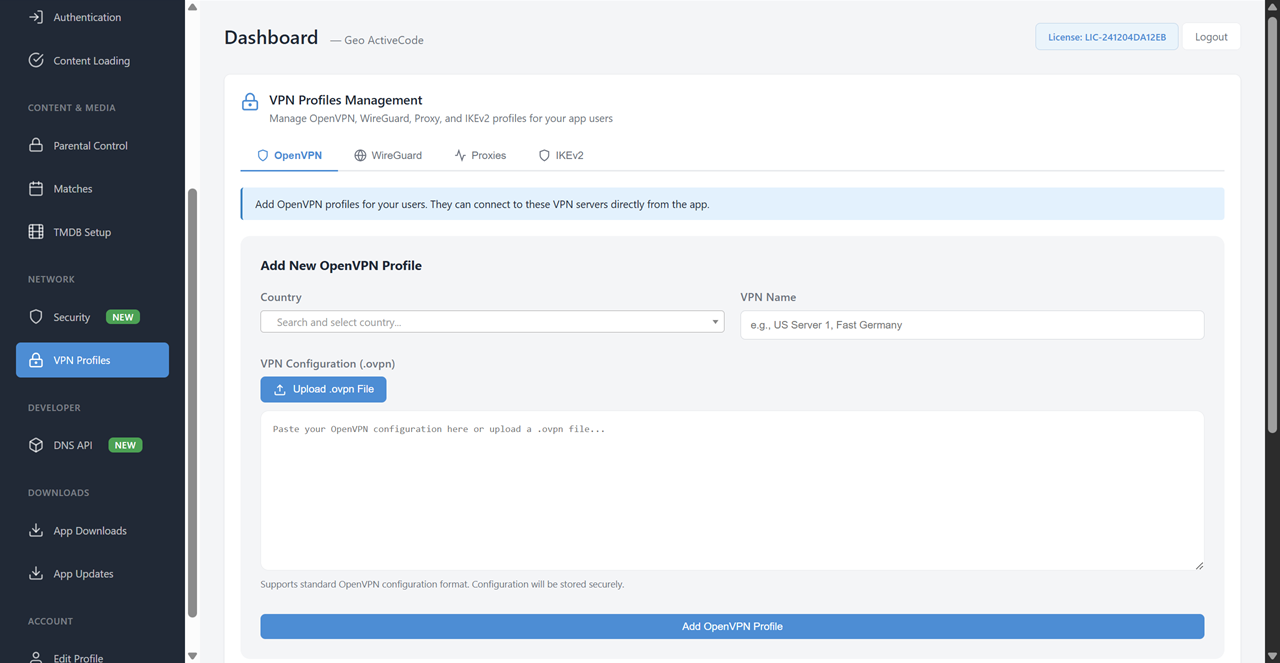
OpenVPN, WireGuard, IKEv2, HTTP Proxy. Push VPN profiles from your panel, users connect with one tap. No separate VPN app needed.
Apps connect to Google's cloud, not your server. 99.99% uptime. DNS, VPN, branding, and ActiveCode bindings all managed through Firebase.
Android phones, tablets, Android TV (Leanback UI), Fire TV Stick (Alexa), and all Android TV boxes. Touch and remote control both supported.
Looking for the broader white-label story without the anti-sharing focus? See White-Label IPTV App.
Generate codes, manage device bindings, monitor activations, and handle device transfers, all from one dashboard. Every change syncs instantly through Firebase.
Generate individual codes or batch-create hundreds at once. Set expiry dates, subscription tiers, and device limits per code.
See which code is bound to which device. View device model, activation date, last connection time. Spot abuse patterns at a glance.
User gets a new device? One-click unbind the old device, let them re-activate the same code on the new one. Clean and controlled.
Run ActiveCode and username/password at the same time. Toggle per-user. Use codes for subscribers, passwords for resellers.
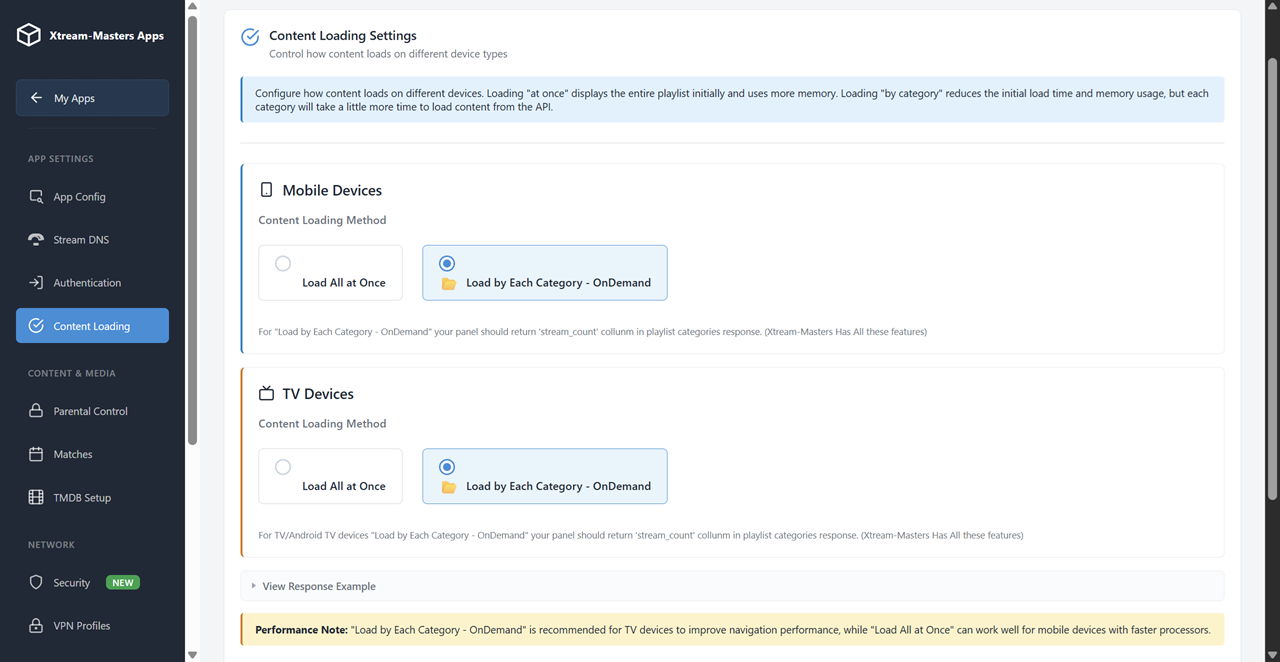
Everything from the standard player panel is here too. Manage DNS entries, push VPN profiles, update branding, all remotely.
All ActiveCode data, device bindings, and configuration live in Firebase. Verification happens on Google's cloud, 99.99% uptime.
Technical and business questions about device-bound authentication and stopping IPTV account sharing
ActiveCode is a device-bound authentication method that replaces traditional username/password login. Instead of typing credentials, users enter a short activation code. That code binds to their specific device ID, making it physically impossible to use the same code on a second device.
It eliminates password sharing at the authentication level, not with connection limits that users easily bypass. The code is generated from your admin panel and can be set with expiry dates, subscription tiers, and device limits.
When a user activates with an ActiveCode, the app captures a unique device fingerprint (hardware-level ID) and registers it with your panel through Firebase. Any attempt to use that same code on a different device is rejected instantly.
This is fundamentally different from max-connections, which only limits simultaneous streams. Sharers bypass max-connections by taking turns. With device binding, sharing the code is useless, it literally cannot activate on another device, regardless of timing, VPNs, or any other workaround.
Max-connections limits how many simultaneous streams a login can have, typically 1 or 2. But sharers work around this easily:
The result: your subscriber count shows 1 paying customer where 5 are watching. Device binding solves this because it doesn't matter when they connect, the code only works on the device it was activated on.
Yes. You control device resets from your admin panel. When a user contacts you about a new device:
This gives you a natural touchpoint with your customer and confirms they are the legitimate account holder. Some providers allow 1-2 self-service resets per year to reduce support load while still preventing systematic sharing.
Yes. The app supports both authentication methods simultaneously. From your admin panel you can:
Many providers use ActiveCode for end-user subscribers (anti-sharing) and username/password for resellers, testers, or internal accounts.
You can migrate gradually, there's no forced cutover. A typical rollout:
The panel supports both methods simultaneously for as long as you need, so migration happens at your pace.
Yes, everything. ActiveCode is the authentication layer. The rest of the app is the same professional white-label IPTV player:
$299 one-time. No monthly fees. Ready-to-use APK + AAB included. For the full feature breakdown, see the White-Label IPTV App page.
Industry estimates put casual IPTV account sharing at 30-40% of active connections. That means for every 10 people watching your service, only 6-7 are paying.
The math at different subscriber counts:
ActiveCode doesn't eliminate all sharing overnight, but it converts the easy sharers (the ones who just hand out their password) into paying subscribers. The $299 app cost is recovered within days for most operators.
Device-bound ActiveCode • Smart DNS • 4-type VPN • Firebase 99.99% uptime • White-label
$299 one-time. The app pays for itself in the first week by converting shared accounts to paid ones.