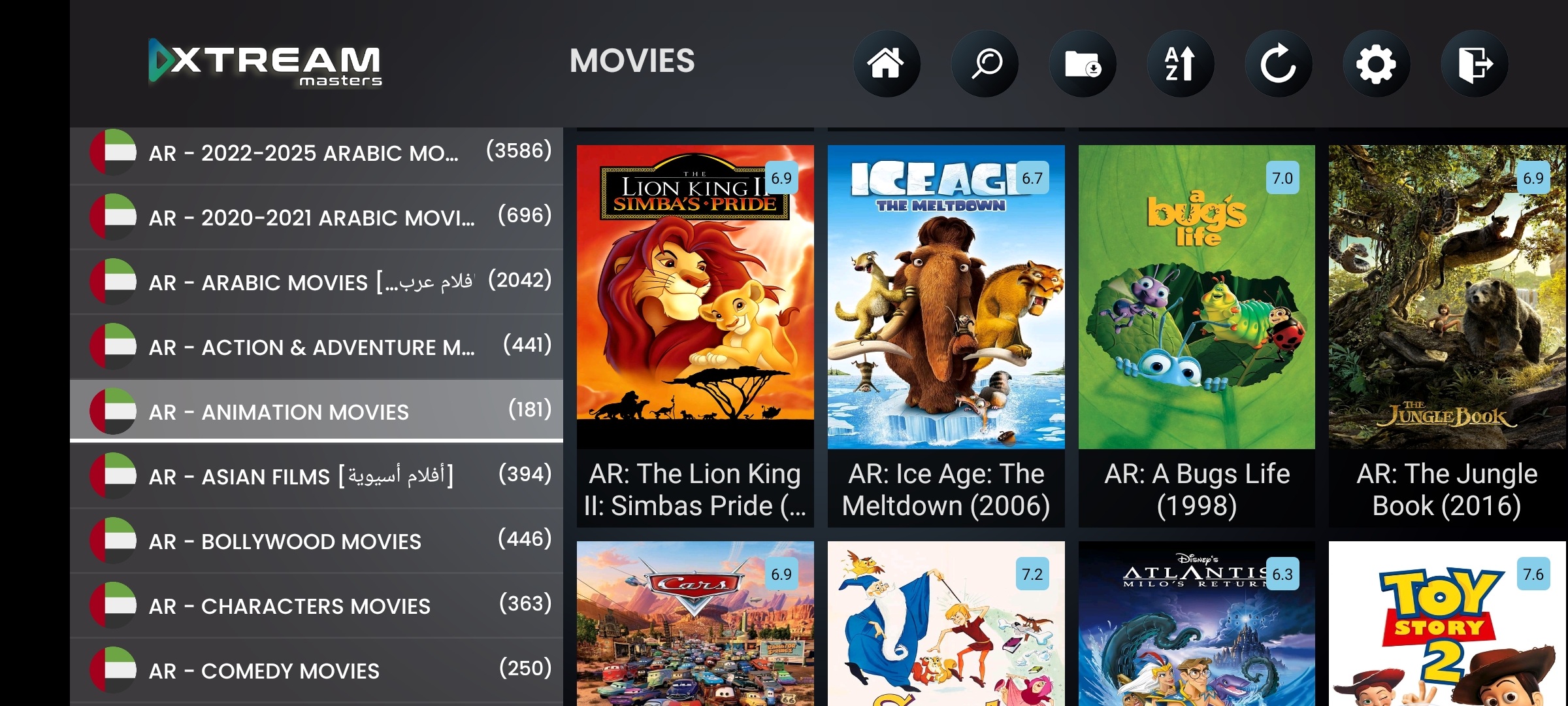
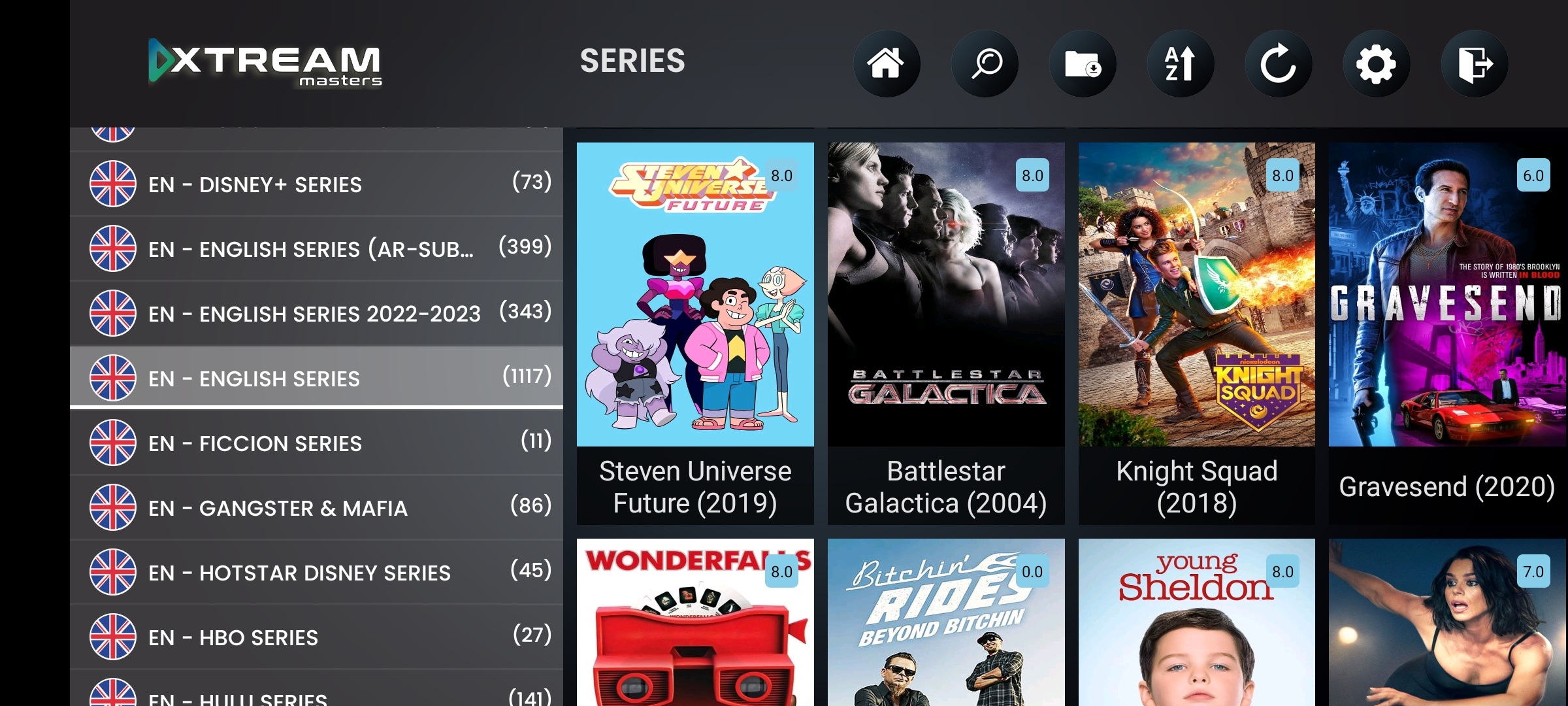
Samsung and LG dominate the Smart TV market. Here's how IPTV providers actually get their player app on every screen.
Let's be upfront: Samsung Tizen and LG WebOS are closed platforms. They don't run Android APKs, they don't allow sideloading, and they restrict VPN/DNS at the OS level. Building a native Tizen or WebOS IPTV app is technically possible, but it comes with severe limitations that make it impractical for most IPTV businesses.
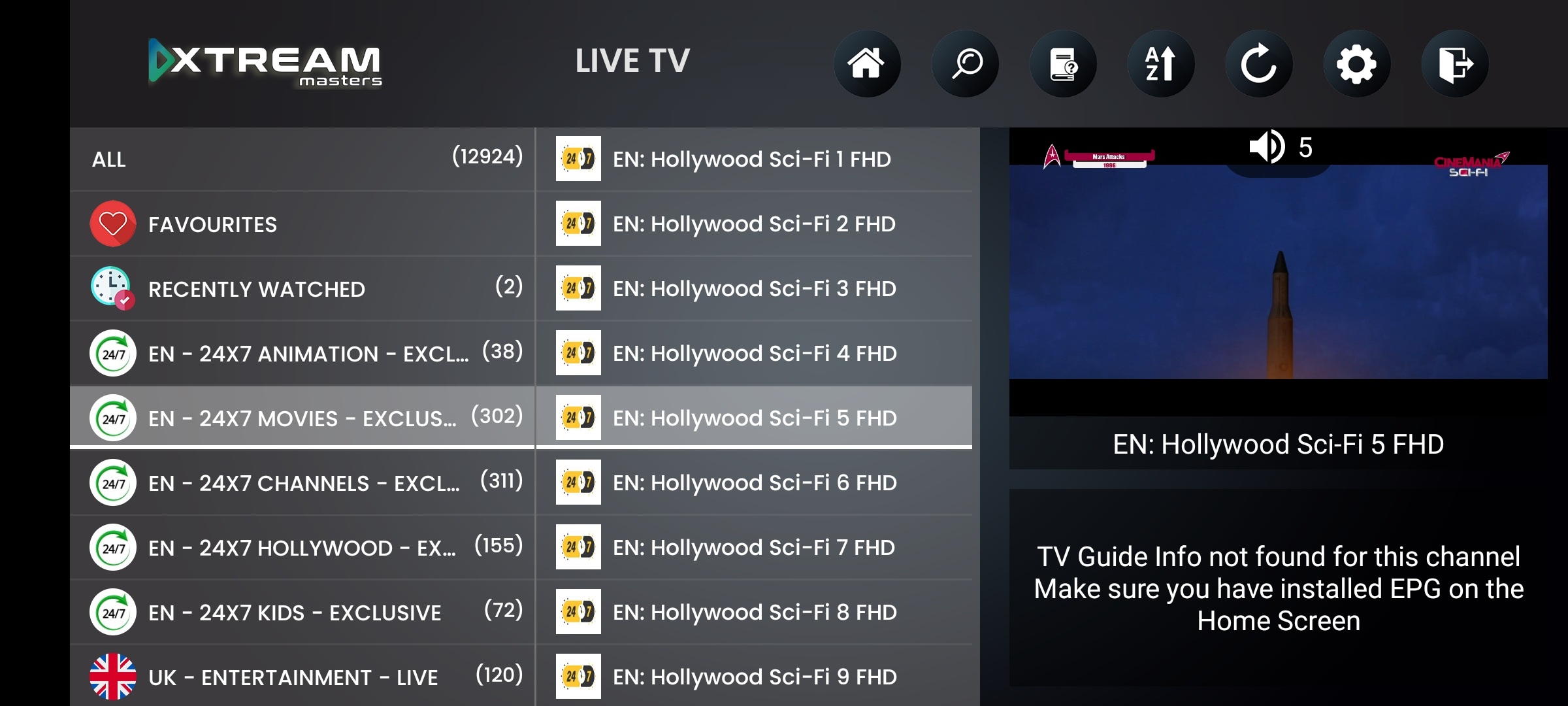
The industry-standard approach, used by the vast majority of IPTV providers worldwide, is an Android TV box connected to the Smart TV via HDMI. Our IPTV player app runs on the box. The Samsung or LG TV becomes the display. Your users get the full player experience: Smart DNS, VPN, ActiveCode, remote navigation, and your brand on every screen.
This page explains the Smart TV landscape honestly, covers what native Tizen/WebOS development would actually require, and shows you the proven path to getting your IPTV player app on every Samsung and LG TV your subscribers own.
Samsung & LG coverage, via Android TV box + HDMI. Full player features
HDMI-CEC control, users navigate with their existing Samsung/LG TV remote
Smart DNS + VPN, impossible on native Tizen/WebOS. Full support via box
No store dependency, sideload the APK. Samsung/LG can't remove your app
Firebase 99.99%, always-on reliability for living room screens
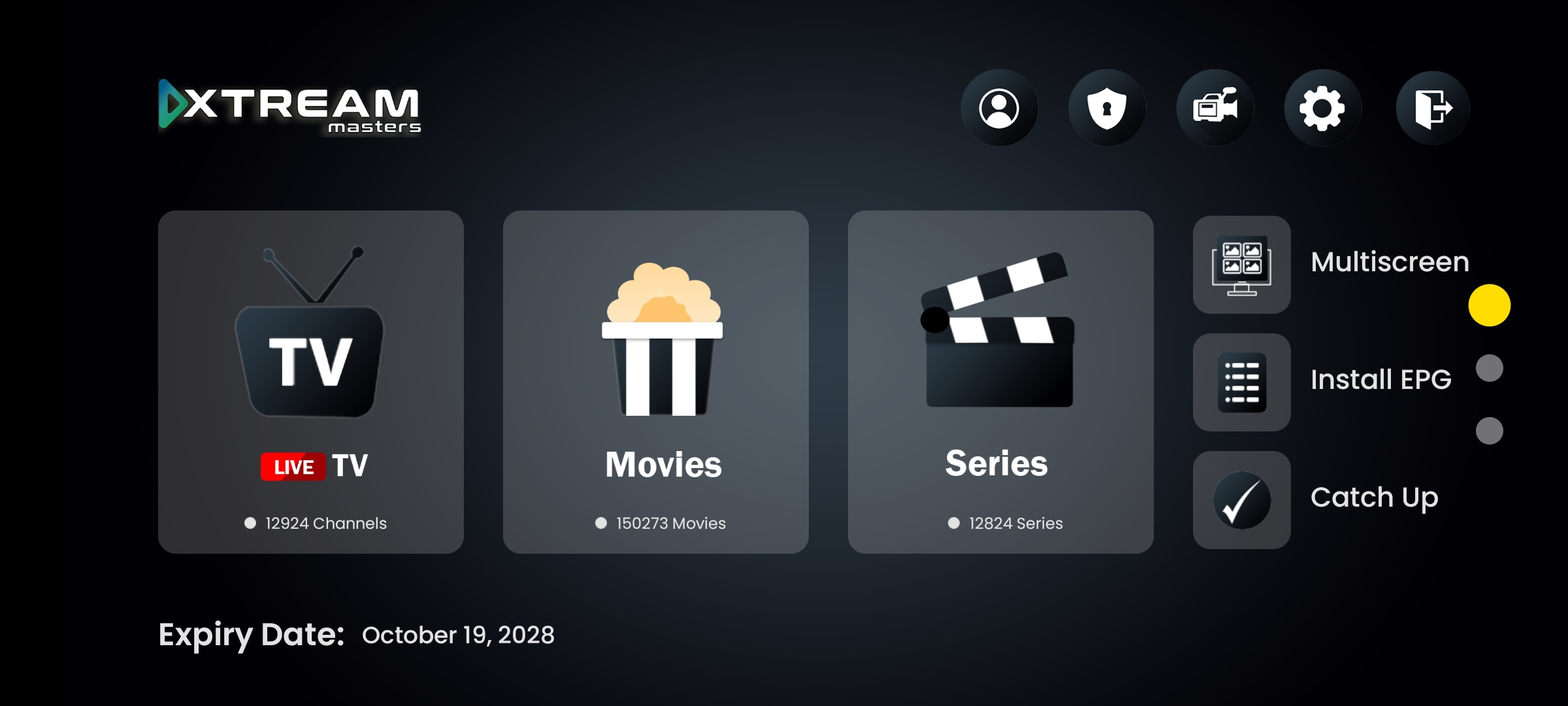
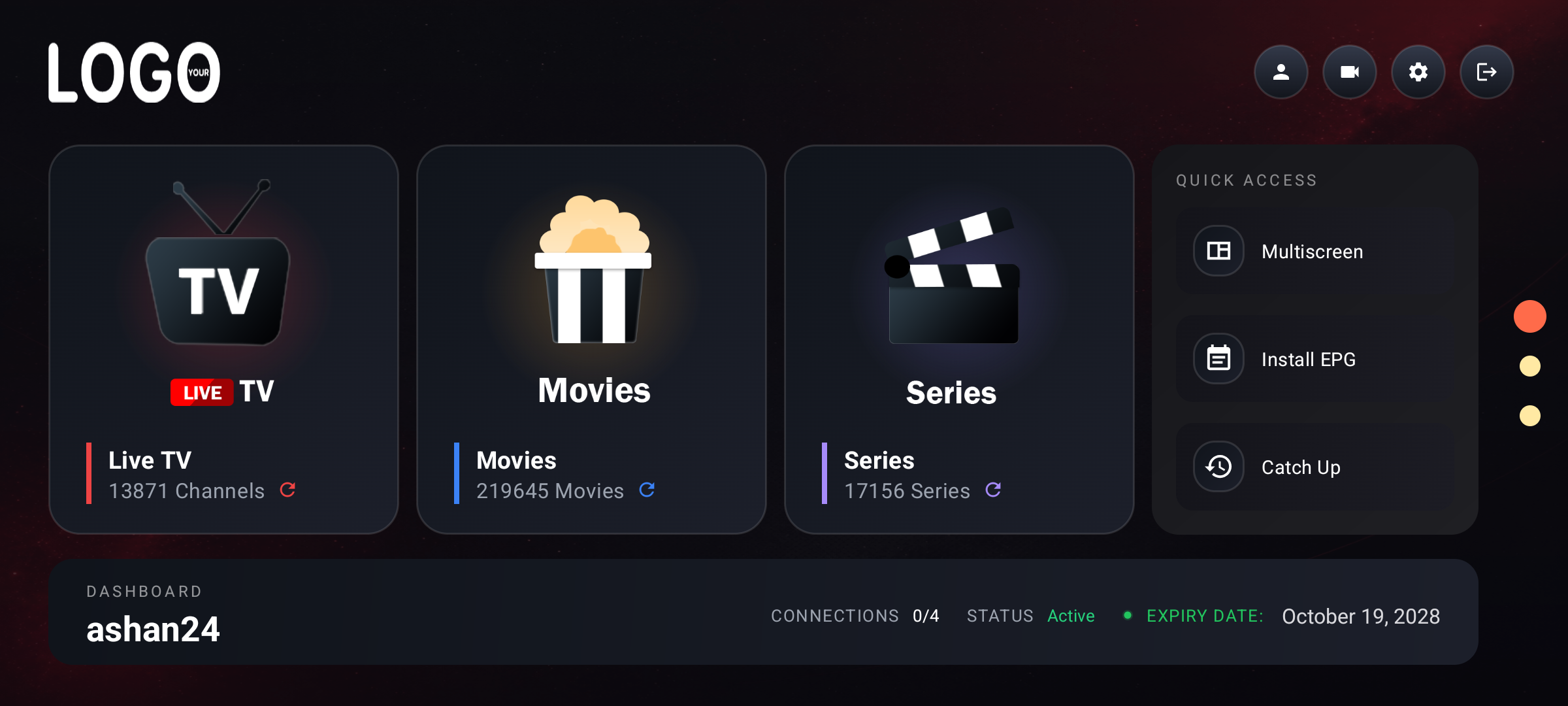
Your brand, logo, name, colors, splash screen on every Smart TV
Samsung and LG together hold over 50% of the global Smart TV market. Every IPTV provider gets asked "does your app work on my Samsung?" Understanding these platforms is critical for your business.
Samsung's proprietary OS powers all Samsung Smart TVs since 2015. Tizen apps are built with HTML5/JavaScript (not Android). The Samsung App Store has strict review, no sideloading, and Samsung actively removes IPTV apps. No system-level VPN or DNS override available.
Closed PlatformLG's Smart TV platform since 2014. Also web-based (HTML5/JavaScript). The LG Content Store review is even stricter than Samsung's. No sideloading on consumer devices. No VPN APIs. LG has removed IPTV-related apps from their store repeatedly.
Closed PlatformEven if you build a native Tizen/WebOS app: no VPN, no Smart DNS override, no sideloading, store removal risk, separate codebase to maintain, and both Samsung and LG are increasingly hostile to third-party IPTV apps. You invest months of development that can be pulled overnight.
High RiskAn Android TV box plugged into any Smart TV via HDMI gives you everything: sideloading, VPN, Smart DNS, remote navigation via HDMI-CEC, and zero store dependency. One app covers every TV brand. This is what 95% of IPTV providers use worldwide.
Proven ApproachYour subscribers will ask "how do I watch on my Samsung TV?" Here are the real-world approaches, ranked by reliability and feature completeness. As a server owner or reseller, you need to guide your users to the method that actually works long-term.
Connect a Formuler, Mecool, Nvidia Shield, or any Android TV box to the Samsung/LG TV via HDMI. Install your branded IPTV player app on the box. HDMI-CEC lets users control the app with their existing TV remote. Full Smart DNS, VPN, ActiveCode, and all player features work. No store approval needed. This is what we recommend for every IPTV provider.
Amazon Fire TV Stick plugged into the Samsung/LG TV's HDMI port. Same concept as the Android TV box approach but using Amazon's hardware. Sideload the APK via Downloader app. Fire TV Stick supports HDMI-CEC with most Samsung and LG TVs. A very popular option because Fire TV Sticks are inexpensive and widely available.
Cast from an Android phone running your IPTV player app to the Smart TV via Chromecast, Samsung SmartView, or LG Screen Share. Works as a fallback but adds latency, drains the phone battery, and the user can't use their phone while watching. Not recommended as a primary solution for your subscribers.
Building a native app for Samsung Tizen or LG WebOS requires separate development in HTML5/JavaScript, Samsung/LG developer accounts, store submission with uncertain approval, and ongoing maintenance of a separate codebase. No VPN or Smart DNS at the OS level. The app can be removed from the store at any time. This is a separate project from our Android-based player app and is not included in the $299 package.
Why the box approach gives your Smart TV users a better IPTV player experience.
These features run on the Android TV box connected to your Samsung or LG TV. Every feature works exactly as it does on a standalone Android TV device, because it is one.
ISP blocks your DNS? The IPTV player app detects it in under 2 seconds and switches to the next working DNS automatically. Your Smart TV users keep watching without touching the remote. Manage DNS servers from your admin panel, changes push instantly via Firebase.
Anti-BlockOpenVPN, WireGuard, IKEv2, HTTP Proxy, all built into the player app. Users connect with one button press on the remote. No separate VPN app needed. This is impossible on native Tizen/WebOS because neither platform exposes VPN APIs to third-party apps.
ISP BypassSmart TV users leave their box plugged in 24/7. They expect the IPTV player to work every time they turn on the TV. Firebase backend means your app configuration, DNS lists, VPN profiles, and branding push automatically. No user action required for updates.
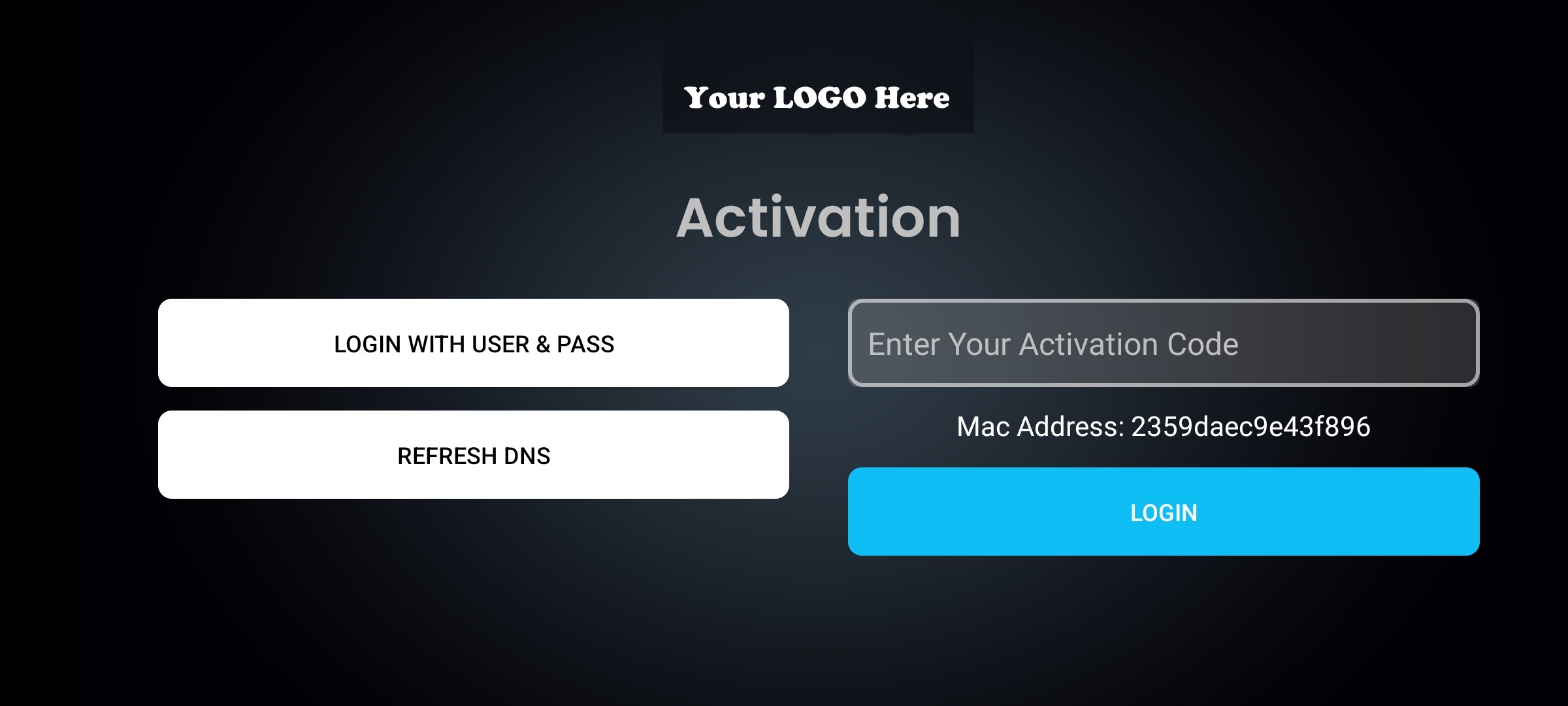
Always OnEach user activates with a unique code entered on the TV screen using the remote. One code per device. Manage activations, set expiry dates, enable/disable devices, all from your admin panel. Works perfectly with D-pad input on Android TV boxes connected to Smart TVs.
Device ControlThese devices plug into any Samsung or LG Smart TV and run the IPTV player app with full features.
Z11 Pro, Z11 Pro Max, IPTV-focused
KM2, KM7, certified Android TV
Pro & Tube, premium 4K HDR
Budget-friendly, sideload-ready
Your users don't need a second remote. HDMI-CEC bridges the TV remote to the Android TV box.
Technical questions about getting the IPTV player app on Samsung and LG Smart TVs
No. Our IPTV player app is Android-based. Samsung Tizen and LG WebOS are closed platforms that don't run Android APKs. The proven way to get the full IPTV player experience on these Smart TVs is through an Android TV box connected via HDMI. This gives you Smart DNS, VPN, and all features that native Tizen/WebOS apps cannot provide.
You can, but it comes with severe limitations. Tizen and WebOS use HTML5/JavaScript, no VPN APIs, no Smart DNS override, no sideloading, mandatory store submission, and both Samsung and LG actively remove IPTV apps from their stores. You'd maintain a separate codebase with fewer features and constant risk of removal. Most IPTV providers find the Android TV box approach more reliable and cost-effective.
Connect an Android TV box (Formuler, Mecool, Nvidia Shield, or Fire TV Stick) to the Samsung TV via HDMI. Install your branded IPTV player app on the box. Enable Anynet+ (Samsung's HDMI-CEC) so users control the app with their Samsung remote. Full player features, Smart DNS, VPN, ActiveCode, work perfectly.
Yes. Via HDMI-CEC (Anynet+ on Samsung, SimpLink on LG). The TV remote sends D-pad commands to the Android TV box. Our IPTV player app is built for D-pad navigation, so menus, channel lists, playback controls, and settings all work with the TV remote. No second remote needed.
Yes, via the Android TV box. Smart DNS auto-switch and all 4 VPN protocols (OpenVPN, WireGuard, IKEv2, HTTP Proxy) run on the box connected to your Smart TV. This is actually a major advantage over native Tizen/WebOS apps, which cannot offer VPN or Smart DNS because those platforms don't expose the required APIs.
No. $299 one-time covers all devices: Android phones, tablets, Android TV, Fire TV Stick, and Android TV boxes (which is how you cover Samsung and LG Smart TVs). APK + AAB + admin panel included. One purchase, one app, every screen.
Samsung Tizen • LG WebOS • Android TV Box • Smart DNS • VPN • Firebase 99.99% • Your Brand
$299 one-time. All devices included. APK + AAB + admin panel.