

Xtream-Masters white-label app for iPhone and iPad
White-Label IPTV App for iOS, Your Own Branded iPhone & iPad Player
Your brand. Your App Store listing. Published on your own developer account.
Your Android customers already have your app. Your iPhone and iPad customers are the ones getting sent to a generic player. This is a server based iOS app wired to your own panel, exactly like our Android white-label app, built in your name, icon and colors and published on the App Store under your own developer account.
- One-time payment
- Published on your account
- Ready in 7-10 days
- White-label: your app name, icon, logo and colors
- Published for you: on your App Store developer account
- Your panel: server based, your lines, your subscribers
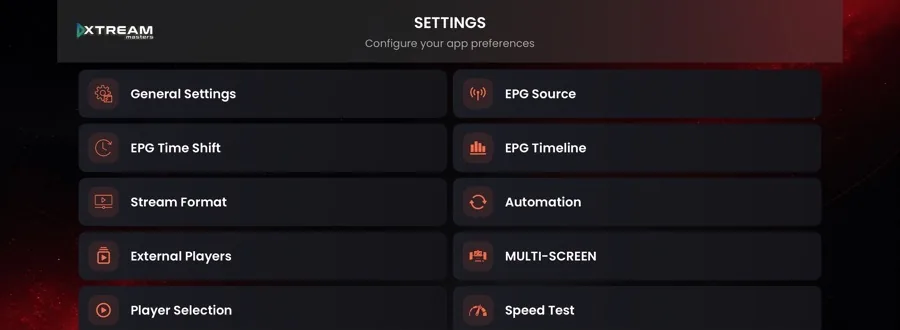
- Full EPG: source, time shift, timeline guide, catch up
- Smart DNS: auto-switch when a DNS is blocked
- ActiveCode: device-bound codes, no account sharing
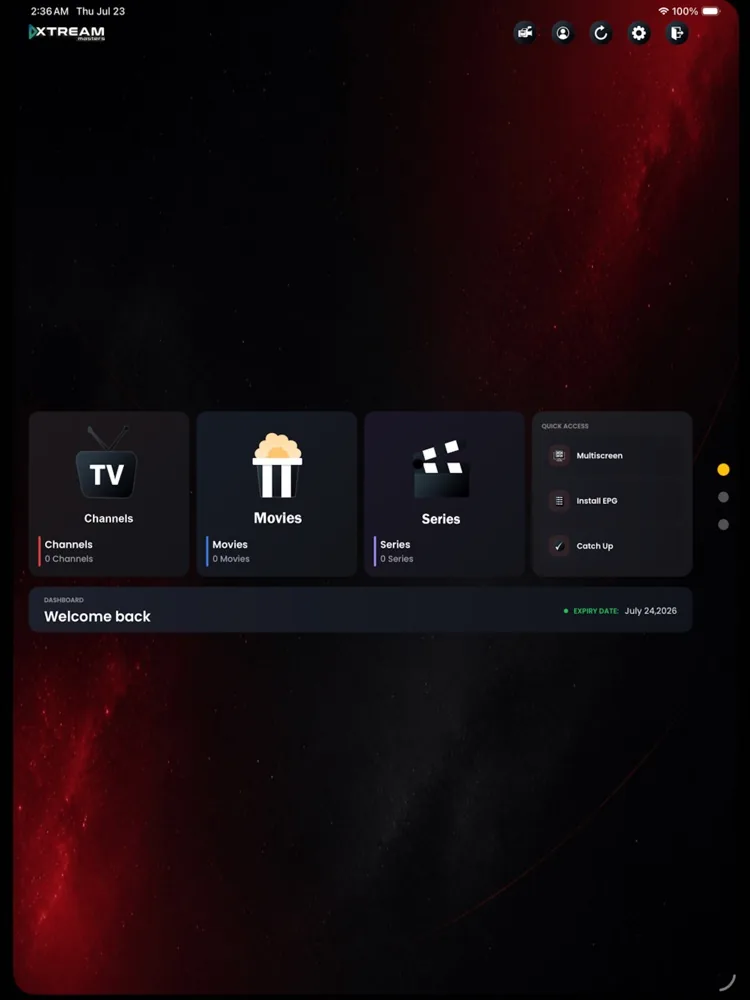
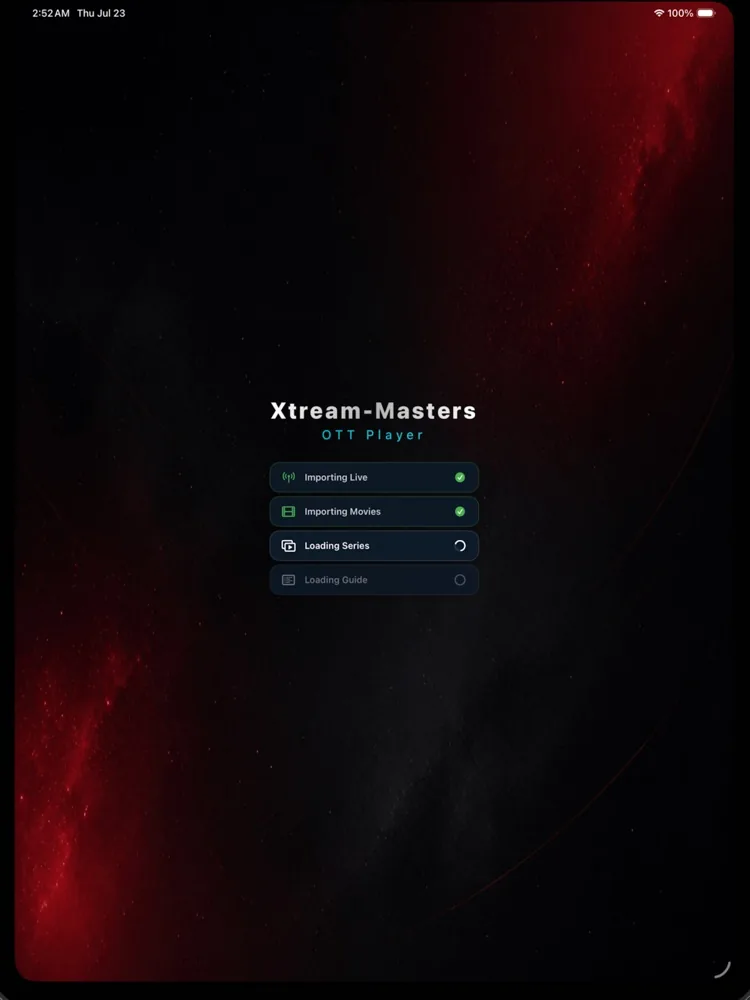
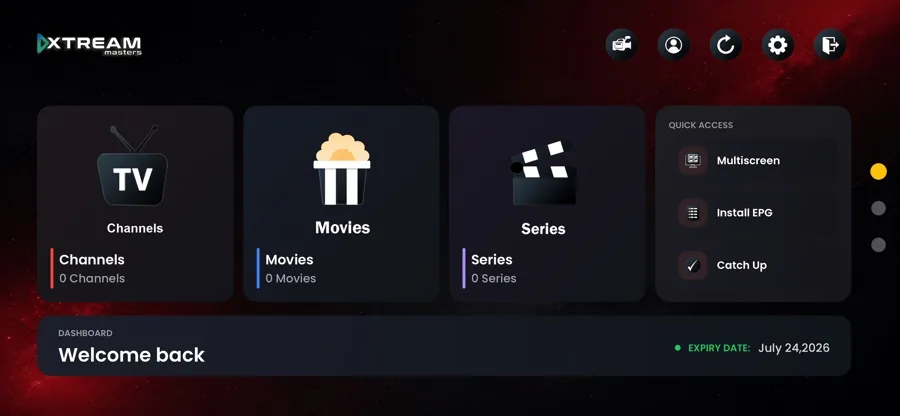
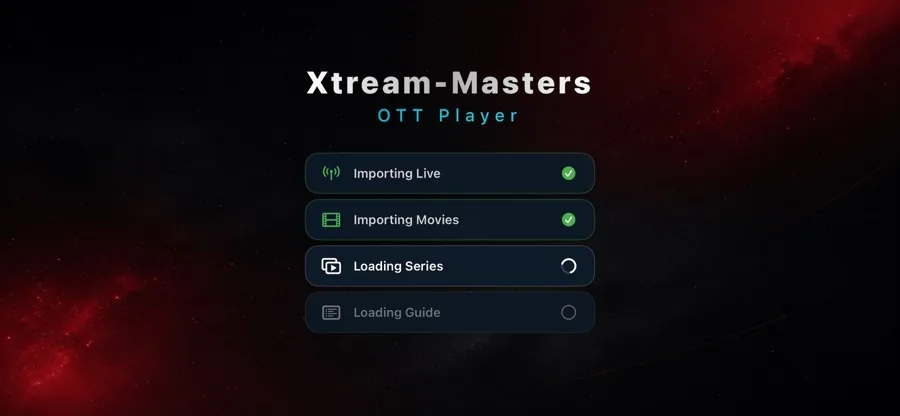
Your Brand, Your App Store Listing
iPhone users judge a service by the app they download. A generic player with someone else's name says your service is temporary. Your own listing, on your own developer account, says the opposite.
Your logo and identity
Your app icon, splash screen, in-app logo and color scheme on every iPhone and iPad screen. No watermarks, no third-party credits.
Your App Store listing
Published on your developer account with your app name, description and screenshots. The listing, ratings and downloads belong to you.
We handle publishing
Store graphics, listing copy, privacy answers, build upload and review. You invite us into your team, we take it to approved.
Rebrand anytime
Change logo, colors and DNS from your panel. Firebase pushes it to installed apps, so updates never wait on App Store review.
How We Publish Your IPTV App on the App Store
You bring the brand and the App Store developer account. We do the build, the store assets and the submission.
-
1
Day 1
You send your brand kit
App name, logo, color preference and panel details. Anything missing, we design it for you.
-
2
7-10 business days
We build your iOS app
A universal iPhone and iPad build wired to your panel, with your DNS list and login mode set.
-
3
No password shared
You invite us to your team
Add our Apple ID to your App Store Connect team as App Manager, or give us an API key.
-
4
Review in 24-48 hours
Live on the App Store
We answer anything Apple asks until approval. Then customers search your brand and install your app.
- Your app and listing
- Ratings and downloads
- Your customer relationship
Your Server, Your Lines, Your Subscribers
Not a playlist player anyone can point anywhere. Your app is locked to your panel, exactly like our white-label Android app: subscribers sign in with the credentials you already issue.
ActiveCode login
Device-bound activation codes. One code, one device, issued and revoked from your panel.
Username and password
Prefer classic credentials? Switch login mode; existing lines keep working.
Hardcoded to your panel
Your server address ships inside the app, so users can't repoint it at another service.
Smart DNS auto-switch
Unlimited DNS entries. If an ISP blocks one, the app moves to the next working entry.
Firebase delivery
Branding, DNS and settings reach installed apps through Google's Firebase.
Any compatible panel
Xtream-Masters OTT Panel, Xtream-Codes panels and standard XC API endpoints.
Need the Android side too? See our White-Label IPTV Player App for Android.
Everything Inside Your Branded iOS IPTV App
Every feature listed here is in the live iOS player today. Nothing on this page is a roadmap promise.
Live TV, Movies & Series
Channels, movies and series in one dashboard with categories, search, favorites and recently watched.
EPG Guide
Install an EPG source, browse a full timeline guide and set a time shift for each subscriber's region.
Catch Up
Go back to a program that already aired, straight from the guide, wherever your panel provides catch up.
Multi-Screen
Several channels playing at once on one screen, something almost no iOS IPTV player offers.
Smart DNS Auto-Switch
When an ISP blocks the primary DNS, the app moves to the next working one on its own.
ActiveCode Authentication
Device-bound codes or username and password, switchable from your panel without rebuilding the app.
Firebase-Powered Config
Push a change from your panel and installed apps pick it up, no store update needed.
Parental Controls
PIN-lock adult categories and keep the app family-safe, a requirement for the App Store.
Player Selection & Stream Format
Choose the internal or an external player and set the stream format per source.
Speed Test & Automation
A built-in speed test settles "your service is slow" tickets, and automation keeps playlists and guide data fresh.
Native iOS Build
A true native app, not a web wrapper, adapting from iPhone portrait to iPad landscape.
Live Branding Updates
Logo, colors and in-app branding update remotely; every installed app follows within seconds.
One Build, Every Apple Screen
A universal iOS build covers iPhone and iPad in portrait and landscape, plus Apple silicon Macs that run iPhone and iPad apps. One app to publish, one app to support.
iPhone
Touch-optimised layout with a full-screen landscape player, favorites and fast channel switching.
iPad
Guide and player side by side, and multi-screen for several channels at once.
Apple Silicon Mac
M-series Macs run your iPhone and iPad app from the same listing, at no extra cost.
- iOS 15.0+
- iPhone
- iPad
- Apple silicon Mac
- Universal build
Why iOS Is the Gap in Your Service
Most IPTV providers cover Android and stop there, because the App Store is the hard part. That's why an app on your own App Store listing is worth more than another Android build.
Stop losing iPhone customers
Every iPhone user you send to a generic player learns your service works without you. Your own app keeps them in your brand.
Found on the App Store
Your brand becomes searchable on the App Store; new customers install your app already trusting the service.
Fewer support tickets
Smart DNS handles blocked DNS silently, and the speed test answers the buffering question first.
Lower churn
A branded app on the home screen is a habit; switching provider means losing the app they use every night.
Pricing, €499 One-Time
Build, branding, store assets and publishing on your App Store developer account. One payment, no monthly fees, no revenue share.
White-Label iOS IPTV App
- Full white-label branding (app name, icon, logo, splash, colors)
- Universal build for iPhone, iPad and Apple silicon Mac
- Full integration with your IPTV panel and subscriber lines
- EPG source, time shift, timeline guide and catch up
- Smart DNS auto-switch with unlimited DNS entries
- ActiveCode device binding plus username and password login
- Firebase remote branding and configuration push
- App Store graphics, screenshots and listing copy
- Submission and review handling on your App Store developer account
- 30 days free support
- Branded build ready in 7-10 business days
Want Android covered as well? The white-label Android app is €299 and shares the same panel, DNS list and branding.
What You Need to Provide
Three things from you, everything else is on us.
Your branding
App name, logo (PNG or SVG) and a color preference. We produce the icon, splash screen and App Store graphics.
Your panel details
Your panel URL and API endpoint, the DNS entries for auto-switch and your preferred login mode.
Your App Store account
Your own developer account. You invite our Apple ID into your App Store Connect team, and we never touch your login.
White-Label iOS IPTV App, FAQ
Answers for providers and resellers putting an IPTV app on the App Store.
What is a white-label IPTV app for iOS?
A white-label iOS IPTV app is an iPhone and iPad app built in your brand: your app name, your icon, your logo, your colors and your App Store listing. Underneath it is our production iOS IPTV app, connected to your panel and your subscriber lines.
Your customers see your brand only. To them it is your app, written for your service.
Can the iOS IPTV app be published on my own App Store developer account?
Yes, that is exactly how we deliver it, and without ever using your password. You invite our Apple ID into your App Store Connect team as App Manager or Developer, or you issue us an App Store Connect API key. That is Apple's own way of letting a developer work on your account, so there is no shared login and nothing that looks like a duplicate account.
We build, upload and submit under your account. The app goes live listed under your developer name, and you can remove our access the moment it is published. The listing, the downloads, the ratings and the customer relationship stay yours.
Does the iOS IPTV app work with my IPTV panel?
Yes. The app is server based, exactly like our Android white-label app. It connects to your panel, and your subscribers sign in with the username and password you already issue, or with an ActiveCode bound to their device. Existing lines keep working, nothing has to be re-issued.
It works with Xtream-Masters OTT Panel, Xtream-Codes based panels and any panel exposing standard XC API endpoints. If you run a custom panel, we adapt the integration during the build.
What Apple devices does the white-label iOS IPTV app support?
iPhone and iPad running iOS 15.0 or later, plus Mac computers with Apple silicon that run iPhone and iPad apps.
It is a universal build, so one app covers phone and tablet layouts in portrait and landscape. One listing, one submission, every Apple screen your customers own.
Does the iOS IPTV app include a built-in VPN like the Android app?
No. The built-in VPN protocols ship in our Android white-label app only. We would rather tell you that here than have you discover it after you pay.
The iOS app focuses on what runs reliably inside Apple's rules: your panel connection, ActiveCode or username login, EPG with catch up, multi-screen, Smart DNS auto-switch and Firebase remote branding. Smart DNS covers the blocking problem that VPN is usually bought for.
How much does the white-label iOS IPTV app cost?
€499 one-time. That covers the full white-label build, your App Store graphics and listing assets, submission on your App Store developer account, review handling until the app is approved, and 30 days of free support.
No monthly fees, no per-subscriber charges, no revenue share.
How long does it take to get my branded iOS IPTV app on the App Store?
The branded build is ready in 7 to 10 business days once we have your logo, app name, colors and panel details. After that the app goes into Apple review, which typically takes 24 to 48 hours.
We handle the submission and answer anything Apple asks until your app is approved.
Can I change the app logo, colors and DNS after the app is published?
Yes. Branding, DNS entries and app configuration are pushed through Firebase, so logo, colors and DNS changes reach installed apps without publishing an app update.
Only changes to the store listing itself, such as the app name or the screenshots, need a new App Store submission.
Explore More
Related pages for IPTV providers and resellers.