Table of Contents
Why You Still Need an Xtream Codes Alternative in 2026
Xtream Codes was shut down in September 2019 after Europol raids. Since then, operators have been running:
- The leaked final 2.9.2 build, patched to bypass license checks (high security risk)
- Free forks of the leaked codebase (Xtream UI, XUI.ONE)
- Commercial forks of the leaked codebase (Streamcreed, NXT)
- Modern rewrites that share only the API surface (Xtream-Masters)
The first three are all the same 2019 PHP-FPM codebase underneath. They carry the same memory leaks, the same CPU inefficiencies, and the same lack of modern security. The last category is where growth has been.
What “Alternative” Actually Means
A credible Xtream Codes replacement has to match at least these five points:
- Xtream Codes API compatibility (
player_api.php,get.php, MAG portal). Without this you have to replace every customer app. - Reseller hierarchy with credit accounting, downline visibility, and per-reseller branding.
- Stream management for live, VOD, catchup, and EPG.
- Load balancer model that handles more than one streaming node.
- Admin panel + user portal at a minimum usability bar.
The panels that actually meet all five are a short list.
The Ranking
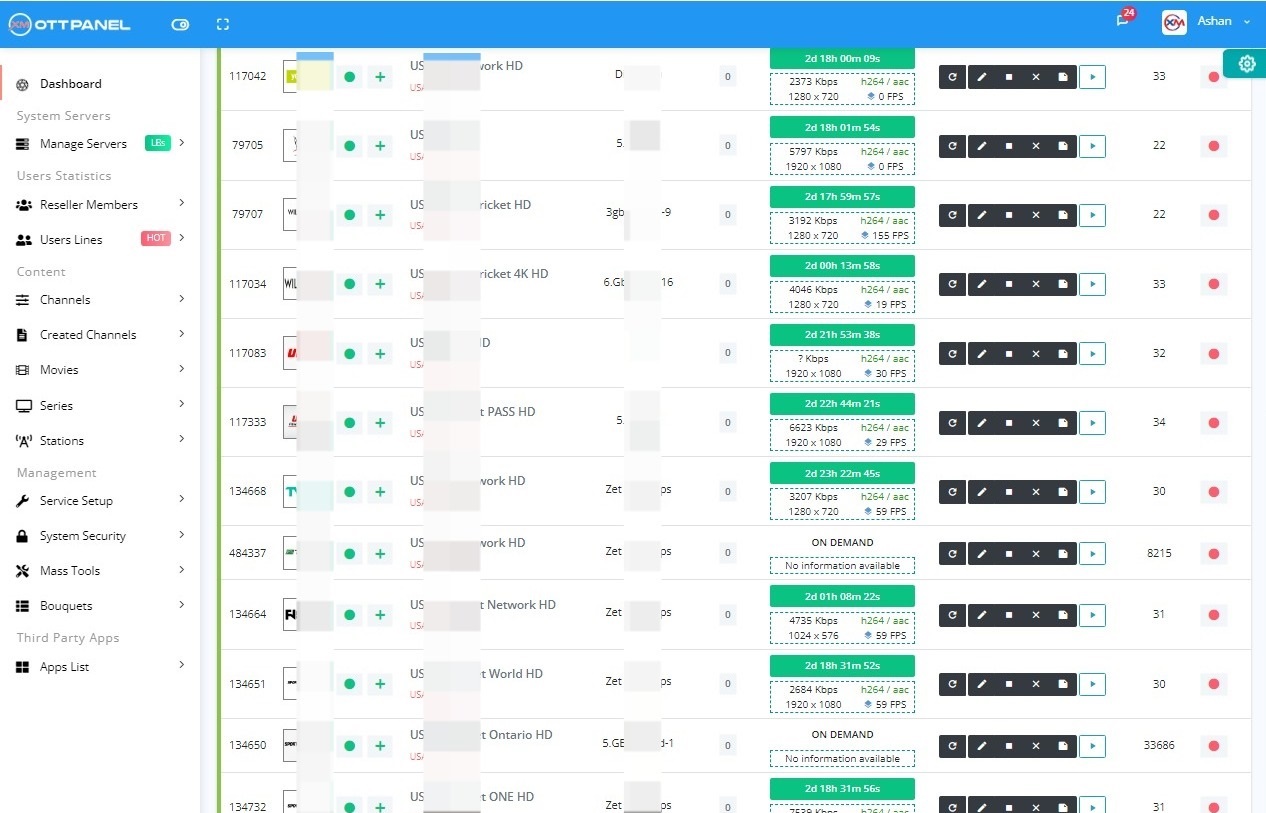
Xtream-Masters OTT Panel
Price: €39.99/month • Arch: Go/C rewrite • OS: Ubuntu 20-24
The only panel on this list that is not a fork of the leaked XC codebase. Written from scratch in Go and C, it keeps the Xtream Codes API so every customer app works, but replaces the bloated PHP-FPM engine with a modern binary that uses 3x less RAM and CPU.
Why it wins: native Ubuntu 24.04 support, unlimited load balancers with shared stream state, built-in DDoS, Widevine DRM on LBs, ActiveCode anti-sharing, xDrive encrypted backup - all in the base license. One-click migration from Xtream Codes leaked builds, Xtream UI, XUI.ONE, and Streamcreed.
Best for: any operator who is running a business. Small or large.
Xtream UI (R22F)
Price: Free • Arch: XC 2.2.0 fork • OS: Ubuntu 18.04 / 20.04
The original community fork. Stable on older LTS, huge fix/tutorial archive online, no license fee. The panel to pick if you are learning IPTV on a €5/month VPS.
Why it is second: unmaintained, no modern security, memory leaks, no 22.04/24.04 support. You will outgrow it in months.
Best for: learners, hobby setups, first-time operators with under 100 users.
XUI.ONE
Price: Free core + €50-€150/mo premium • Arch: XC fork • OS: Ubuntu 20.04 (22/24 with patches)
A slightly more polished Xtream UI. Actively distributed installer, improved admin UI, premium tier for branding and reseller API.
Why it is third: same legacy codebase underneath - same memory leaks, no DRM, no built-in DDoS. Premium tier pricing approaches or exceeds Xtream-Masters once you add features.
Best for: operators who need more than Xtream UI free but have an ideological preference for the XUI.ONE codebase.
Streamcreed
Price: €75-€150/mo • Arch: Commercial fork of Xtream UI • OS: Ubuntu 20.04
Commercial polish over the same leaked codebase. Branded client app bundles, better reporting UI, paid support.
Why it ranks here: legitimate commercial support is valuable, but at this price Xtream-Masters delivers more features for less. Streamcreed suits operators who prefer its UI specifically.
Best for: operators who have evaluated it and prefer its UX.
NXT and Regional Panels
Price: €100-€500/mo • Arch: Proprietary rewrites • OS: Varies
Smaller commercial panels targeting specific regional markets (Arabic, Portuguese, Hindi IPTV). Tailored UX and content bundles.
Why it ranks here: narrow focus. High price per user. Worth evaluating if you serve a market that mainstream panels ignore.
Xtream Codes Alternatives Compared Side by Side
How the three most common modern Xtream Codes replacements stack up on the points that decide whether a panel is safe to build a 2026 business on:
| Criteria | Xtream UI (R22F) | XUI.ONE | Xtream-Masters Panel |
|---|---|---|---|
| Cost / License | Free | Free core + €50-€150/mo premium | €39.99/month |
| Active support | ❌ Unmaintained | ⚠️ Community + paid premium | ✅ Real engineering team |
| Security updates | ❌ None | ⚠️ Patches on legacy core | ✅ Modern Go/C core |
| Built-in DRM | ❌ No | ❌ No | ✅ Widevine on LBs |
| Load balancer | ⚠️ Limited | ⚠️ Limited | ✅ Unlimited, shared state |
| Auto-installer | ✅ Yes | ✅ Yes | ✅ One-click + migration |
| Suitable for new business in 2026 | ❌ No | ⚠️ Limited | ✅ Yes |
Migration Path From Any XC-Family Panel
If you are currently on cracked Xtream Codes, Xtream UI, XUI.ONE, or Streamcreed, migrating to Xtream-Masters takes three steps:
Step 1 - Dump the Old DB
Step 2 - Stand Up the New Server
Fresh Ubuntu 22.04 or 24.04 box. Run the Xtream-Masters installer. Panel is up in 5-10 minutes.
Step 3 - Import Through the Migration Tool
Upload the SQL file to the new server, go to the admin → System → Migrate, pick Migrate by URL or Migrate by File, select the source panel type (Xtream Codes, Xtream UI, XUI.ONE, Streamcreed), click Import.
The migration tool handles:
- User lines (username, password, expiry, max connections, allowed IPs)
- Packages and their channel/bouquet mappings
- Resellers and their downlines with credit balances
- Categories (Live, VOD, Series)
- Streams with their source URLs and transcoding profiles
- EPG mappings
- MAG devices and their bound users
Total cut-over time: typically 2-4 hours for a 2000-user panel, including DNS cutover and validation.
Keeping Your Customer Apps Working During Migration
Every modern XC alternative preserves the Xtream Codes URL structure. Your users are connecting to:
All of these keep working on Xtream-Masters with zero client-side change. Apps like TiviMate, IBO Player, Smarters, and MAG devices do not notice the migration at all. The cut-over is invisible to end users as long as the DNS points to the new server.
Price vs Value Across the Market
For a 500-user operation, the total monthly cost including panel, server, and LB tends to land in this range:
- Xtream UI (free): €200 (server+LB, no panel fee)
- XUI.ONE free: €200 (server+LB)
- XUI.ONE premium: €275-€350 (server+LB+€75-€150 license)
- Streamcreed: €275-€350
- Xtream-Masters: €240 (server+LB+€39.99 license)
Because the Xtream-Masters core is more efficient, you often skip one of the LBs or downsize the main server by a tier. The net cost is lower than every commercial alternative and comparable to running a “free” panel that uses more hardware.