Table of Contents
- Why You Need a Buyers Checklist for White Label IPTV
- 1. Smart DNS Auto-Switch
- 2. Built-in VPN Support
- 3. Firebase or Cloud-Based Architecture
- 4. Dedicated Admin Panel
- 5. ActiveCode or Hardware-Level Device Binding
- 6. Multi-Platform Device Support
- 7. Google Play AAB Delivery
- 8. Xtream Codes API Compatibility
- 9. Pricing Model — One-Time vs. Recurring
- 10. What You Actually Receive — Deliverables
- Red Flags That Signal a Rebranded Clone
- The Complete Checklist Scorecard
- FAQ
Why You Need a Buyers Checklist for White Label IPTV
The market for white label IPTV player apps is crowded and confusing. A search for "white label IPTV app" returns dozens of sellers — Fiverr freelancers, Telegram resellers, agency websites, and product companies — all claiming to sell you a branded IPTV player app. Prices range from $10 to $500. Delivery promises range from "same day" to "two weeks." And most of them are selling you the same thing: a decompiled IPTV Smarters or XCIPTV APK with your logo pasted on top.
The problem is not that rebranded players exist. The problem is that they are marketed as "white label" when they are not. A genuine white label IPTV player app is purpose-built with its own codebase, its own feature set, and its own management infrastructure. A rebranded clone is someone else's player with a cosmetic change. The difference matters enormously once your subscribers start using the app and you need to manage DNS, handle ISP blocking, prevent credential sharing, or push configuration changes without distributing a new APK.
This white label IPTV app buyers guide gives you a concrete checklist of things to check before you buy. Each item represents a capability that separates a real operator-grade IPTV player from a repackaged shell. If a seller cannot satisfy every item on this list, you know exactly what you are giving up — and you can make an informed decision rather than discovering the gaps after your money is spent.
1 Smart DNS Auto-Switch
ISPs block IPTV domains. It happens regularly, and when it does, every subscriber using your player loses access simultaneously. The question to ask any white label IPTV player seller is simple: what happens when an ISP blocks my DNS?
A player without Smart DNS auto-switch forces you into one of two bad options: distribute a new APK with updated DNS settings to your entire subscriber base, or send manual instructions to thousands of users asking them to change DNS. Both options generate mass support tickets, subscriber churn, and downtime measured in hours or days.
A player with Smart DNS auto-switch handles this automatically. You maintain a list of DNS servers in your admin panel. When one server is blocked, the player cycles to the next available server on the list without any subscriber action. You can add, remove, and reorder DNS servers remotely. No APK rebuild. No subscriber instructions. No downtime.
What to ask the seller: "Can I add and rotate DNS servers remotely after the app is deployed? How does the player handle a blocked DNS?" If the answer involves rebuilding the APK or contacting the seller for each DNS change, the player does not have real Smart DNS auto-switch.
2 Built-in VPN Support
In markets where ISPs aggressively throttle or block IPTV traffic at the network level, DNS rotation alone is not enough. You need VPN tunneling built into the player itself. This is one of the most important things to check in any white label IPTV player — and one of the features most commonly missing.
Without a built-in VPN, your subscribers must install, configure, and maintain a separate VPN application. This creates three problems: additional monthly cost for subscribers (most VPN services charge $5-$15/month), a fragmented user experience (switch between VPN app and your player), and a flood of support requests from users who cannot configure VPN settings correctly.
A purpose-built white label player integrates VPN directly into the app. Your subscribers tap a single button inside the player, and the VPN tunnel activates. You manage VPN profiles — server addresses, protocols, credentials — through your admin panel and push them to all deployed players remotely.
What to ask the seller: "Does the player have VPN built in, or does it rely on a third-party VPN app? Which VPN protocols are supported? Can I push new VPN profiles remotely without updating the APK?"
3 Firebase or Cloud-Based Architecture
This is the checklist item that most buyers overlook entirely — and the one that matters most for long-term reliability. How does the player receive its configuration? If settings like DNS servers, VPN profiles, and branding are hardcoded into the APK, every configuration change requires a new build and a new distribution cycle. That is unsustainable at scale.
A Firebase-backed player stores its configuration in the cloud. The app pulls its settings — DNS list, VPN profiles, branding, feature flags, notification messages — from Firebase on every launch. When you change a value in your admin panel, it propagates to Firebase, and every deployed player picks up the change automatically. No APK rebuild. No redeployment. No subscriber action.
Firebase also provides 99.99% uptime for the configuration layer. Even if your IPTV panel goes offline temporarily, the player's configuration (DNS servers, VPN profiles, branding) remains accessible because it lives in Google's infrastructure, not on your server.
What to ask the seller: "Where does the player pull its configuration from? If I need to change DNS or VPN settings after deployment, do I need a new APK? What is the uptime guarantee for the configuration layer?"
4 Dedicated Admin Panel
An admin panel is the single clearest dividing line between a purpose-built white label IPTV player and a rebranded clone. Rebranded players do not come with admin panels because the original player (Smarters, XCIPTV, IBO) was never designed with operator management in mind. If a seller delivers an APK and nothing else, you have no way to manage the player after deployment.
A dedicated admin panel gives you a web-based dashboard where you control every operational aspect of your deployed player: DNS servers, VPN profiles, branding (logo, colors, splash screen), activation codes, security settings, push notifications, and feature toggles. Every change takes effect across all deployed players immediately.
This is what transforms a player from a static APK into a living, manageable product. Without an admin panel, you are locked into whatever configuration was compiled into the APK at build time. With one, you control the player's behavior on day 30, day 300, and day 3,000 — without involving the original seller again. Learn more about the full IPTV app with panel architecture.
What to ask the seller: "Do I receive an admin panel? What can I manage through it? Show me a screenshot or demo of the dashboard."
5 ActiveCode or Hardware-Level Device Binding
Credential sharing is the single largest source of revenue loss for IPTV operators. Subscribers share usernames and passwords across multiple devices — within households, between friends, and even on public forums. Traditional max-connection limits are easy to circumvent: users coordinate viewing times, use VPNs to mask device counts, or simply share the burden of a slightly higher-tier plan.
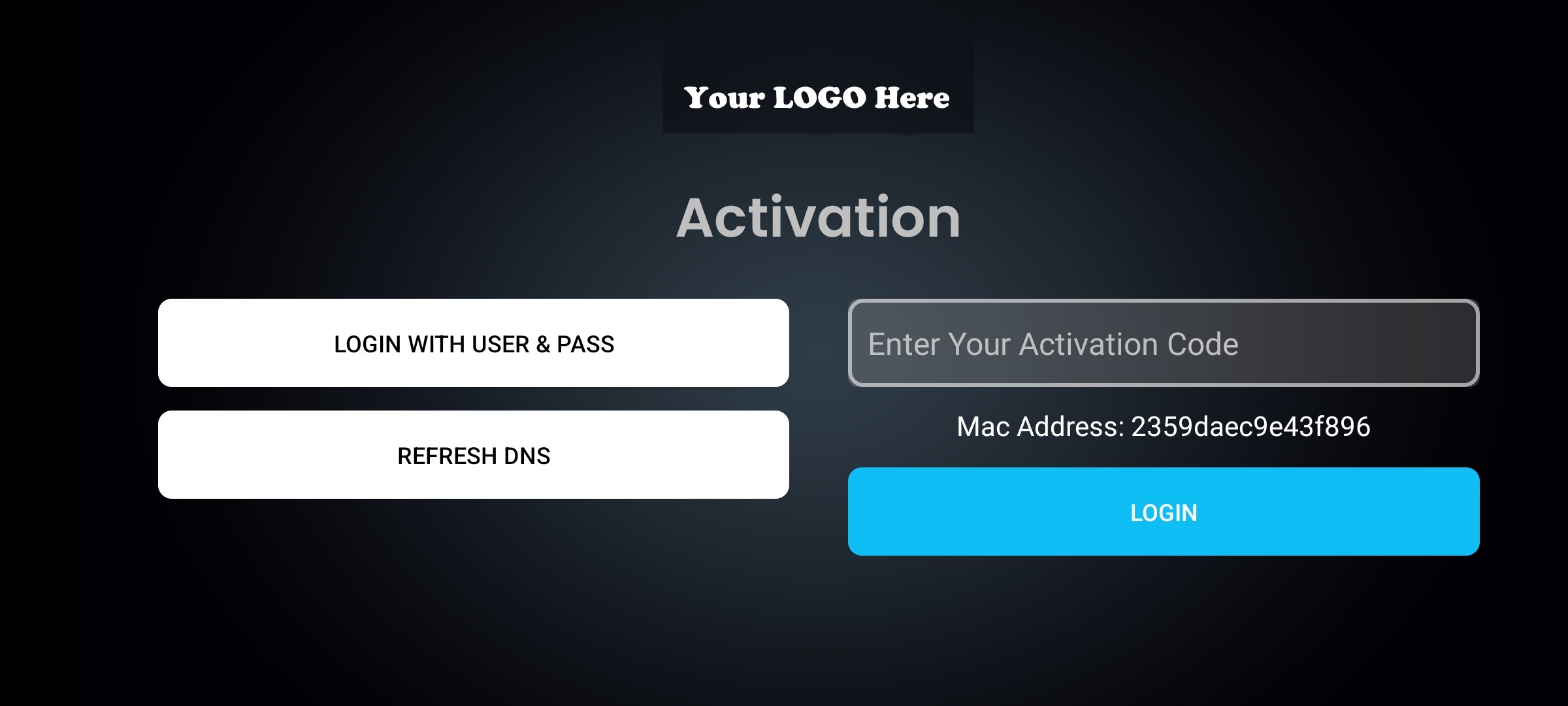
Hardware-level device binding (ActiveCode) solves this by tying each activation code to a specific physical device's unique fingerprint. A code activated on one device cannot be used on another. There is no workaround — the binding is at the hardware level, not the IP or session level. This is the strongest anti-sharing mechanism available in IPTV today. For a detailed technical breakdown, see the ActiveCode IPTV player app page.
What to ask the seller: "How does the player handle device authentication? Is it username/password or hardware-bound? Can one activation code work on multiple devices?"
6 Multi-Platform Device Support
Your subscribers watch IPTV on phones, tablets, Android TV boxes, smart TVs, and Amazon Fire TV Sticks. A white label player that only supports Android phones covers a fraction of your user base. Worse, it forces the rest of your subscribers onto third-party players that carry someone else's brand — defeating the entire purpose of having a white label player.
Check specifically for three platforms: Android mobile (phones and tablets), Android TV (smart TVs and TV boxes), and Amazon Fire TV (Fire Stick, Fire TV Cube). The player must offer remote-control optimized navigation for TV interfaces — not just a phone UI stretched onto a big screen. TV users navigate with D-pad remotes, not touchscreens, and the interface must be designed accordingly.
What to ask the seller: "Does a single APK work on Android phones, Android TV, and Amazon Fire TV? Is the TV interface optimized for remote-control navigation, or is it the same mobile layout?"
7 Google Play AAB Delivery
Google Play no longer accepts APK uploads for new app submissions. Since 2021, Google requires Android App Bundles (AAB) for all new Play Store submissions. If a white label player seller delivers only an APK, you cannot list it on Google Play — the world's largest Android app distribution platform.
This matters for two reasons. First, Google Play gives your player legitimacy and discoverability. Subscribers who find your player on the Play Store are more likely to trust it than those downloading an APK from your website. Second, Google Play handles updates automatically. When you push a new version, subscribers receive it through the Play Store update mechanism without visiting your website or sideloading.
A complete deliverable includes both: an APK for direct distribution and sideloading, and an AAB for Google Play submission.
What to ask the seller: "Do you deliver an AAB file alongside the APK? Is the AAB signed and ready for Google Play submission?"
8 Xtream Codes API Compatibility
The Xtream Codes API (player_api.php, get.php) is the de facto standard for IPTV panel-to-player communication. If your panel runs on Xtream UI, XUI.ONE, Xtream-Masters, or any compatible panel software, your player must speak the XC API fluently.
This sounds basic, but verify it explicitly. Some white label players claim XC compatibility but only support a subset of the API — missing series support, incomplete EPG integration, broken catchup/timeshift, or partial VOD category handling. A fully compatible player handles Live TV, VOD, Series, EPG grid, catchup, favorites, and all category structures exposed by the XC API.
What to ask the seller: "Does the player support the full Xtream Codes API — player_api.php and get.php? Does it handle Live TV, VOD, Series, EPG, and catchup? Which panels have you tested it with?"
9 Pricing Model — One-Time vs. Recurring
The pricing model tells you as much about the product as the feature list does. Pay attention to what you are actually paying for:
- $10-$50 (Fiverr/Telegram): Almost always a decompiled Smarters or XCIPTV APK with a logo swap. No admin panel. No Smart DNS. No VPN. No anti-sharing. You receive a static APK and nothing else.
- $50-$200/month (recurring): Some sellers charge monthly for access to their rebranding platform or admin panel. Over 12 months, you pay $600-$2,400 for what is often still a rebranded player with a basic management interface. Calculate the total annual cost before committing.
- $200-$500 one-time: This is the price range for purpose-built white label players. A one-time payment means no ongoing fees for the player itself — you pay once and own the deployment indefinitely.
What to ask the seller: "Is this a one-time payment or recurring? What exactly is included in the price? Are there additional charges for updates, admin panel access, or feature unlocks?"
10 What You Actually Receive — Deliverables
The final and most practical checklist item: what files and access do you physically receive after payment? This is where vague marketing language meets reality. "White label IPTV app" can mean anything from a single APK file emailed to you, to a complete deployment package with admin panel access.
A complete white label IPTV player delivery should include:
- Signed APK — for direct distribution and sideloading
- Signed AAB — for Google Play Store submission
- Admin panel access — web dashboard for remote management
- Your branding applied — logo, app name, colors, splash screen
- DNS pre-configured — player connects to your panel out of the box
If a seller delivers only an APK with no panel access, no AAB, and no remote management capability, you are receiving a static file that cannot be updated or managed after deployment. That is a rebranded clone, not a white label product.
What to ask the seller: "List exactly what I receive. APK? AAB? Admin panel credentials? Pre-configured DNS? Documentation?"
Red Flags That Signal a Rebranded Clone
Now that you know the 10 things to check in a white label IPTV player, here are the warning signs that a seller is offering a rebranded clone disguised as a purpose-built product:
The Complete Checklist Scorecard
Use this scorecard to evaluate any white label IPTV player app before purchasing. A genuine purpose-built player should pass all 10 items. Every missed item represents a capability you will not have after deployment.
The scorecard is not designed to make Xtream-Masters look good — it is designed to show you what a real white label IPTV player includes versus what the market typically sells. If you find another player that passes all 10 items, that is a legitimate alternative. The point is to know what to demand, not just what to accept.
For a deeper comparison of rebranding versus purpose-built players, see the IPTV app rebranding guide. For the full feature breakdown of the Xtream-Masters player, visit the IPTV player app product page.