Preloader
Hardware Guide

IPTV Server Requirements in 2026 - The Real Numbers

Exactly what you need in CPU, RAM, bandwidth, and disk at each IPTV scaling tier - from a 100-user pilot to a 10,000-user operation.


The Math of an IPTV Server

An IPTV server has to simultaneously do four resource-hungry things:

  1. Pull source streams (M3U, MPD, satellite, HLS) - bandwidth in, light CPU.
  2. Possibly transcode them (H.264 -> multi-bitrate, or ABR ladders) - heavy CPU or GPU.
  3. Fan them out to concurrent viewers - bandwidth out, medium CPU.
  4. Run the admin panel and DB - moderate CPU, significant RAM.

The order of resources by how likely they are to be your bottleneck, in most setups: bandwidth > RAM > CPU > disk. This surprises operators new to IPTV who over-invest in CPU and run out of network port.

Bandwidth - Usually the Real Bottleneck

Rule-of-thumb per concurrent viewer (live TV, no transcoding):

  • SD 480p: ~1.5 Mbps
  • HD 720p: ~3 Mbps
  • FHD 1080p: ~6 Mbps
  • 4K (rare): ~20 Mbps

So 500 concurrent FHD viewers = 500 x 6 Mbps = 3 Gbps of sustained egress. A 1 Gbps port hits 90 percent capacity at around 150 FHD users. This is where operators run into real-world ceilings fast.

“Unmetered” is not “unlimited”. Many providers advertise “unmetered 1 Gbps” but have fair-use thresholds around 100-300 TB/month. At 3 Gbps sustained, you burn 970 TB/month. Confirm the actual TB cap before you commit.

Bandwidth providers that understand IPTV workloads and will not throttle you:

  • FDC Servers (NL, US) - IPTV-friendly, 1/10 Gbps unmetered
  • OVHcloud (EU, US) - generous on egress, strict on abuse reports
  • Hetzner (DE) - cheap bandwidth, strict content policy
  • WorldStream (NL) - purpose-built for streaming workloads
  • Datapacket (EU) - IPTV specialists
  • LeaseWeb (NL, US, APAC) - reliable but pricier

Avoid: AWS, GCP, Azure, Linode, Vultr - their egress pricing makes IPTV uneconomic past 100 users.

CPU - Where It Matters

For pure re-streaming (no transcoding), CPU is moderate. An AMD EPYC 7282 or Intel Xeon E-2288G handles 2000+ concurrent HLS viewers without breaking a sweat. The work is network I/O, and modern Linux kernels do it on-NIC.

For transcoding, CPU is the dominant resource. Encoding 1080p H.264 at ultrafast preset takes roughly 1 core per stream. Encoding at better presets takes 2-4 cores. If you run an ABR ladder (say, 1080p -> 720p -> 480p -> 360p) you need 4-6 cores per source.

Most IPTV panels try to copy streams rather than transcode - if the source is already H.264+AAC, no encode step is needed. The exception is scrambled or DRM-protected sources that must be decrypted, decoded, and re-encoded.

RAM - How Much You Actually Need

RAM needs break down by component:

  • MySQL / MariaDB: 2-8 GB depending on DB size. IPTV DBs grow fast (one row per stream connection). Budget innodb_buffer_pool_size = 4G for a panel with 1000+ users.
  • PHP-FPM workers (on legacy panels): 50 MB per worker, 100-300 workers under load = 5-15 GB.
  • FFmpeg workers: 100-200 MB per active stream.
  • Nginx / panel core: 1-2 GB.
  • OS + cache: at least 2 GB free for the kernel page cache.

For a XUI.ONE / Xtream UI panel with 500 users, realistic minimum is 16 GB, and 32 GB gives you breathing room. For a Xtream-Masters panel at the same load, 16 GB is comfortable because there is no PHP-FPM pool eating memory.

Disk - NVMe vs SSD vs HDD

  • Live-only IPTV server: 40 GB SSD is enough for the OS, panel, and database. Streams are in-memory or transit only.
  • Live + VOD: NVMe is mandatory if VOD is served off local disk. 500 GB to 4 TB depending on library size. SATA SSD works but seek times slow playback-start noticeably.
  • Live + VOD + catchup: catchup recording writes 24x7. Plan 500 GB per 24-hour catchup per channel at HD. A 30-channel, 7-day catchup library is 100 TB+, needing either a dedicated NAS or S3-style object storage.

Avoid HDDs for anything except cold VOD storage. Modern players assume sub-second seek.

Server Specs by User Count Tier

Tier Main Server Load Balancers Monthly Infra Cost
< 100 users (pilot)4 vCPU, 8 GB, 40 GB SSD, 1 GbpsNone (shared)€70 - €120
100 - 5008 vCPU, 16 GB, 80 GB SSD, 1 Gbps1 x (8 vCPU, 16 GB, 1 Gbps)€200 - €350
500 - 200016 vCPU, 32 GB, 200 GB NVMe, 1 Gbps2-3 x (8 vCPU, 16 GB, 10 Gbps)€600 - €1200
2000 - 500032 vCPU, 64 GB, 500 GB NVMe, 10 Gbps4-6 x (16 vCPU, 32 GB, 10 Gbps)€1800 - €3500
5000 - 1000032-64 vCPU, 128 GB, 1 TB NVMe RAID10, 10 Gbps8-12 x (16-32 vCPU, 32-64 GB, 10 Gbps)€4000 - €8000

These numbers assume a modern panel (Xtream-Masters). Legacy panels need 30-50 percent more RAM and CPU at the same user count due to PHP-FPM inefficiencies.

Hosting Providers Known to Work

For the main server (admin + DB), something stable and well-connected:

  • Hetzner EX-series dedicated: great price/performance, strict on copyright complaints.
  • OVH Rise/Advance dedicated: IPTV-friendly, unmetered on most plans.
  • LeaseWeb dedicated: rock solid for small operators.

For load balancers (bandwidth-heavy, less sensitive):

  • FDC Servers: multiple 10 Gbps nodes at reasonable prices.
  • WorldStream: IPTV-focused, 10 Gbps plans available.
  • Datapacket: premium but excellent peering.

OS-Level Tuning Checklist

Every serious IPTV server needs these tunings applied before going live:

File Descriptor Limits

cat >> /etc/security/limits.conf << 'EOF' * soft nofile 655350 * hard nofile 655350 root soft nofile 655350 root hard nofile 655350 EOF sed -i 's/^#DefaultLimitNOFILE.*/DefaultLimitNOFILE=655350/' /etc/systemd/system.conf systemctl daemon-reexec

TCP Stack

cat >> /etc/sysctl.conf << 'EOF' net.core.somaxconn = 65535 net.core.netdev_max_backlog = 65535 net.ipv4.tcp_max_syn_backlog = 65535 net.ipv4.tcp_fin_timeout = 15 net.ipv4.tcp_tw_reuse = 1 net.ipv4.ip_local_port_range = 1024 65535 net.core.rmem_max = 16777216 net.core.wmem_max = 16777216 net.ipv4.tcp_rmem = 4096 87380 16777216 net.ipv4.tcp_wmem = 4096 65536 16777216 fs.file-max = 2097152 EOF sysctl -p

MariaDB Tuning

[mysqld] max_allowed_packet = 256M innodb_buffer_pool_size = 4G innodb_file_per_table = 1 wait_timeout = 28800 interactive_timeout = 28800 max_connections = 1000

UFW Firewall Baseline

ufw default deny incoming ufw default allow outgoing ufw allow 22/tcp ufw allow 80/tcp ufw allow 443/tcp ufw allow 8080/tcp ufw allow 2086/tcp ufw allow 25461/tcp ufw --force enable

Full playbook in our high CPU optimization and RAM tuning guides.
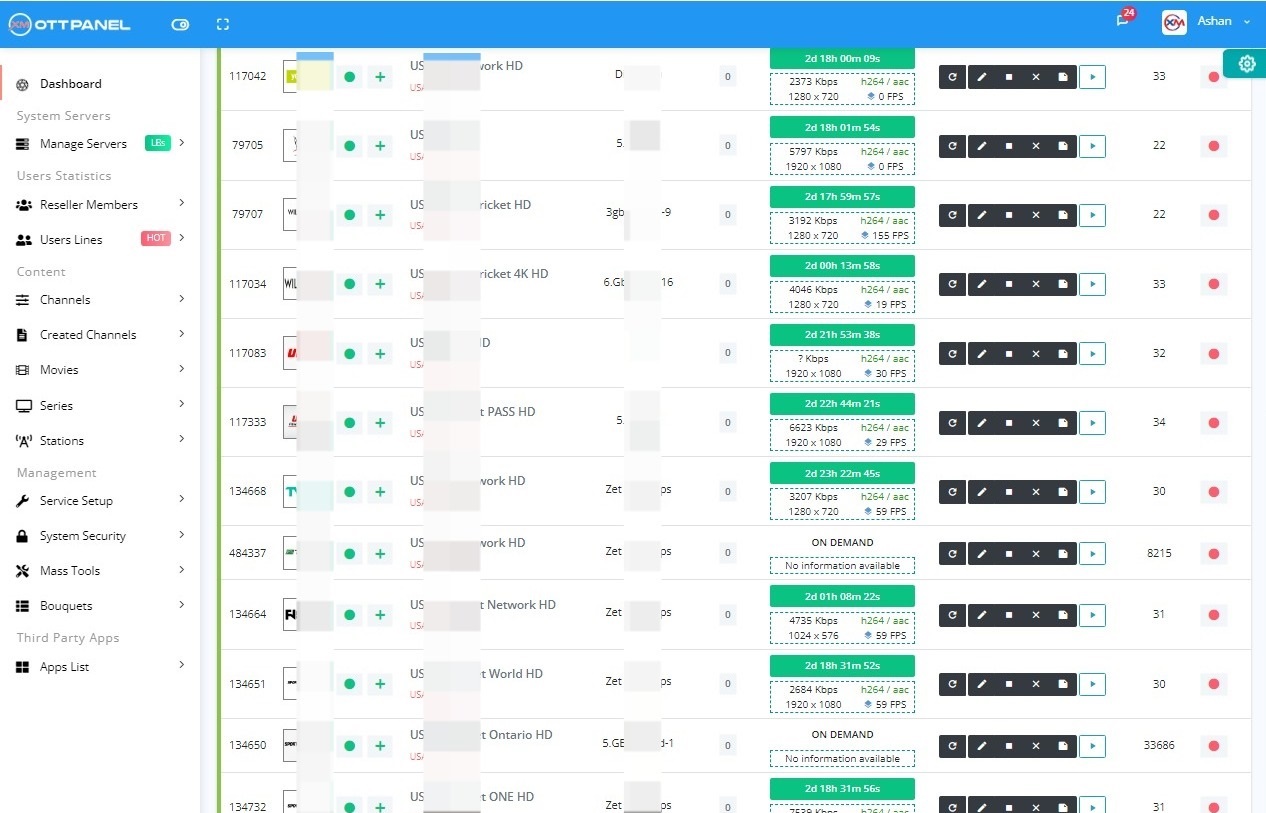
Rule of thumb: size for 2x today's user count. The upgrade window between ordering a bigger server and standing it up is where IPTV businesses lose customers to outages.

Use a Panel That Makes Your Hardware Go Further

The numbers above assume an efficient panel. On legacy XUI.ONE or Xtream UI, inflate every RAM and CPU number by 30-50 percent due to PHP-FPM pool bloat.

Xtream-Masters' Go/C core cuts RAM in half at the same user count, so you save a server tier (or a month of license fee) just on that.

Lower Infra Bills

Xtream-Masters OTT Panel

Less Hardware, Same Users, Better Service

Our Go/C engine uses a fraction of the RAM and CPU of legacy PHP-FPM panels. At 500 users you need roughly half the server tier, which pays the license fee and more.

IPTV Admin Panel €39.99/Month
  • 3x lower RAM/CPU than legacy panels
  • Unlimited load balancers on one license
  • Shared stream state - source once, serve many
  • Built-in DDoS, DRM, ActiveCode
  • Ubuntu 20.04 / 22.04 / 24.04 native

Right-Size Your Infra

Get Your License Now
Support Center

IPTV Server Requirements FAQ

What operators ask when they are sizing their first IPTV server.

All
Hardware
Bandwidth
Hosting
01

Can I run an IPTV server on a VPS?

For up to 50-100 users on a 1 Gbps unmetered VPS, yes. Beyond that the shared NIC of most VPS providers becomes a problem - your packets queue behind other tenants' and players see latency spikes. Move to dedicated above 100 users.

02

How much bandwidth do 1000 concurrent HD users need?

Around 3-6 Gbps sustained. A single 1 Gbps port is not enough. Either move to a 10 Gbps dedicated server or split across 2-3 LBs each with 1 Gbps.

03

Do I need NVMe or is SATA SSD fine?

For live-only, SATA SSD is fine. For VOD or catchup, NVMe makes a real difference in playback-start latency. Mix them: NVMe for VOD, SATA SSD for catchup recording (writes), cheap HDD for cold archive.

04

Why not AWS or Google Cloud?

Egress pricing. AWS charges roughly $0.09/GB for outbound traffic past the free tier. 100 TB of egress = $9000. The dedicated hosts above deliver the same at 5-10 percent of the cost.

05

What is the ratio of main server to load balancer bandwidth?

In a shared-state architecture (Xtream-Masters), the main pulls 1 x source per channel, LBs pull from the main at source bitrate x number of LBs and fan out to users. So main egress = (source bitrate) x (LB count). LB egress = (source bitrate) x (users per LB). Plan main-to-LB on a private link where possible.

06

Does a GPU help?

Only if you transcode. NVIDIA NVENC on a consumer GPU can encode 20-30 concurrent HD H.264 streams - far cheaper than CPU encoding if you must re-encode. For pure re-streaming, a GPU is wasted money.

07

Should I use Cloudflare in front of my IPTV server?

For the admin UI and landing page, yes. For streaming endpoints, Cloudflare's free and pro plan TOS forbid video streaming. Use a streaming-friendly CDN (Fastly, BunnyCDN, CDN77) or rely on a panel with built-in DDoS protection on the LBs.

Size Correctly. Scale Calmly.

The panel that lets you run your IPTV service on less hardware and sleep at night.

Purchase License - €39.99/Month Download Review
Important Legal Notice
Xtream-Masters is a software development company. We build and license professional software tools — we do not host, store, stream, index, or distribute any audio, video, playlist, channel, or DRM-protected content of any kind. Every product we sell is an empty technical platform; all content processed through our software is supplied, configured, and controlled solely by the end user, who must hold the necessary rights and comply with applicable law. Copyright or DMCA notices must be directed to the operator or stream origin of the URL concerned — not to Xtream-Masters. See our Terms, Privacy Policy, and Refund Policy for full details.