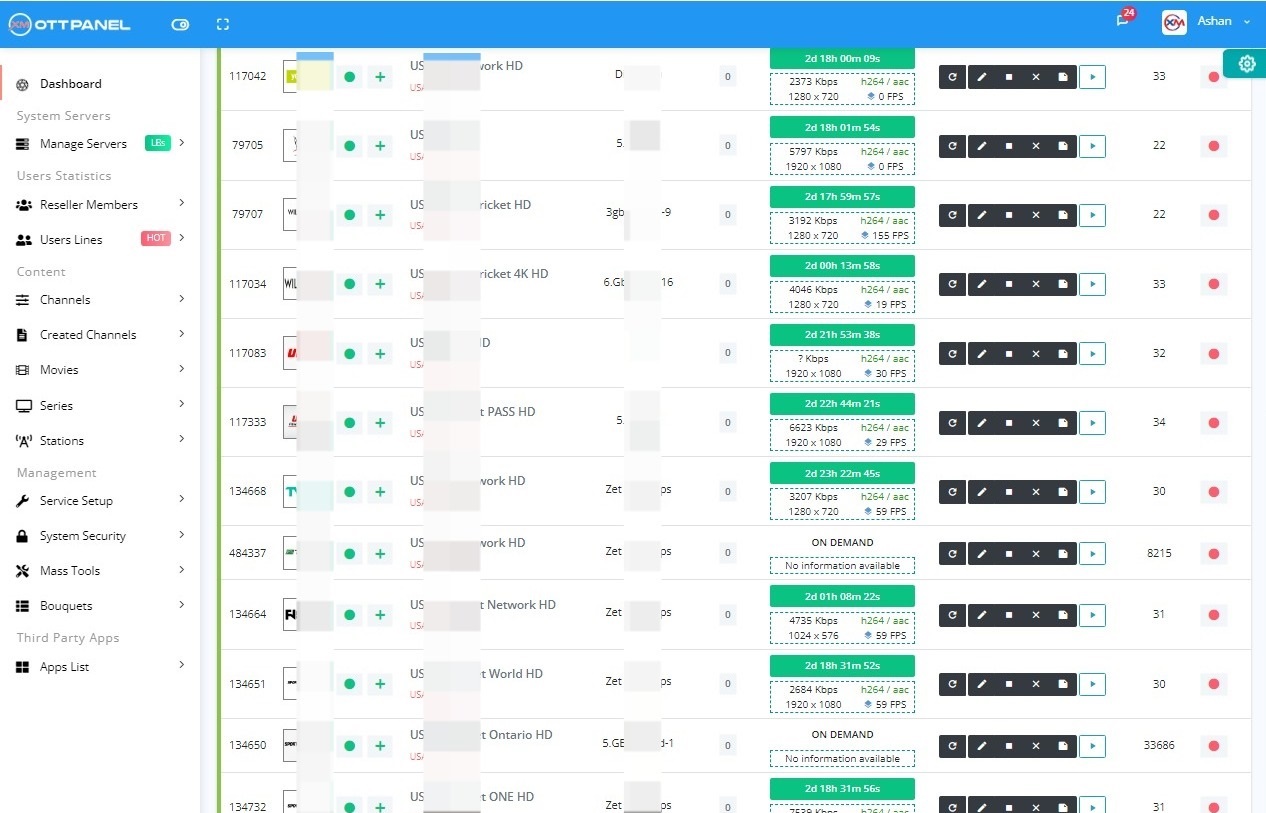
Watching your XtreamUI panel's CPU and RAM usage spike into the red is one of the most stressful things ever. Your streams start to buffer, customers get annoyed, and your whole server feels like it's about to give up. It's a huge pain.
If you're tired of dealing with this, you're in the right place. In this tutorial, we're going to show you exactly how to fix CPU and RAM overload on XtreamUI. We'll walk through some powerful server optimizations you can do right now. Plus, we'll introduce you to a game-changing alternative that makes these problems a thing of the past.
Does this also fix memory leaks and XUI.one? Yes. XUI.one shares the same codebase as Xtream UI, so every optimization below applies to both. And because a "memory leak" on these panels is almost always run-away RAM from unoptimized database, cron and connection settings, the same steps stop the gradual RAM creep that forces you to reboot your server.
Before we dive into the fix, it helps to know what's causing the trouble. Often, the default settings on a server are not prepared for the heavy lifting that an IPTV panel requires.
Think of your server like a regular family car. It's great for daily driving, but if you try to haul a giant boat with it, the engine is going to overheat. Your server is trying to haul that boat! The default limits and network settings just aren't designed for thousands of connections, and that's what causes the CPU and RAM overload on your XtreamUI panel.
Alright, let's get our hands dirty and give your server the tune-up it desperately needs. Follow these steps carefully, and you should see a big improvement.
First, a couple of quick checks. It's always a good idea to make sure your system is running smoothly.
Think of ulimit as the number of tasks your server is allowed to juggle at once. On most systems, this number is set way too low for an IPTV server. We're going to give it a massive boost.
First, check your current limit with this command:
If it shows a low number like 1024, it's time to increase it. Open the limits configuration file:
Scroll to the very bottom and add these lines:
Now save the file and close it.
Next, we're going to optimize your server's network traffic. The sysctl.conf file is like the main control board for your server's network. We're going to tweak the settings to handle a huge amount of traffic without breaking a sweat, kind of like widening a highway to prevent traffic jams.
Open the file to edit it:
Scroll to the bottom and paste in all of these settings:
Save and close the file. Now, apply the changes with this command:
The final step is to reboot your server to make sure all the new settings are active. Once it's back online, you can run the check commands again to verify everything worked:
This should now show 500000.
Okay, those manual fixes can definitely help stabilize your XtreamUI panel. But if you're tired of constantly putting out fires and want a solution that just works, you need to check out the Xtream-Masters IPTV OTT Panel. This isn't just another panel. It was built from scratch to solve the exact CPU and RAM overload issues that plague older software. It’s the permanent fix you've been looking for.
Without stable software, it's not just a wasting time, but also a waste of money on servers, streaming, and potential growth.
Xtream-Masters OTT Panel is the perfect solution for those facing a lack of features, technical support, or dealing with free, cracked, insecure, and unstable software panels that directly impect on your service quality.
Fast installation, stability, security and minimum resource usage with advanced tools are the key strengths of Xtream-Masters OTT Panel, enabling it to stay ahead in the competitive landscape.
Everything included in the other panel, plus more advanced tools and features which is listed below and in the software update history.
Enhanced binary and optimized code to minimize RAM and CPU consumption, ensuring super stability for handling large event loads with ease.
Allow users to modify categories through reordering, renaming, and adding/removing options in reseller and client panels.
Track connection utilization and present VideoLog with live data instead of showing playback errors when limits are exceeded.
Easily install DRM on your IPTV load balancer with a single click and run DRM IPTV simultaneously on the load balancer.
On-demand channels identify source problems and auto-correct audio interruptions by adjusting probsize.
Grow your enterprise by integrating a specialized API designed for resellers to streamline order processing.
Personalized control panel for each client subscription, enabling independent content management and password updates.
Enhanced security measures to defend against playlist probing, brute force attacks, and sophisticated Layer 7 DDoS attacks.
Automatically update stream content and add complete categories through your provider's M3U link, perfect for event management.
Automated encrypted cloud backups ensure you can restore your panel and data instantly if the server fails.
Ensure main and load balancer servers are safeguarded with automated SSL certificate installation.
Control panel for clients to report channel problems and submit new channel requests.
Easily import categorized content from M3U sources with a single click, supporting on-demand or direct source options.
Stream VOD or series through your server while safeguarding original provider URLs by proxying the source.
Powerful database migration system enables seamless transition from any panel to Xtream-Masters OTT panel.
Lightweight software core with minimal dependencies, resulting in installation times within 2 minutes.
Automatic EPG assignment tool applies EPG to your channels automatically with 95% accuracy.
Add servers as proxies to protect main or load balancer server IPs from exposure.
Stay ahead with new features and improvements delivered monthly through automatic updates.
Built from the ground up with security, performance, and reliability at its core
Self-built DDoS and comprehensive hacking attack protection system ensures your service runs without interruption.
Intelligent system automatically detects and resolves stream issues like audio loss, video problems, and loops within minutes.
Super-optimized code built from scratch to minimize RAM and CPU usage during high-traffic events.
Multi-layered security system protecting against brute-force, API attacks, MySQL injections, and more.
Advanced tools to secure compromised lines, identify multiple logins, and protect sensitive user data.
Never lose your data with automated local and cloud backups featuring end-to-end encryption.
Find detailed answers about our IPTV Admin Panel installation, migration, and support. Review these guides before contacting support.
Yes, absolutely! We have an automated database migration system that supports migrations from XtremeUI, XUI, NXT, Streamcreed and other popular panels.
There are two ways to migrate your IPTV Panel to the reliable Xtream-Masters Panel:
mysqldump -u [username] -p db_name > db_backup.sql
Setting up your own IPTV server requires careful planning and resources. Here's what you need to know:
Technical Requirements:
Business Considerations:
If you have an existing client base that can cover server, streaming, and software costs, you can proceed with building your own system. However, if you're just starting out, we recommend:
This approach allows you to learn the business while minimizing initial investment risks.
We provide comprehensive video tutorials to help you understand all panel functions. We assume you have basic software knowledge.
What we offer:
We recommend taking time to explore the panel independently while referencing our tutorials. This hands-on approach helps you learn the system effectively.
If you encounter technical issues or have questions about our services, please don't hesitate to contact our support team.
We understand that technical issues can be complex and sometimes difficult to resolve independently.
Premium Support Service:
For clients who need hands-on assistance, we offer a premium support service at €50 per hour. Our expert team will:
This service is ideal for resolving complex issues quickly and ensuring your system operates at peak efficiency.
Yes, security is our top priority. We've built our system with multiple layers of protection:
Security Features:
Our customers have been using our service for years without experiencing security breaches. We continuously monitor and update our security measures to stay ahead of potential threats.
The panel includes self-defense mechanisms against common attacks, ensuring your streaming service remains secure and operational.