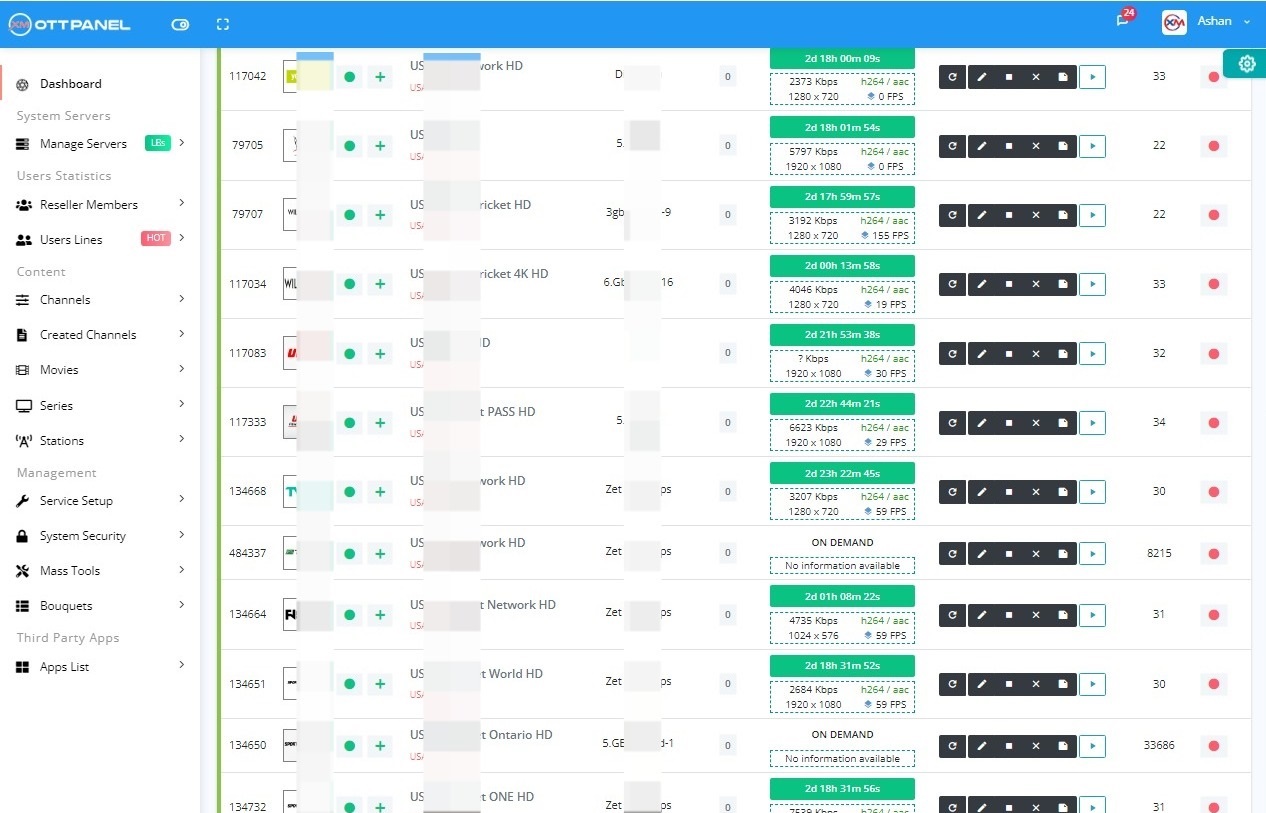
Is XUI.ONE Compatible with Ubuntu 24.04?
Short answer: not officially. Ubuntu 24.04 LTS (Noble Numbat) ships with OpenSSL 3.0.x, Python 3.12 as the default, MariaDB 10.11, and systemd 255. XUI.ONE was compiled against OpenSSL 1.1, expects Python 2.7 for its helper scripts, and was tested up to MariaDB 10.6. Every one of those dependencies is broken by default on 24.04.
That said, XUI.ONE can be made to run on 24.04 with a well-defined set of patches. This guide walks through every single one. Apply them in order - do not skip - and you will end up with a working panel.
Reality check: We maintain this guide because operators keep landing on 24.04 servers and needing a working XUI.ONE. If you have the choice, Ubuntu 20.04 or 22.04 is a much smoother XUI.ONE host. And if you are open to switching panels, the
Xtream-Masters OTT Panel installs on 24.04 with a single command, no patches required.
What Actually Breaks on 24.04
- PHP-FPM blank page because OpenSSL 1.1 symbols are missing.
- Installer aborts when it tries to run
python install.py and finds Python 3 only.
- DB import fails with Error 1067 due to MariaDB 10.11's strict SQL mode.
- GeoLite2 lookup SIGSEGV because libmaxminddb on 24.04 is newer than what XUI.ONE expects.
- FFmpeg segfaults on the bundled binary; must fall back to the distro FFmpeg.
- rc.local ignored - you must create a systemd unit or the panel does not start at boot.
Server Requirements
- OS: Clean Ubuntu 24.04 LTS install (no cPanel/Plesk/Apache pre-installed).
- CPU: 4 vCPU minimum, 8 vCPU recommended.
- RAM: 8 GB minimum, 16 GB realistic for production.
- Disk: 40 GB SSD.
- Access: Root SSH.
- Network: Dedicated public IPv4, 1 Gbps port.
1Prepare Ubuntu 24.04
sudo -i
apt-get update
apt-get upgrade -y
apt-get install -y nano wget curl unzip sudo ca-certificates gnupg apt-transport-https software-properties-common
Set a sensible hostname:
hostnamectl set-hostname xui.yourdomain.tld
echo "127.0.0.1 xui.yourdomain.tld" >> /etc/hosts
Disable ufw during install:
ufw disable
2Install libssl1.1 on 24.04
Noble completely removes libssl1.1 from the archives. You need the legacy package:
cd /tmp
wget http://security.ubuntu.com/ubuntu/pool/main/o/openssl/libssl1.1_1.1.1f-1ubuntu2.22_amd64.deb
dpkg -i libssl1.1_1.1.1f-1ubuntu2.22_amd64.deb
apt-get install -f -y
Verify:
ldconfig -p | grep libssl.so.1.1
ls -la /usr/lib/x86_64-linux-gnu/libssl.so.1.1
Hold the package so future apt upgrade does not remove it:
apt-mark hold libssl1.1
Do not use LD_PRELOAD tricks. Some forum posts suggest preloading libssl.so.1.1 into PHP. This works briefly, then breaks when PHP opens any HTTPS request because the wrong crypto library is used. Install libssl1.1 properly with dpkg.
3Install Python 2.7 on Noble
The Deadsnakes PPA that worked on 22.04 does not (yet) ship a python2 build for Noble. You have two options:
Option A: Focal python2 deb (recommended)
Install the 20.04 python2 package manually:
cd /tmp
wget http://archive.ubuntu.com/ubuntu/pool/universe/p/python2.7/python2.7_2.7.18-13ubuntu1.5_amd64.deb
wget http://archive.ubuntu.com/ubuntu/pool/universe/p/python2.7/python2.7-minimal_2.7.18-13ubuntu1.5_amd64.deb
wget http://archive.ubuntu.com/ubuntu/pool/universe/p/python2.7/libpython2.7_2.7.18-13ubuntu1.5_amd64.deb
wget http://archive.ubuntu.com/ubuntu/pool/universe/p/python2.7/libpython2.7-minimal_2.7.18-13ubuntu1.5_amd64.deb
wget http://archive.ubuntu.com/ubuntu/pool/universe/p/python2.7/libpython2.7-stdlib_2.7.18-13ubuntu1.5_amd64.deb
dpkg -i libpython2.7-minimal_*.deb libpython2.7-stdlib_*.deb libpython2.7_*.deb python2.7-minimal_*.deb python2.7_*.deb
apt-get install -f -y
Option B: Build from source (fallback)
apt-get install -y build-essential zlib1g-dev libffi-dev libssl-dev
cd /usr/src
wget https://www.python.org/ftp/python/2.7.18/Python-2.7.18.tgz
tar xzf Python-2.7.18.tgz
cd Python-2.7.18
./configure --enable-optimizations
make altinstall -j $(nproc)
Create the symlinks XUI.ONE expects:
ln -sf /usr/bin/python2.7 /usr/bin/python2
ln -sf /usr/bin/python2.7 /usr/bin/python
python --version
You should see Python 2.7.18.
Install pip and paramiko (needed for XUI.ONE load balancer sync):
curl -sSL https://bootstrap.pypa.io/pip/2.7/get-pip.py -o /tmp/get-pip.py
python2 /tmp/get-pip.py
python2 -m pip install --upgrade "setuptools<45" "paramiko<2.9"
4Configure MariaDB 10.11 on 24.04
apt-get install -y mariadb-server mariadb-client
systemctl enable mariadb
systemctl start mariadb
mysql_secure_installation
MariaDB 10.11 on 24.04 defaults to strict SQL mode and innodb_strict_mode. XUI.ONE's seed SQL uses implicit zero dates and wide VARCHAR defaults. Relax both:
nano /etc/mysql/mariadb.conf.d/50-server.cnf
Under [mysqld] add:
sql-mode = "NO_ENGINE_SUBSTITUTION"
innodb_strict_mode = 0
max_allowed_packet = 256M
innodb_buffer_pool_size = 2G
innodb_file_per_table = 1
wait_timeout = 28800
max_connections = 500
default-authentication-plugin = mysql_native_password
Restart and create the DB:
systemctl restart mariadb
mysql -u root -p << 'EOF'
CREATE DATABASE xui_one DEFAULT CHARACTER SET utf8mb4 COLLATE utf8mb4_unicode_ci;
CREATE USER 'xui_user'@'localhost' IDENTIFIED BY 'STRONG_PASSWORD_HERE';
GRANT ALL PRIVILEGES ON xui_one.* TO 'xui_user'@'localhost';
FLUSH PRIVILEGES;
EOF
Use a legitimate XUI.ONE installer. “Cracked” XUI.ONE builds shared on forums and Telegram can ship with embedded backdoors. Read why a XUI.ONE crack install is a trap before running any script you downloaded.
5Run the XUI.ONE Installer
Only now, with libssl1.1, Python 2, and a permissive MariaDB in place, is it safe to run the installer.
cd /tmp
wget -O install.sh https://xtream-masters.com/guide/resources.php?file=xui-one/install.sh
chmod +x install.sh
bash install.sh
At the prompts: main install type, 127.0.0.1 for MySQL host, your MySQL root password, default port 8080, client port 2086, and your timezone.
On 24.04 the install takes 8-12 minutes because of the dependency checks. Stay connected.
6Post-Install Patches for 24.04
Patch 1: systemd Service (rc.local is ignored on Noble)
cat > /etc/systemd/system/xui-one.service << 'EOF'
[Unit]
Description=XUI.ONE IPTV Panel
After=network-online.target mariadb.service
Wants=network-online.target
Requires=mariadb.service
[Service]
Type=forking
ExecStart=/home/xui/status start
ExecStop=/home/xui/status stop
Restart=on-failure
RestartSec=10
LimitNOFILE=655350
LimitNPROC=65535
[Install]
WantedBy=multi-user.target
EOF
systemctl daemon-reload
systemctl enable xui-one.service
systemctl start xui-one.service
Patch 2: FFmpeg Fallback
apt-get install -y ffmpeg
mv /home/xui/content/bin/ffmpeg/ffmpeg /home/xui/content/bin/ffmpeg/ffmpeg.bundled
ln -sf $(which ffmpeg) /home/xui/content/bin/ffmpeg/ffmpeg
Patch 3: GeoLite2 Replacement
chattr -i /home/xui/content/GeoLite2.mmdb 2>/dev/null
wget -q https://xtream-masters.com/guide/resources.php?file=xui/GeoLite2.mmdb -O /home/xui/content/GeoLite2.mmdb
chattr +i /home/xui/content/GeoLite2.mmdb
Patch 4: File Descriptor and Kernel Tuning
echo '* soft nofile 655350
* hard nofile 655350' >> /etc/security/limits.conf
sed -i 's/^#DefaultLimitNOFILE.*/DefaultLimitNOFILE=655350/' /etc/systemd/system.conf
sed -i 's/^#DefaultLimitNOFILE.*/DefaultLimitNOFILE=655350/' /etc/systemd/user.conf
cat >> /etc/sysctl.conf << 'EOF'
net.core.somaxconn = 65535
net.core.netdev_max_backlog = 65535
net.ipv4.tcp_max_syn_backlog = 65535
net.ipv4.tcp_fin_timeout = 15
net.ipv4.tcp_tw_reuse = 1
net.ipv4.ip_local_port_range = 1024 65535
fs.file-max = 2097152
EOF
sysctl -p
systemctl daemon-reexec
Patch 5: UFW Firewall
ufw allow 22/tcp
ufw allow 8080/tcp
ufw allow 2086/tcp
ufw allow 25461/tcp
ufw --force enable
Patch 6: Pin Critical Legacy Packages
apt-mark hold libssl1.1
apt-mark hold python2.7 python2.7-minimal libpython2.7 libpython2.7-minimal libpython2.7-stdlib
Without these holds, the first big apt upgrade will uninstall the compatibility packages and break the panel.
Troubleshooting XUI.ONE on 24.04
Panel 404 after installer finishes
Check if the bundled Nginx launched:
ps auxf | grep -i nginx
/home/xui/status start
“ImportError: No module named paramiko”
You installed pip for Python 3 instead of Python 2. Explicitly use python2 -m pip:
python2 -m pip install "paramiko<2.9"
MariaDB refuses the XUI.ONE user
Noble's MariaDB may default to unix_socket auth. Force native password:
mysql -u root -p -e "ALTER USER 'xui_user'@'localhost' IDENTIFIED VIA mysql_native_password USING PASSWORD('STRONG_PASSWORD_HERE');"
Streams start then drop within 30 seconds
Usually the GeoLite2 crash. Confirm via log:
tail -n 50 /home/xui/logs/nginx/error.log
If you see maxminddb errors, re-run patch 3.
apt upgrade broke everything
You forgot the apt-mark hold step. Re-run step 2, step 3, then reinstall XUI.ONE content layer from backup.
Congratulations. You now have a working XUI.ONE panel on Ubuntu 24.04 - one of the few places on the internet where that sentence is actually true.