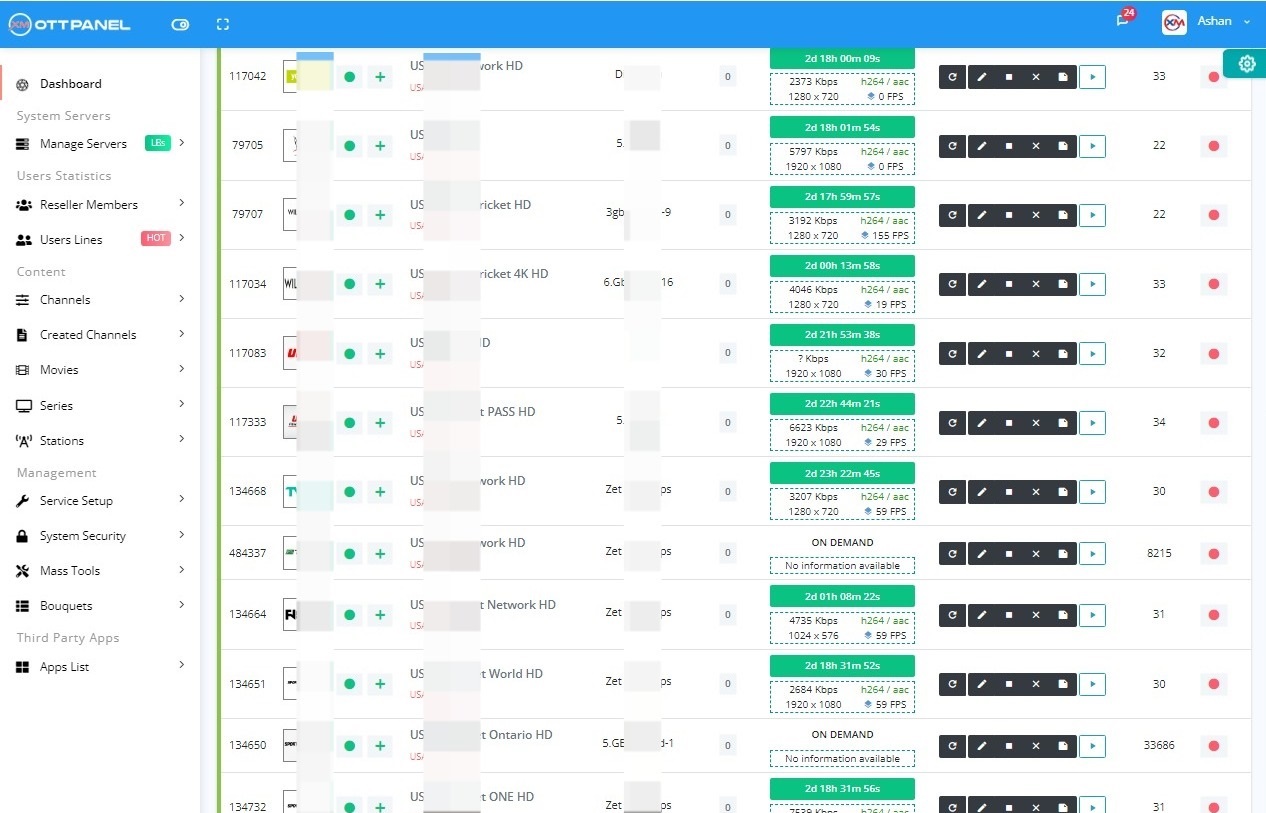
Managing an IPTV service with Xtream UI can sometimes feel like you're trying to solve a puzzle in the dark. One minute everything is running smoothly, and the next, you're hit with a random error that leaves you scratching your head. It can be a huge pain, especially when you just want things to work.
Before we dive into the fixes, let's quickly cover what we're working with. Think of XtreamUI as the main control room for your IPTV service. It’s a web-based panel that lets you manage everything from a screen with buttons and menus, instead of typing in complicated code all day.
It's a very popular tool that helps providers handle all the important server tasks, like:
Alright, now for the fun part! Here are some of the most common issues you might face with your XtreamUI panel and the simple commands to fix them. Just follow the steps carefully.
Need to change the default port from 25461 to something else, like 8080? It's super simple. First, update the port in your panel, then run the command.
Finally, restart the services:
Want to change the admin login port from 25500 to something more custom, like 2082? The process is very similar. Run this command to find and replace the port number:
Then restart the services:
Your admin panel will now be accessible at the new port!
The automatic installer for load balancers can sometimes fail. If you added a new server and it's not coming online, here’s the manual fix.
Now, go back to Load Balancer Installation in your panel, add the new server's IP and root password, and click install. It should come online within a few minutes.
This error often happens after a problem with your MySQL database. The quickest fix is to reinstall the main panel, which will also reinstall MySQL correctly.
If your Electronic Program Guide (EPG) is stuck, try this sequence first: Add the EPG > click "Force Reload" > edit any stream and select the new EPG > force reload again. If that doesn't work, run these commands.
First, back up your original cron file just in case:
Now, run the fix script:
Finally, force the EPG to update:
Keeping this file updated is important for location-based features. You can use this command to get the latest version.
Over time, logs can take up a lot of space. You can clear them out to free up resources. Log into your MySQL database:
(Replace PASSWORD with your actual MySQL root password). Then run these commands one by one:
Here are some quick answers to common questions. These are some of the most popular XtreamUI Faqs we see.
admin / admin or admin / cxadmin./home/xtreamcodes/iptv_xtream_codes/adtools/backups/.http://Your-Server-IP:Your-Broadcast-Port/c.sudo /etc/init.d/mysql restart and then your panel services with /home/xtreamcodes/iptv_xtream_codes/start_services.sh.Before you run any of these commands, please be careful! It's always a great idea to make a full backup of your panel before you start making changes. The commands here are designed to fix specific problems, but every server setup is a little different. Using them is at your own risk, so always have a backup ready just in case.
While these tips can keep your old Xtream UI panel running for a bit longer, you are constantly fighting an uphill battle against bugs and instability. There is a better way.
Stop wasting time on repairs and start growing your business. Switch to the Xtream-Masters IPTV Admin Panel. It's the stable, secure, and feature-rich successor that just works.
Fast Installation, Stability, Security & Optimized Performance
Fast Installation, Stability, security and minimum resource using with advanced tools is key strengths of the Xtream-Masters OTT Panel, enabling it to stay ahead in the competitive landscape.
Our goal is to make our core system more secure and stable than any other panel in the market. Built from scratch with super-optimized code.
Self-built DDoS and other kind of hacking attack protection so you can work without any fear of attacks.
If stream has problems such as voice loss, video lost, or loops, system will auto detect and fix it within minutes.
Built from scratch with super-optimized code to save RAM and CPU during high events, giving us a competitive advantage.
The perfect solution for those facing a lack of features, technical support, or unstable software panels.
Enhanced binary and optimized code to minimize RAM and CPU consumption, ensuring super stability for handling large event loads with ease.
Allow users to modify categories through reordering, renaming, and adding/removing options in reseller and client panels.
Track connection utilization and, upon surpassing the limit, present the VideoLog with live data instead of showing a playback error.
With IPTV and DRM integrated, you can easily install DRM on your IPTV load balancer with a single click and run DRM IPTV simultaneously.
On-demand channels identify source problems, and auto-correct audio interruptions by adjusting probsize.
Grow your enterprise by integrating a specialized API designed for resellers to streamline order processing.
A personalized control panel for each client, enabling clients to manage content and update passwords independently.
Every server benefits from enhanced security measures to defend against playlist probing, brute force attacks, and Layer 7 DDoS.
Automatically add complete categories to your server through your provider's M3U link. especially useful for managing event categories.
Automated xDrive Encrypted Cloud Backups ensure you can restore your panel and data instantly if the server fails.
The following notes will help you find answers to common questions. Please review before contacting support.
Simple answer is YES, We have an automated database migration system that supports migrations for XtremeUI, XUI, NXT, Streamcreed and other panels.
mysqldump -u [uname] -p db_name > db_backup.sqlTo create your own admin panel, consider the following:
If you're just starting, we recommend working as a distributor first to build a client base before investing in costly servers.
While we offer video tutorials to help you understand functions, we assume you have basic software knowledge. We recommend exploring the panel and referencing tutorials. For specific technical issues or questions about our services, please contact us.
We recognize clients may face complex technical issues. We offer a premium support team ($50/hour) to resolve all issues and ensure smooth service operation with proper setup.
Yes. We have written code very carefully and implemented a secure system to withstand various hacking attacks. Our customers have used our service for a long time without facing security issues.
Join hundreds of satisfied customers using our professional IPTV Admin Panel